










Download VEVOR App 

Get $5.00 Off $99.00+ Orders on Your First 3 App Orders
Scan the QR code to download
SKU: SDLSKZJDPB87V1DEC001V1
Copy


+13
More


 Ask about this product by AI
What operating systems are compatible with the VEVOR Vinyl Cutter Machine?
What materials can this vinyl cutter handle, and what is the maximum material thickness?
What is the maximum cutting width and feed width of this vinyl cutter?
Ask something else
VEVOR Vinyl Cutter Machine, 34 inch Max Feed Width, Dual Blades, Adjustable Force and Speed, LED Display, Vinyl Plotter Cutter Printer with Signmaster Software for Compatible with Windows and macOS
4.8 69 Reviews
$ 469 90
Earn at least 2% points on purchases or save up to 15%.
Each when you buy 0+.
Shop
Get -% off for new user
Get $5.00 Off $99.00+ Orders on Your First 3 App Orders.
Download Now

Features & Details
- Quick Start: Built-in test function makes this vinyl cutter machine beginner-friendly. Preview your design before cutting to avoid wasted material and trial-and-error, ensuring an easy and beginner-friendly start
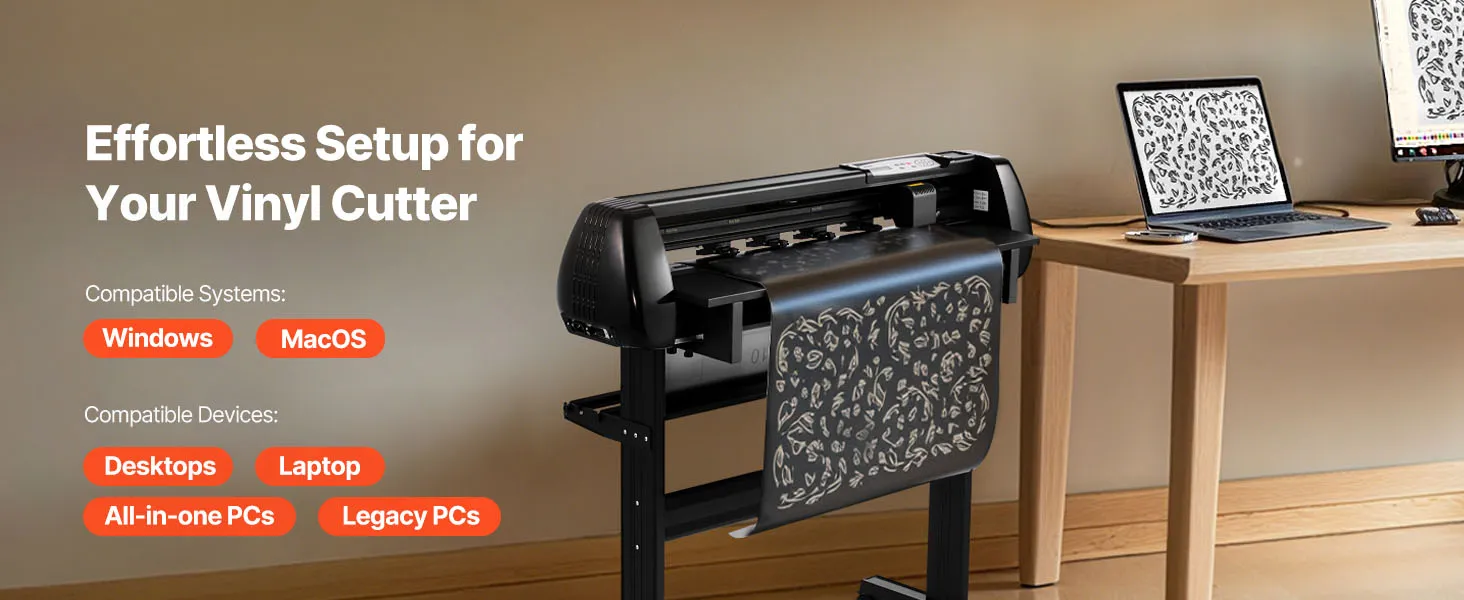
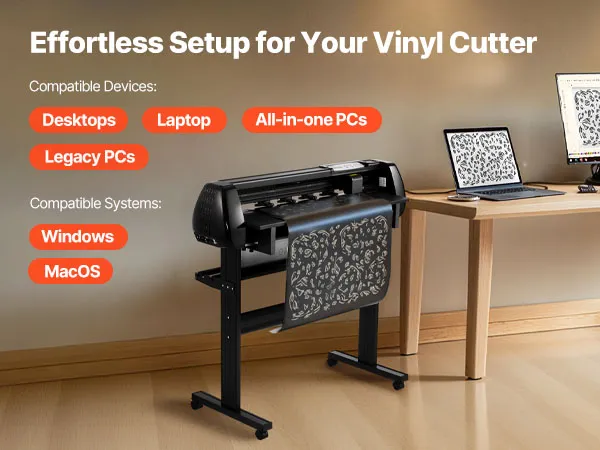
- System Compatibility: This vinyl cutting machine supports Windows 7–11 and macOS. Choose from USB, U-disk, or serial port connections. It comes with a licensed SignMaster activation code, no CD driver required, making setup fast
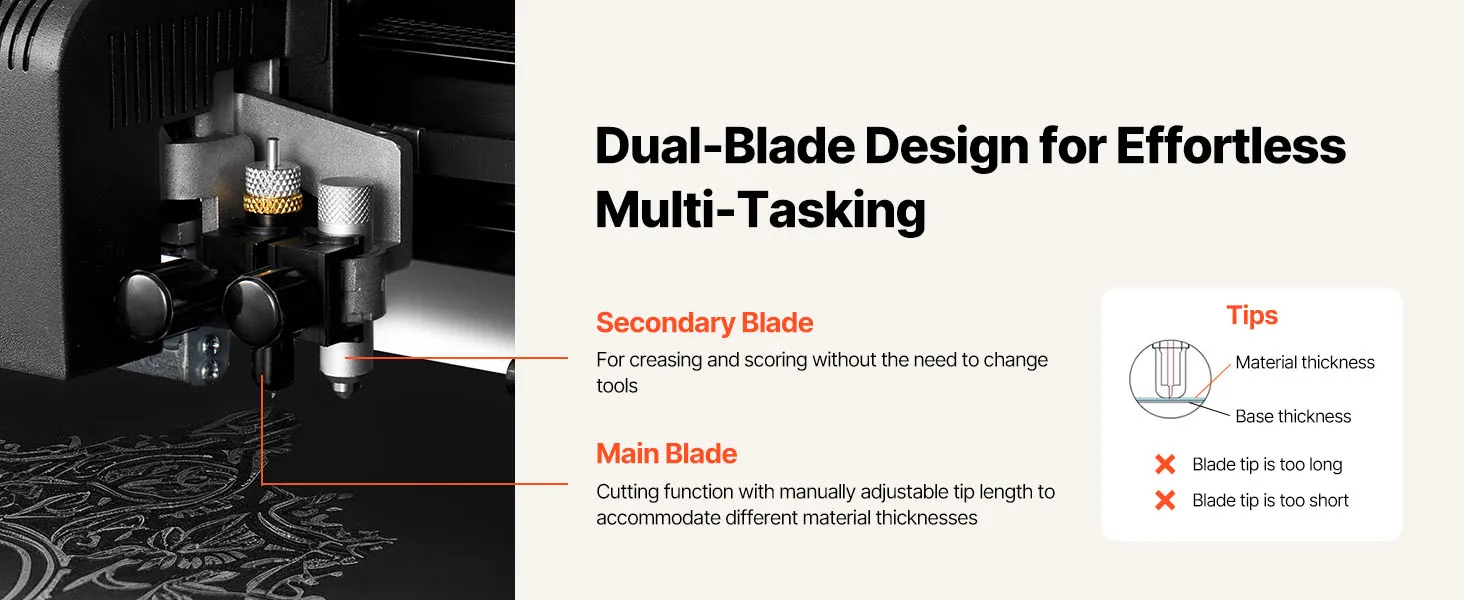
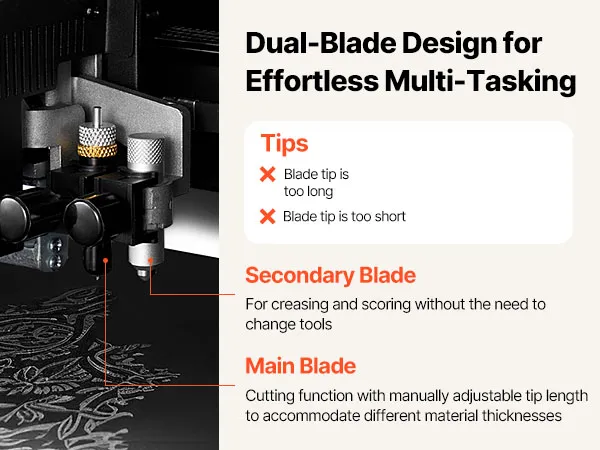
- Dual-Blade Design: Our vinyl plotter cutter is equipped with main and auxiliary blades for simultaneous drawing + cutting or scoring. No manual blade swaps needed. One setup completes multiple operations, greatly improving efficiency
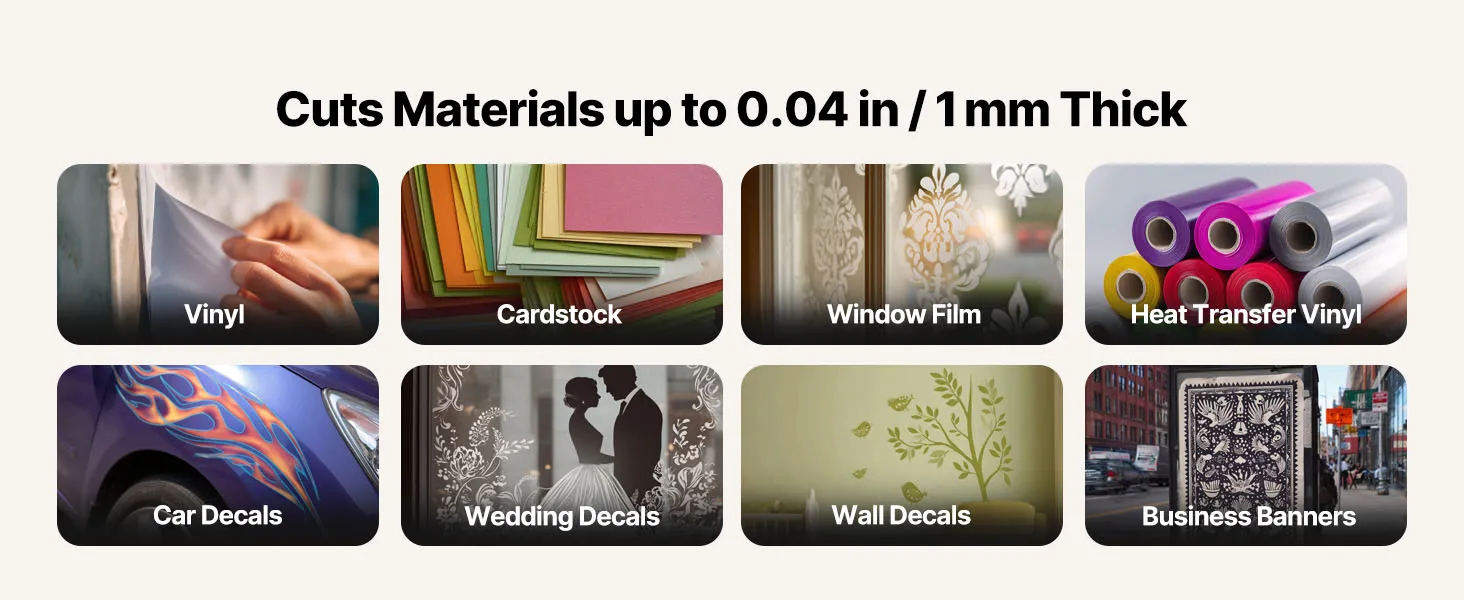
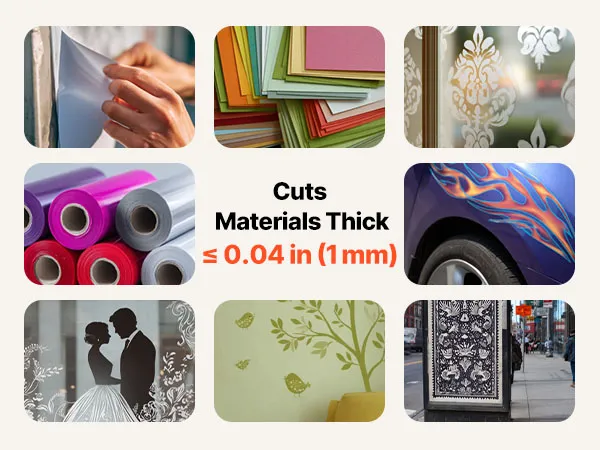
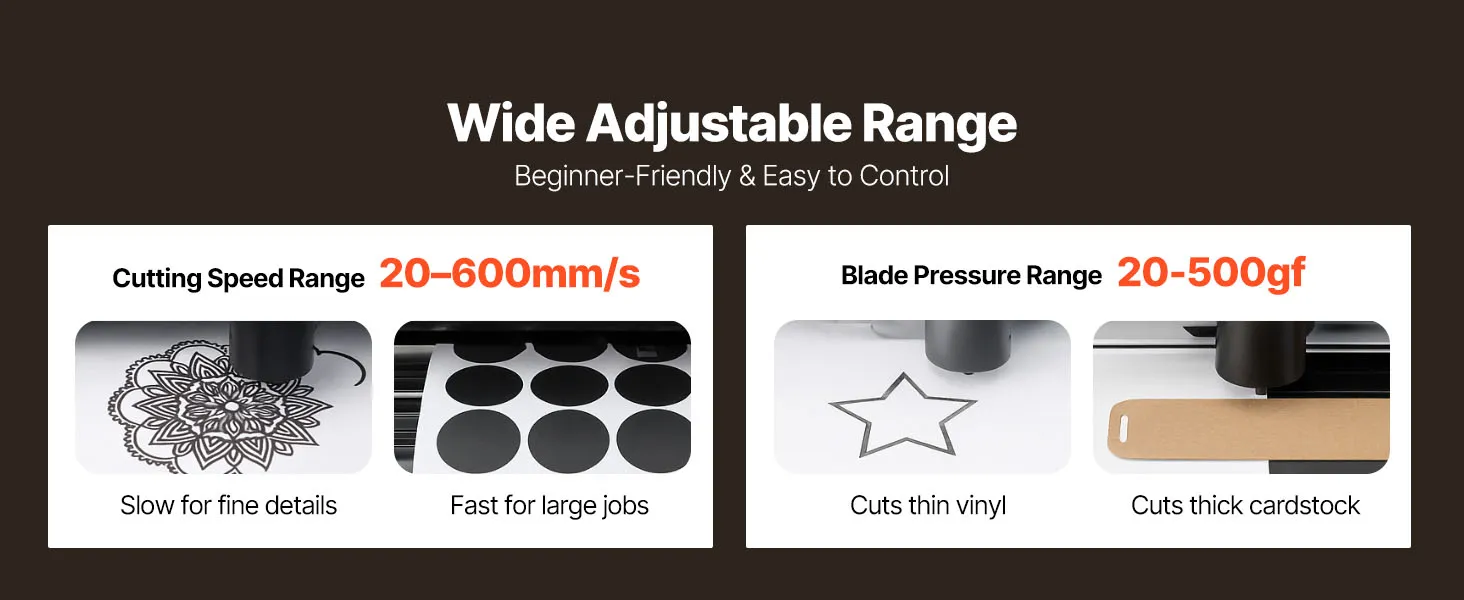
- Material Versatility: This vinyl plotter works with sheets and rolls up to 1 mm thick, with 20–500 gf adjustable force. It easily handles vinyl, HTV, adhesive vinyl, magnetic sheets, sticker paper, car decals, and more for DIY or commercial projects
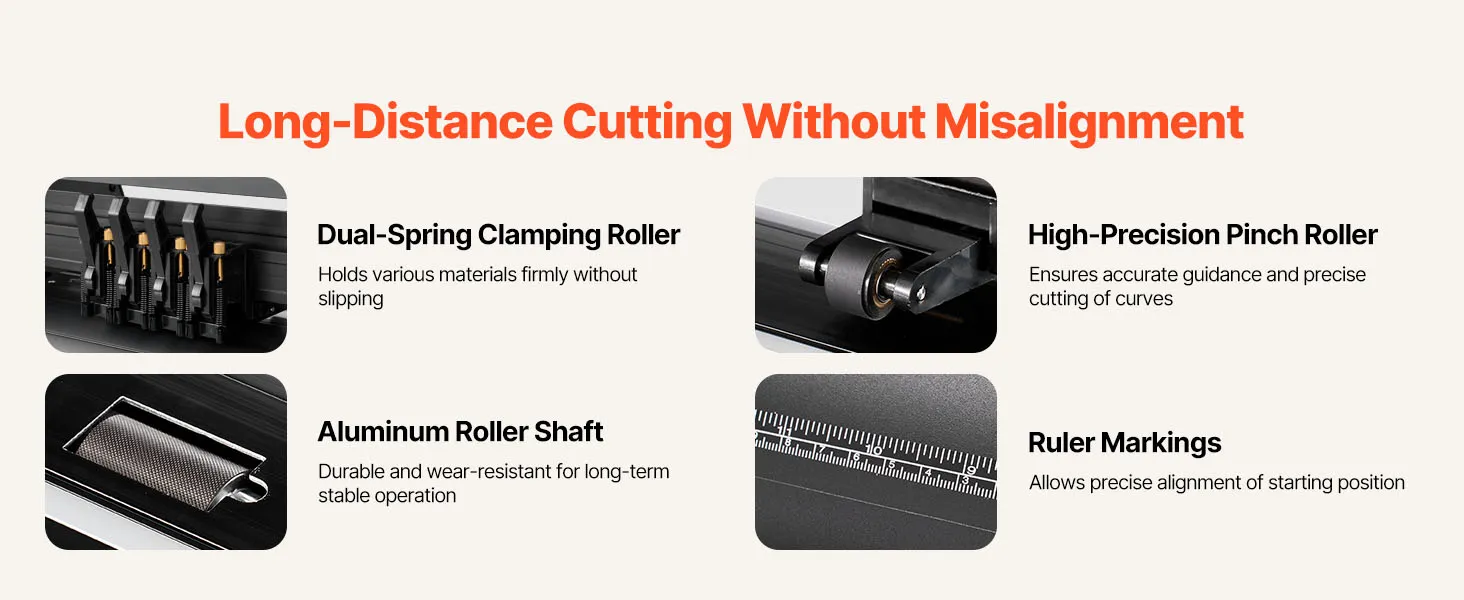
- Precise Cutting: Intelligent contour detection with ±0.1 mm accuracy and dual-spring pinch rollers keep media steady. Even during long cuts, the vinyl printer and cutter delivers exact tracking, clean edges, and flawless detail handling
Product specification
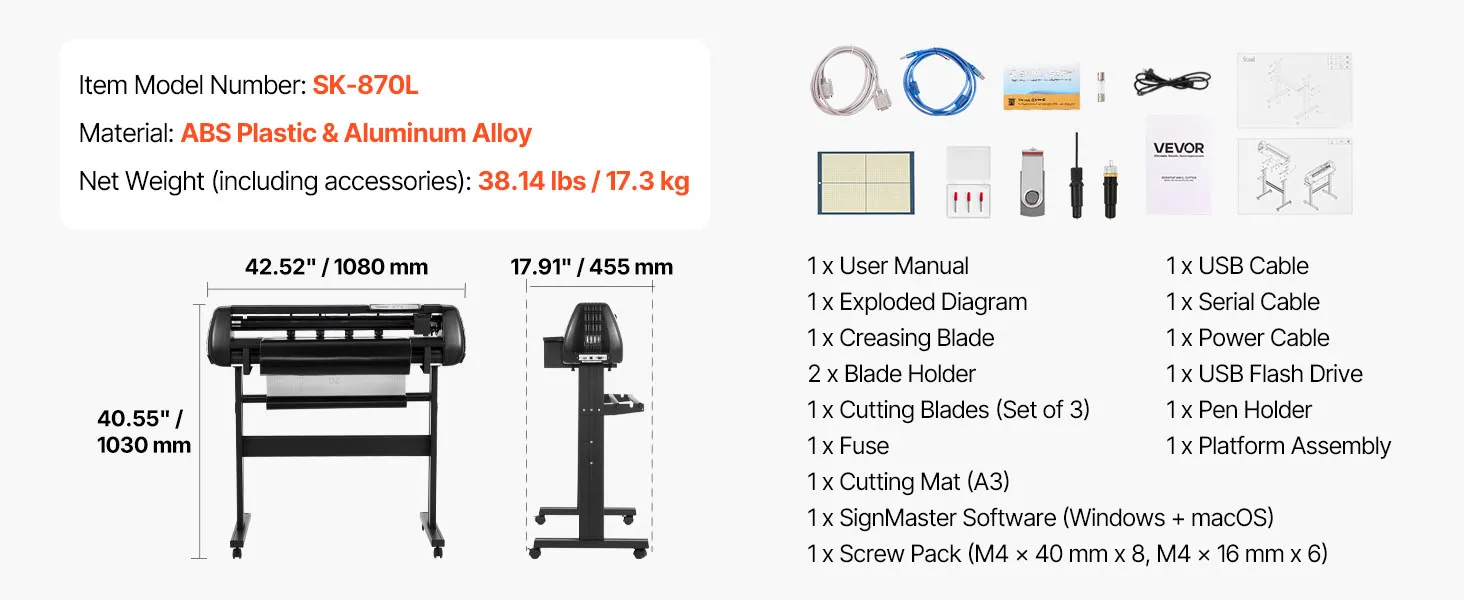
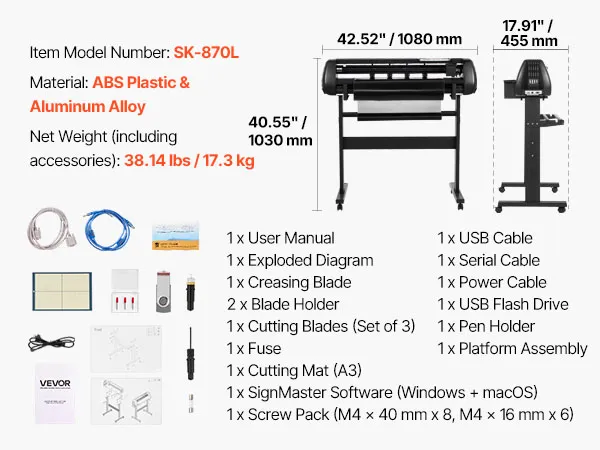
- Item Model Number SK-870L
- Material ABS Plastic & Aluminum Alloy
- Product Dimensions (Including Stand) 42.52 x 17.9 x 40.55 in / 1080 x 455 x 1030 mm
- Net Weight (Including Accessories) 38.14 lbs / 17.3 kg
- Voltage AC 85–264V, 50/60Hz
- Power 95W
Frequently Bought Together
Reviews
About this item
Questions and Answers
Explore
Reviews
No customer reviews
Be the first to rate this product. your feedback will helps others make informed decisions.
Write a Review
Top Reviews
About this item
Product specification
- Item Model Number
- SK-870L
- Material
- ABS Plastic & Aluminum Alloy
- Product Dimensions (Including Stand)
- 42.52 x 17.9 x 40.55 in / 1080 x 455 x 1030 mm
- Net Weight (Including Accessories)
- 38.14 lbs / 17.3 kg
- Voltage
- AC 85–264V, 50/60Hz
- Power
- 95W
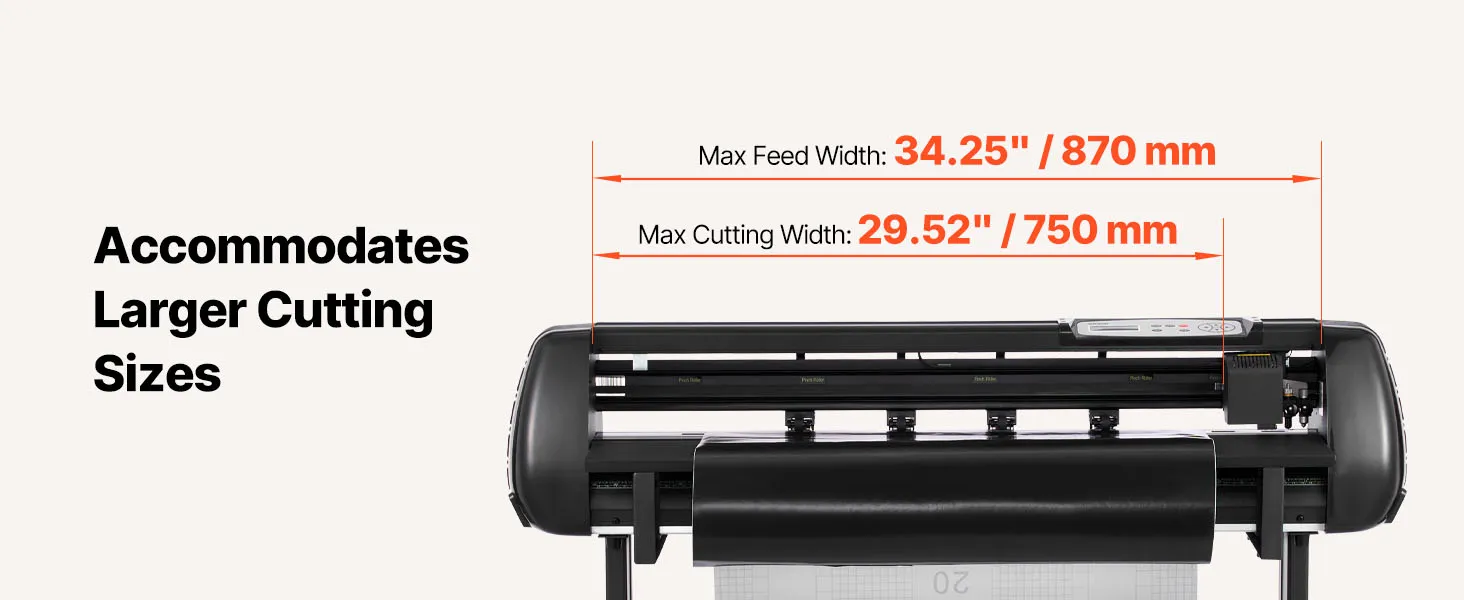
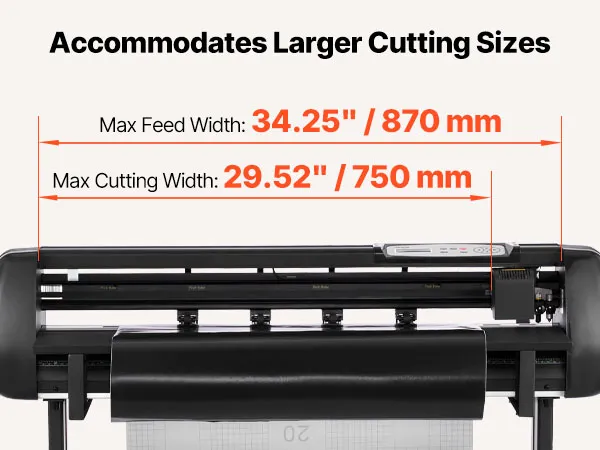
- Max Cutting Width
- 29.52 in / 750 mm
- Max Feed Width
- 34.25 in / 870 mm
- Cutting Accuracy
- ±0.1 mm
Description
From Inspiration to Creation, All in One Machine
This vinyl cutter machine features a dual-blade design for plotting and cutting/scoring without blade swaps. It is compatible with Windows and Mac. Cuts sheets or rolls up to 1 mm thick with adjustable force. ±0.1 mm precision and contour detection ensure stable, detailed cuts—easy for beginners.


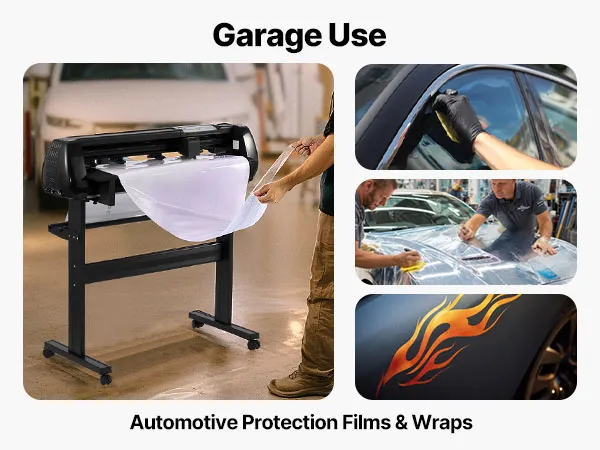
Key Features
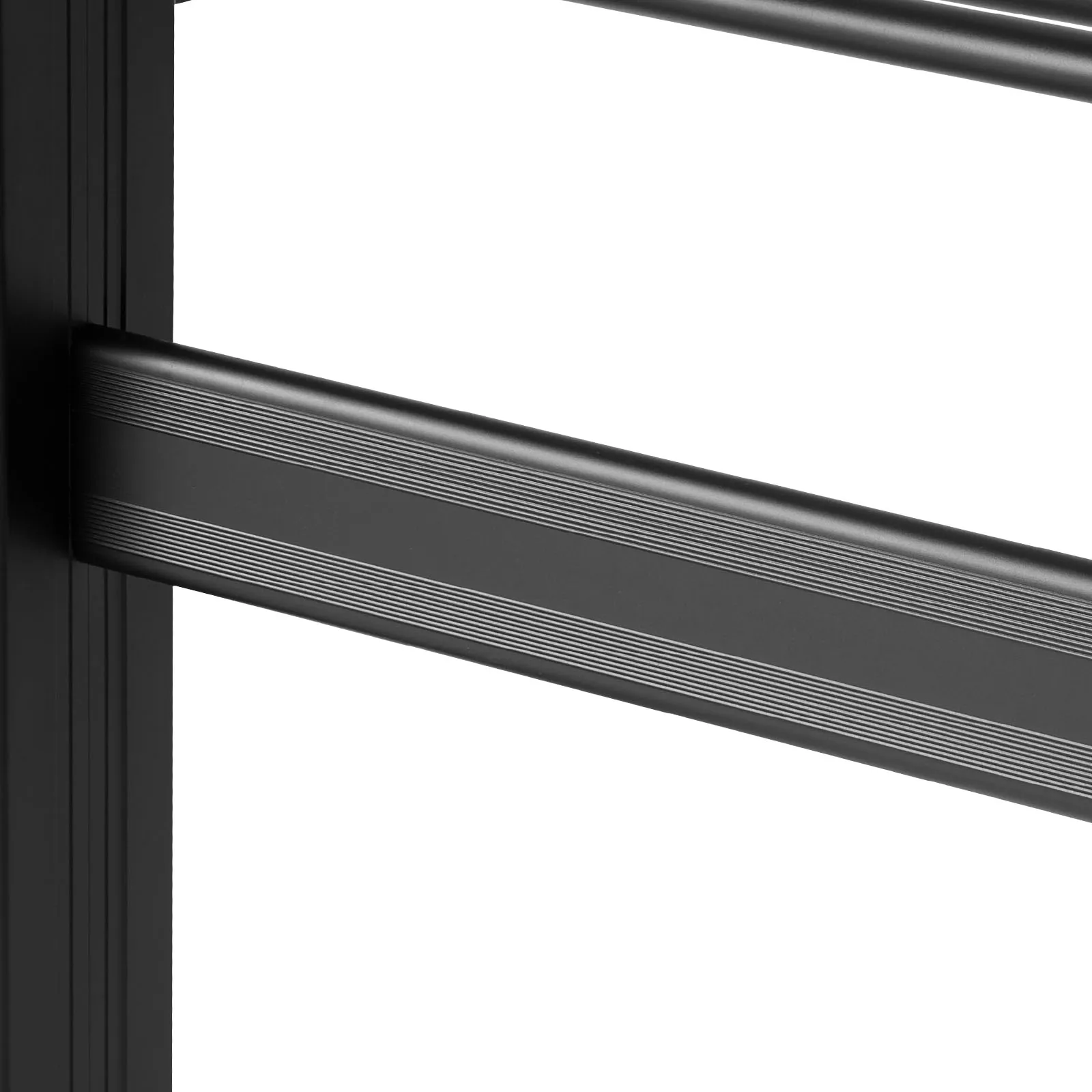
Aluminum Alloy Frame
This vinyl cutter machine is built with an aluminum alloy frame, making it strong and long-lasting without deformation.
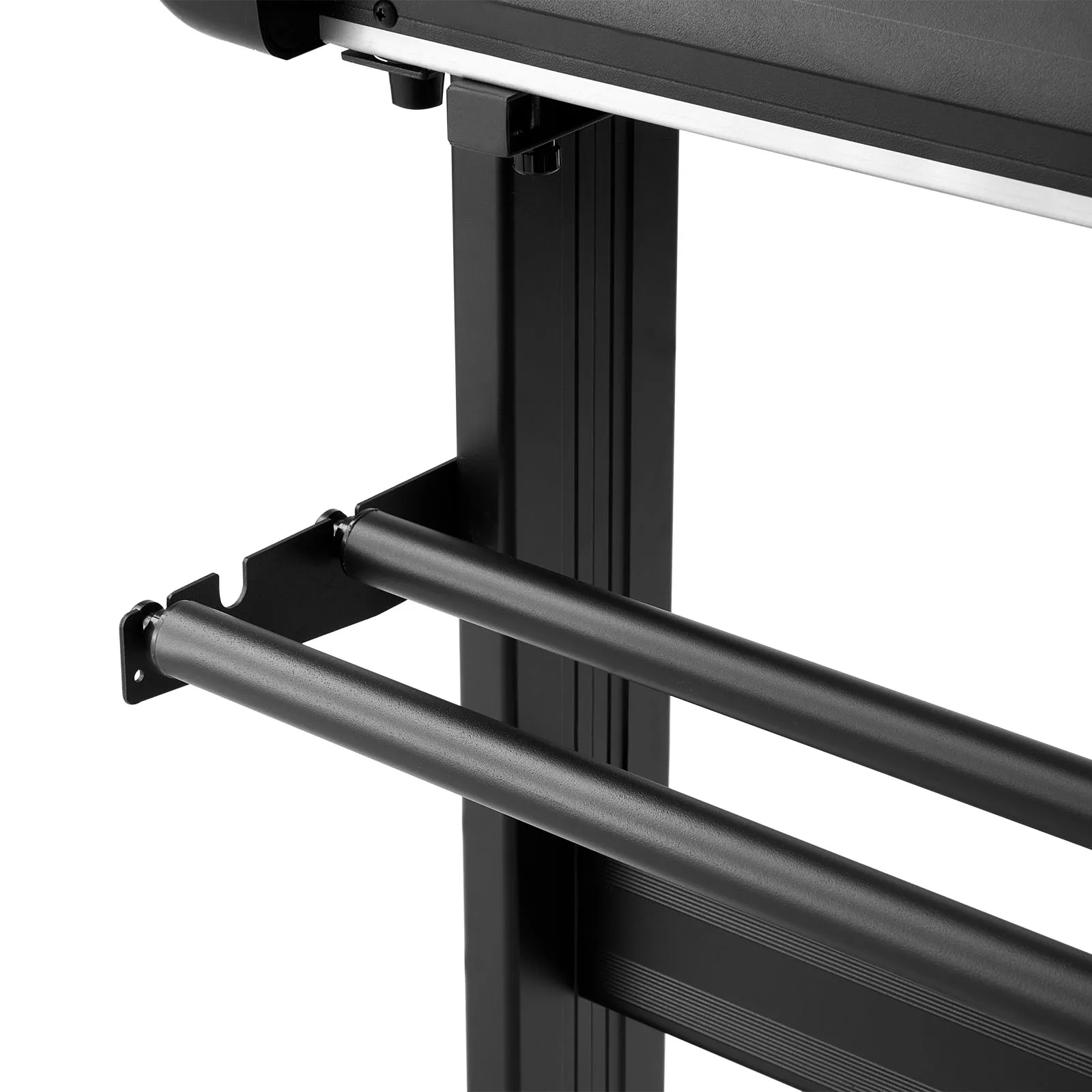
Paper Feed Rollers
Our vinyl cutting machine uses smooth paper feed rollers to handle both sheets and rolls, ensuring consistent and reliable output.
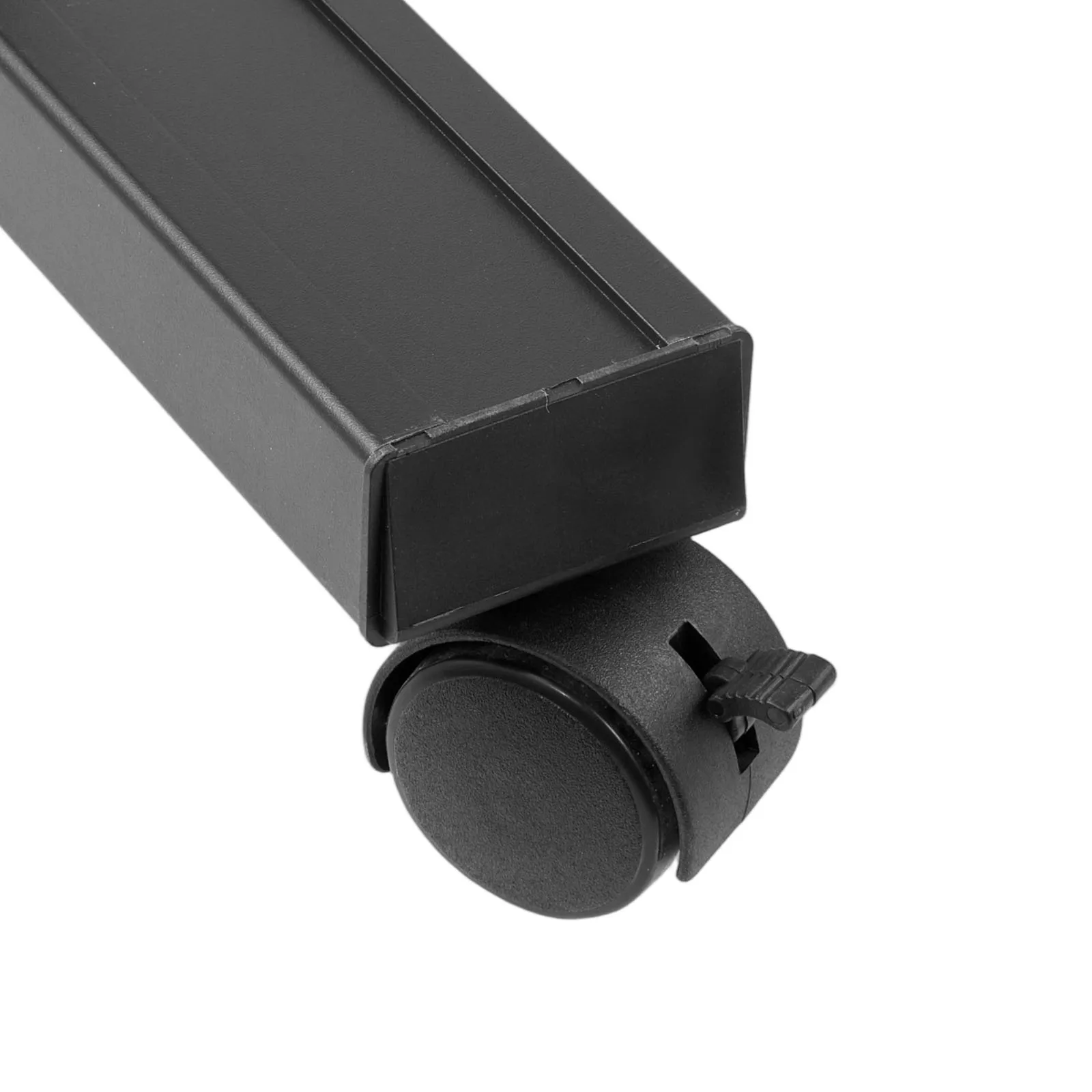
Caster Wheels with Locks
The vinyl plotter cutter comes with caster wheels and locks, allowing for easy mobility while keeping the machine securely positioned when needed.
VEVOR Vinyl Printer Cutter Machine with 34-Inch Maximum Feed Width for Large Projects
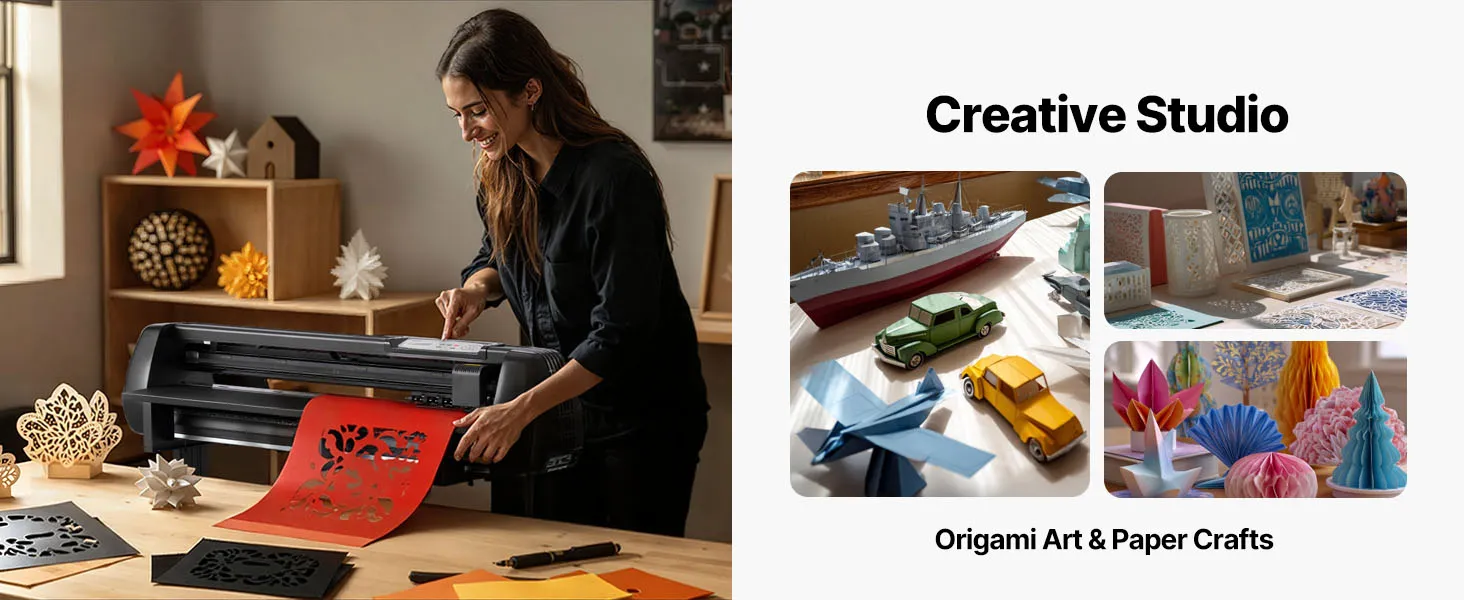
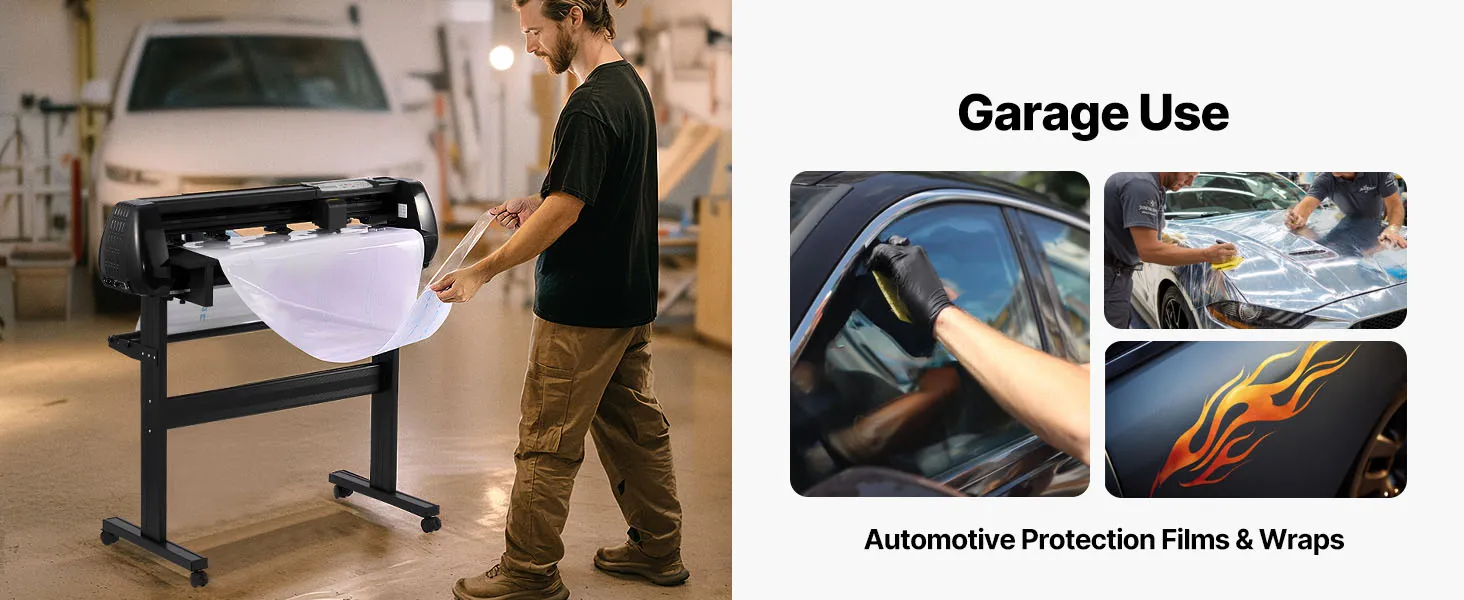
The VEVOR vinyl printer cutter machine can handle wide-format materials, feeding materials up to 34 inches wide. You can use it in both home offices and workshops for small businesses. Users can work on large banners, signs, wall decals, and car graphics without having to cut designs into different pieces, thanks to this large cutting area.
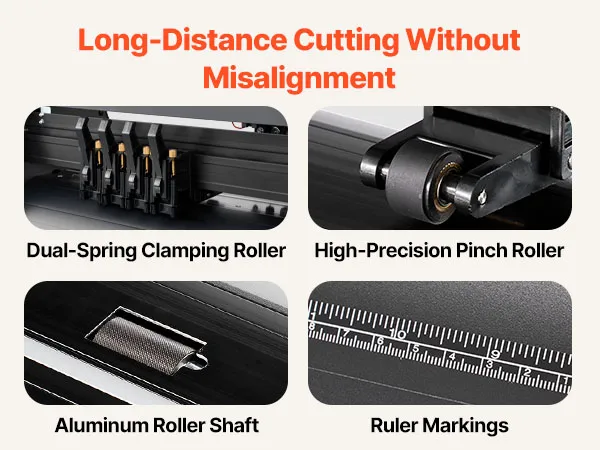
This vinyl printer-cutter keeps feeding material steadily, so it works the same way every time, even during long cutting sessions. It has a wide feed width, allowing it to handle media of different sizes. The cutting path remains straight.
Dual-Blade Vinyl Plotter for Simultaneous Drawing and Cutting Operations
The smart dual-blade system on this vinyl printer cutter machine lets you draw and cut simultaneously. Most of the time, you won't need to change the blades because the main blade cuts, and the second blade scores or draws.
It's also easy to be creative with the two blades. Users can sketch designs, create complex patterns and then cut them out accurately in a single workflow. It is helpful to have this feature when building projects with labels, cutouts, and stacked vinyl. By simplifying tasks and ensuring that drawn guides and cut lines are perfectly aligned, the machine speeds up the process.
Adjustable Cutting Force from 20 to 500 gf for Multiple Material Types
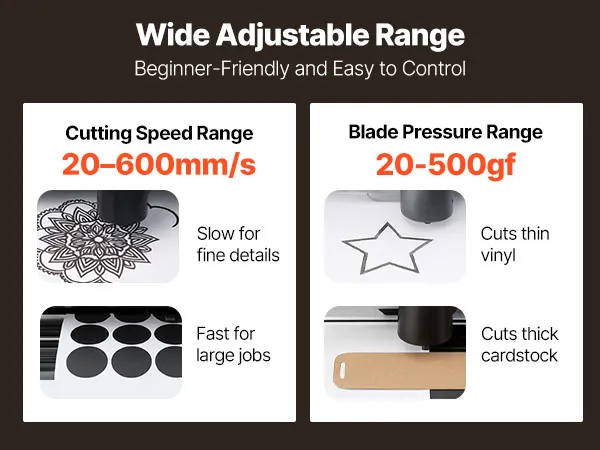
The VEVOR vinyl printer cutter machine can cut many different types of materials because you can change the cutting force from 20 to 500 grams-force (gf). Users can fine-tune the pressure based on the media's thickness and roughness to achieve clean cuts that don't tear or go too deep.
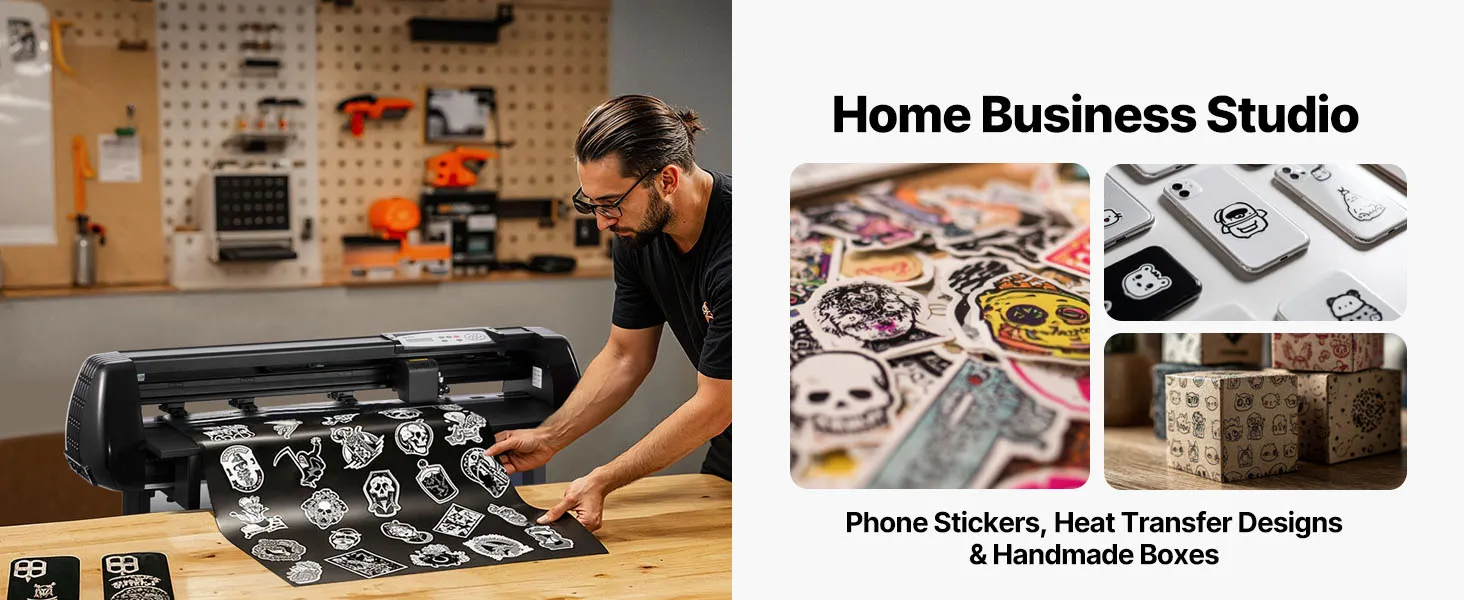
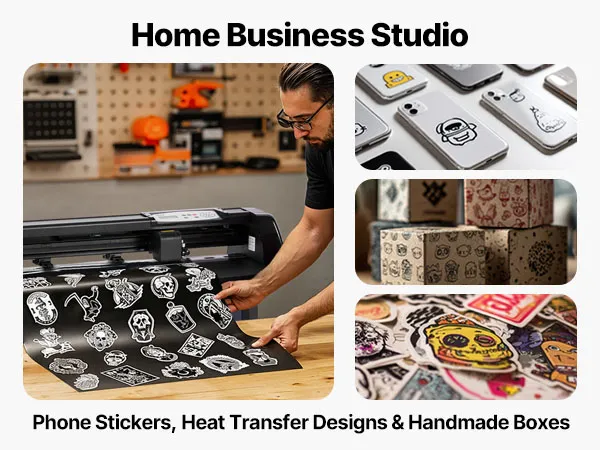
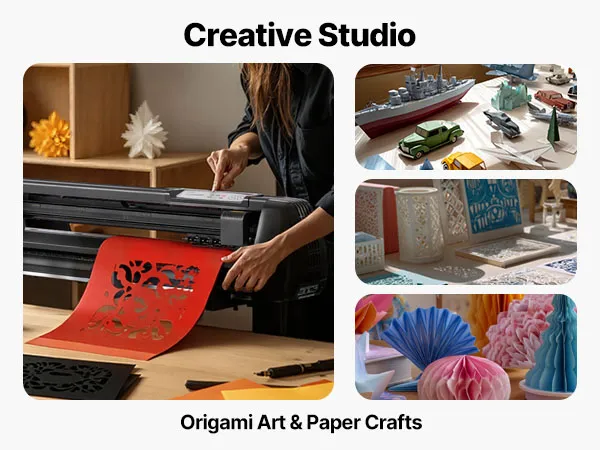
Due to its flexible force control, the cutter is great for many creative tasks, such as making vinyl car stickers, HTV for clothes, and craft vinyl for wall art. With such a wide range of pressure, users can fully control the cut, whether working on tough materials or on small details.
Vinyl Printer Cutter Machine: Intelligent Contour Detection with ±0.1 mm Cutting Accuracy
This vinyl printer-cutter machine is very precise, thanks to its smart contour recognition system, which delivers cutting accuracy of up to ±0.1 mm. This technology ensures the blade follows the design lines exactly, even for graphics and forms with many small details.
During operation, dual-spring pinch rollers keep the material even more stable, helping prevent media slippage and misalignment. For printed graphics that require contour cutting, such as stickers and labels with sharp edges, this precision is very helpful. Because the tracking system works well, every cut fits the digital design. This improves the output overall and reduces rework.
LED Display Control Panel for Speed and Parameter Adjustment
The control panel features an LED display that lets you adjust cutting speed and pressure settings right on the machine. With this easy-to-use interface, you can change the machine's settings in real time, making it suitable for a wide range of materials and projects.
The vinyl printer-cutter machine strikes a good balance between accuracy and speed, thanks to its speed control. When working on complex patterns, slower speeds improve accuracy in the details, while faster speeds make it easier to work on many simple shapes at once. The LED display makes the machine easier to use by giving operators quick access to important settings. This means that both new and experienced users can use it.
SignMaster Software Included with Windows and macOS Compatibility
This vinyl printer cutting machine comes with licensed SignMaster software, making the process from design to cut easy. The software works with many different operating systems because it supports Windows 7–11 and recent versions of macOS. It's easier to make things because users can create, import, and change designs before sending them straight to the cutter.
SignMaster software has all the tools you need to create text, edit vectors, and control the layout. Its interface is easy for newbies to use, and it has advanced features for more experienced designers. The machine comes with licensed software, so you don't have to buy it separately. It also ensures the cutter and computer can connect reliably so you can finish your job quickly.
Multi-Connection Support via USB, U-Disk, and Serial Port Interfaces
The VEVOR vinyl printer cutter supports multiple connection methods, including USB, USB flash drive, and serial interfaces. Users can pick the connection way that works best for their setup because it is so flexible. USB makes it easy to send data quickly from a computer, and U-disk support lets users run cutting jobs straight from external storage without having to connect to a PC all the time.
Connecting via a serial port lets you use older computers and specific workflows. This support for multiple connections makes it easy to use across a range of workspaces, from craft rooms at home to professional sign-making workshops. Using different data sources makes results more reliable and ensures they work well across all kinds of projects.
Built-In Test Function for Easy Setup and Beginner-Friendly Operation
This vinyl printer-cutter machine is great for beginners because it has a built-in test function. Users can preview cutting patterns before running full production jobs. This helps keep materials from going to waste and avoids making changes by trial and error.
The test feature makes it easier to learn to use vinyl cutting machines by simplifying setup and calibration. It supports a smooth process for both amateurs and professionals who need to set up projects quickly and reliably over and over again. This feature, along with easy-to-use settings and stable tracking, ensures that all skill levels achieve the same level of performance and a smooth user experience.
Questions and Answers (0)
Typical questions asked about products: Is the product durable? ...
Select product protection plan
Accident and warranty protection by Xcotton (partner with AIG)
No thanks
3-Year
2-Year
1-Year
In Stock
Security & Privacy
FREE Returns
Professional Service
Compare with similar items
Similar Items You Might Like
People Who Bought This Item Also Bought
Best sellers in this category
People Who Viewed This Item Also Viewed
Your Browsing History