
Truck and SUV owners who desire a better stance, more ground clearance, and better tire fitment without the hassle or expense of a complete suspension overhaul will benefit from VEVOR's lift level kits. Our extensive selection of leveling lift kits, front leveling lift kits, and rear leveling lift kits covers every lift height requirement and vehicle platform, whether you are adjusting factory rake on a half-ton pickup, getting a 4x4 ready for off-road use, or making room for bigger tires for a more aggressive look. For every vehicle, every build, and every road ahead, VEVOR provides the ideal lift solution.
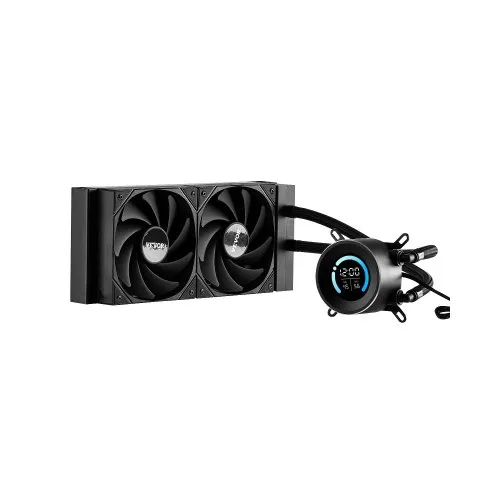
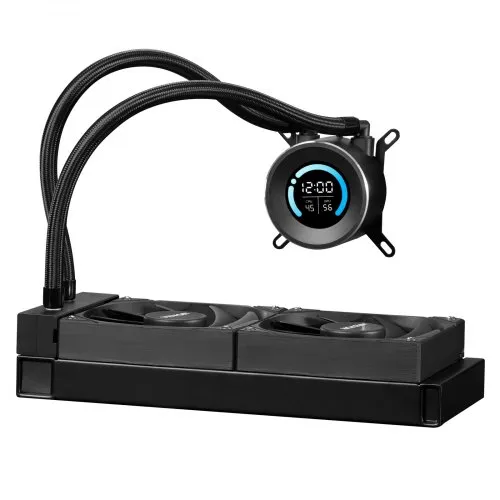
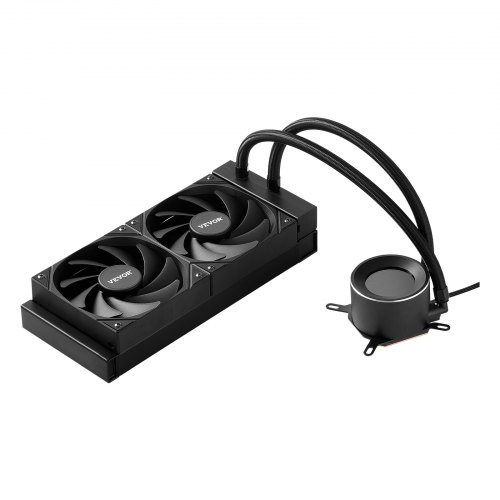
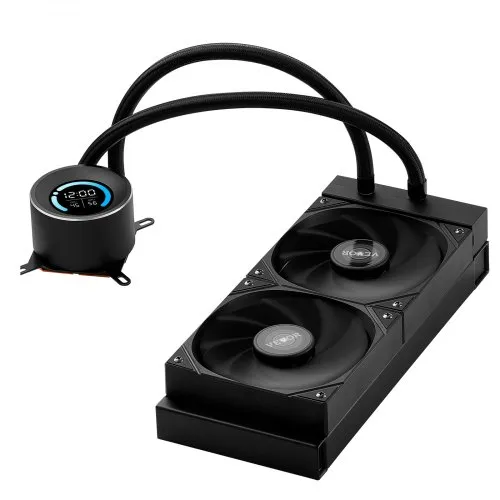
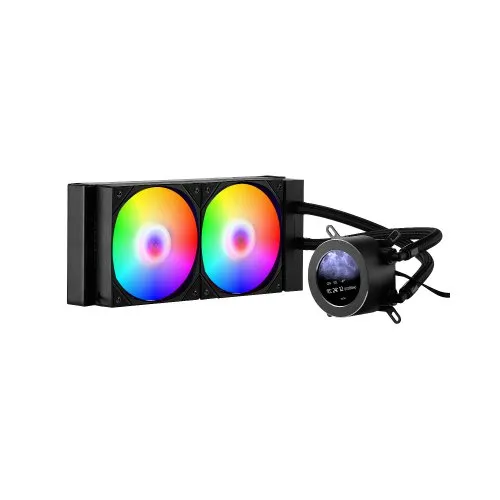
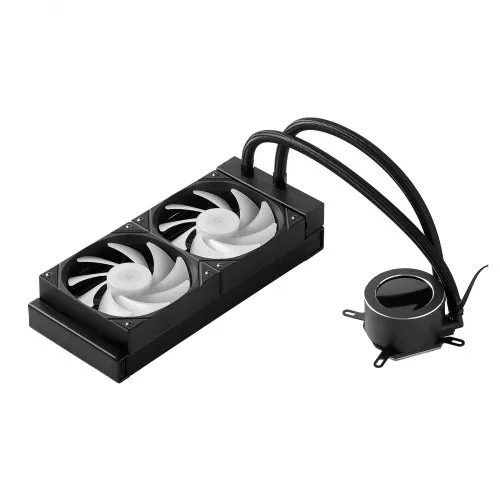
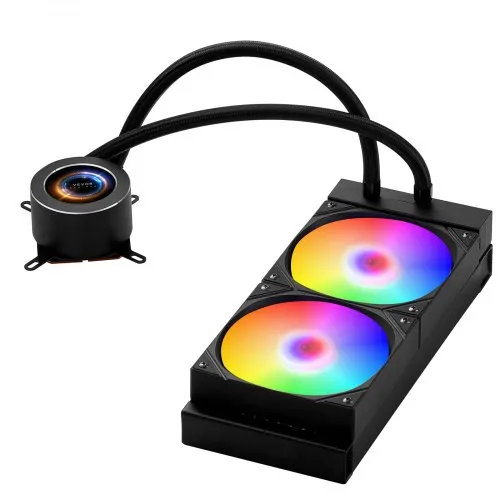
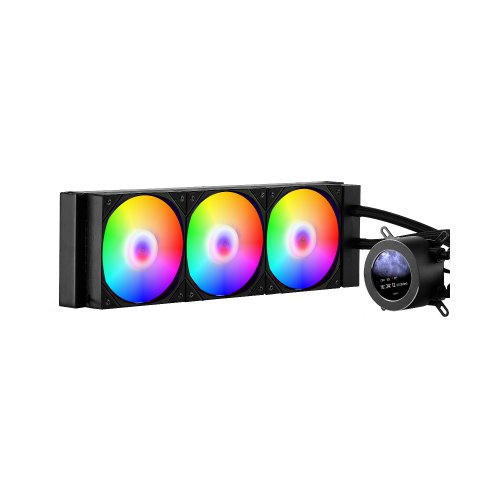
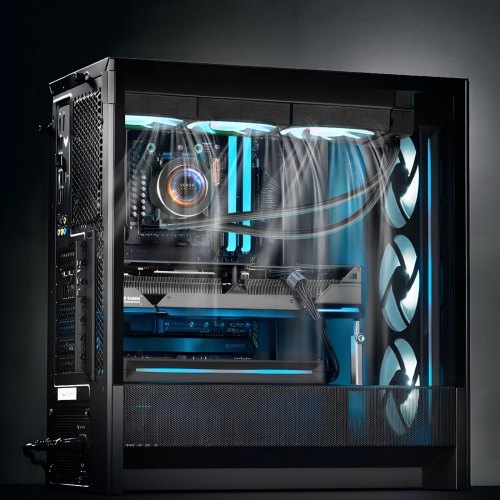
Do you want liquid CPU coolers that keep their cool even under heavy stress, don't make too much noise, and fit in typical PC cases? Proper liquid cooling keeps the processor from overheating, which slows performance and shortens its lifespan. It also lets you overclock it further. VEVOR makes a wide selection of liquid CPU coolers, including small water coolers for mini-ITX systems, flexible water coolers for mainstream setups, and high-capacity water coolers for systems that need the best performance.
The cooling ability of liquid CPU coolers and radiator size affect how well they handle high-power CPUs or overclocking. Getting both specs perfect means the performance stays the same without thermal throttling, so the clock speeds don't change with temperature.
Many factors affect how well liquid CPU coolers perform. These include the radiator size, pump flow rate, fan flow rate, and coolant capacity. Most models have a TDP (Thermal Design Power) rating that indicates how much heat they can dissipate.
Liquid CPU coolers with 150 to 200 watts of cooling power are good for standard processors, including Intel i5 or AMD Ryzen 5 series desktop CPUs with TDPs of 65 to 95 watts. They give enough cooling and thermal headroom for moderate overclocking. These mid-range systems keep processor temperatures well within thermal limits when used normally or for gaming. A 120mm or 240mm radiator works well with most processors without spinning the fans too fast or making too much noise.
Models with a capacity of 250 to 350 watts accommodate high-performance processors with a thermal design power (TDP) of 125 to 150 watts or higher, preventing them from overheating under heavy load for extended periods. When overclocked, high-core-count processors that run all cores generate heat that cooling systems struggle to handle. People who make videos or run computational workloads put a lot of stress on CPUs, so they need strong cooling to maintain performance.
Liquid CPU coolers with 400+ watt capacity, large radiators, and high-airflow fans can handle the extra heat generated by intense overclocking, meaning running CPUs far faster than their stock speeds. Overclocking significantly increases both power consumption and heat output. A 12-core processor overclocked to 4.0 GHz may generate more than 300 watts of heat, requiring very robust cooling to remain stable. Overclockers and enthusiasts who want to get the most out of their computers need the best water cooler CPU fan solutions.
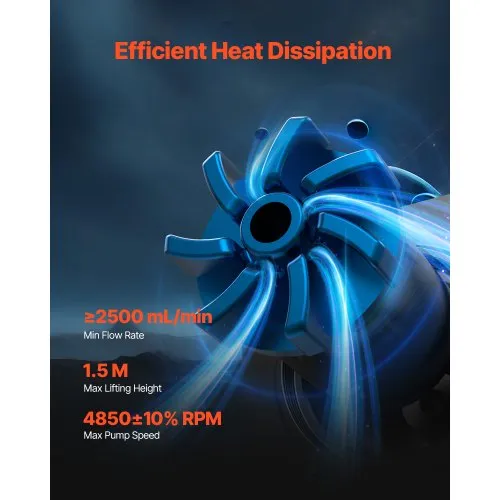
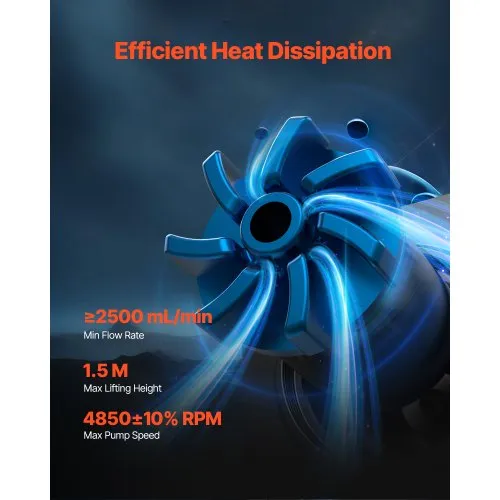
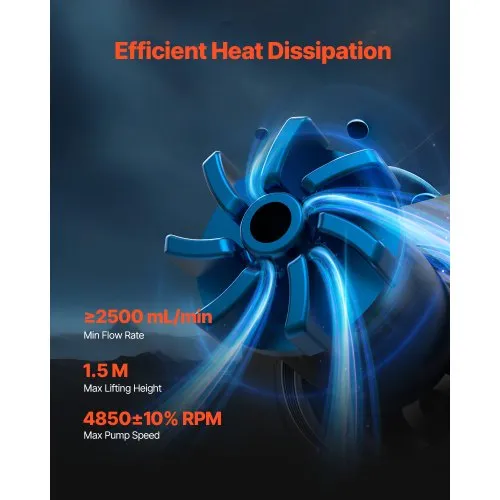
The pump flow rate determines how quickly the heated coolant travels from the CPU block to the radiator for cooling. Higher flow rates, measured in liters per hour or gallons per minute, reduce the temperature difference between the coolant entering and leaving the CPU block. This improves the overall cooling process. For optimal heat transfer, high-quality products use pumps that move 80 to 120 liters per hour. The TDP specs and recommended processor compatibility for VEVOR's liquid CPU coolers are included.
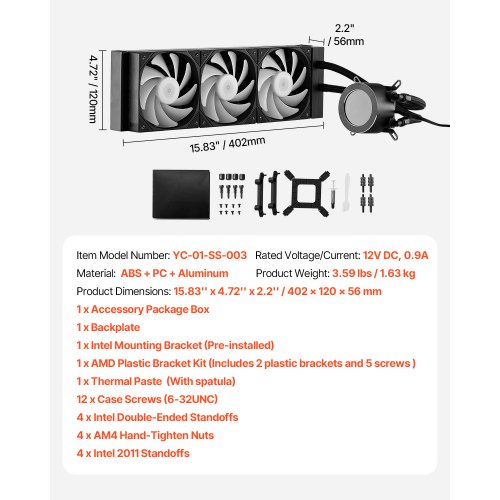
The size of the radiator directly affects how well it cools. Larger radiators have more surface area and can accommodate more fans, which helps them cool more effectively. Common AIO radiator sizes include 120mm, 240mm, 280mm, 360mm, and 420mm.
120mm single-fan radiators are good for basic liquid cooling in small spaces, including mini-ITX cases or systems with limited mounting points. These compact radiators work well with regular processors, but they can't withstand high-power CPUs or overclocking. The single 120mm fan needs to spin faster to remove the same amount of heat as larger radiators, potentially increasing noise levels. 120mm liquid CPU coolers are great for small builds when there isn't enough room for air coolers, even though they don't perform as well.
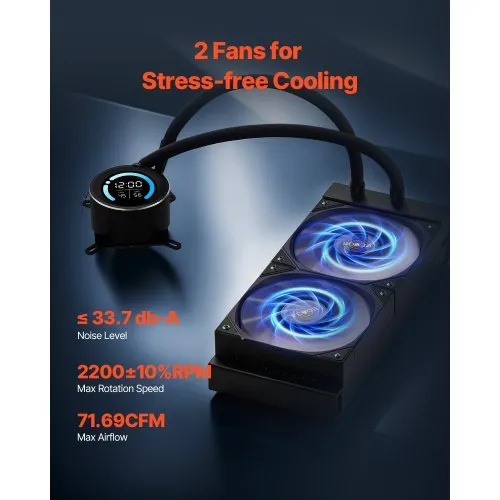
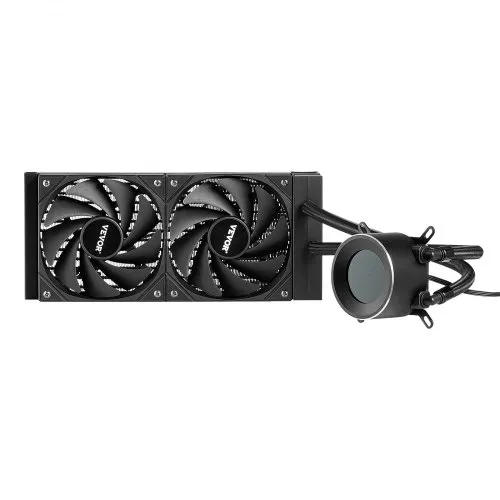
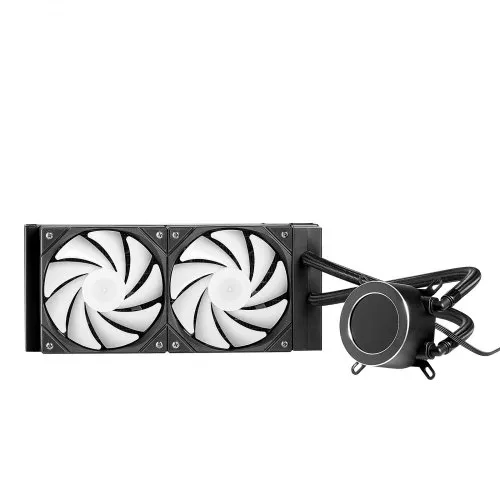
Many mid range gaming systems work well with 240mm dual-fan radiators. Two 120mm fans move a lot of air over a radiator surface area that is twice that of the 120mm versions. The 240mm setup can accommodate most processors, including many high-performance ones, without running the fans too fast. Most mid-tower cases have mounting locations on the front panel or the top for a 240mm radiator. Most of the time, 240mm radiators give gaming PC builders the best balance of performance, noise, and affordability.
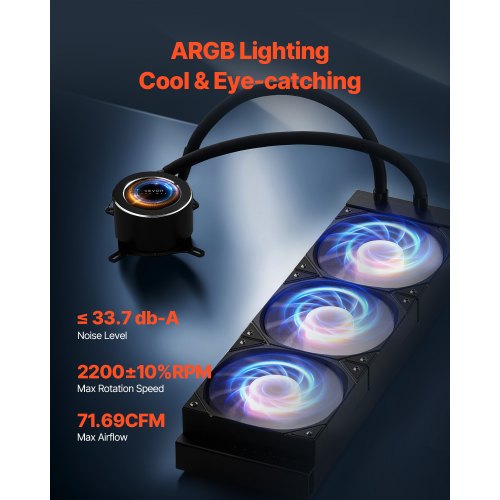
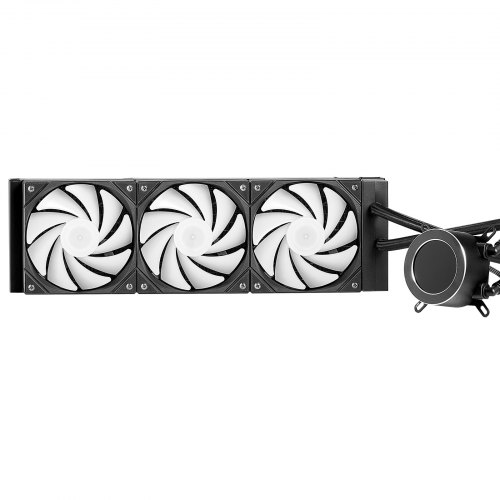
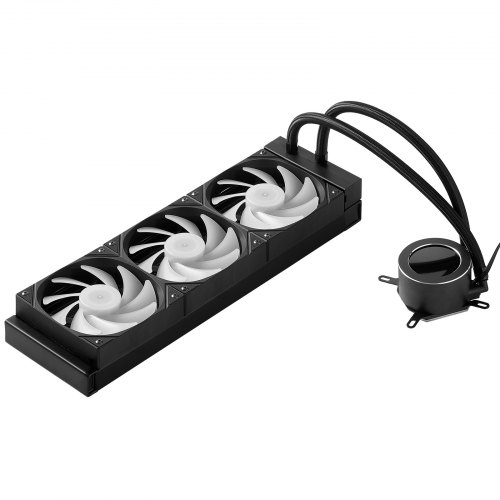
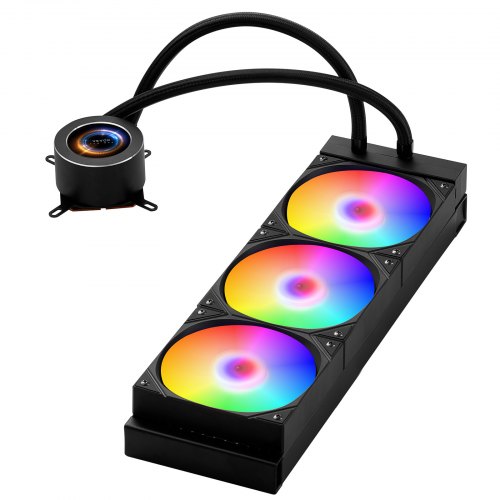
In larger water cooler CPU fan systems, 280mm and 360mm radiators help cool high-power processors and applications that require overclocking. The 280mm arrangement uses two 140mm fans to move more air than two 120mm fans. The 360mm arrangement features three 120mm fans, providing the most surface area and airflow possible for standard fan sizes. These big radiators use fans that spin more slowly to cool as much as smaller radiators. This makes them quieter while still handling large thermal loads. This extra space is good for enthusiast systems and workstations.
420mm radiators are the biggest conventional size that can handle intense cooling needs, but they don't fit in as many cases. These triple 140 mm fan setups are well suited for highly overclocked systems or workstations with two processors, when the case supports them. Due to their higher price and case requirements, 420mm radiators are only useful in designs when the extra cooling power is worth the extra expense. VEVOR's liquid CPU coolers come with radiators of varying sizes, suited to different thermal needs.
The compatibility and features of liquid CPU coolers will tell you whether they fit your motherboard socket and case, and whether they offer useful features that improve installation, monitoring, and aesthetics. Quality, compatibility, and useful features set easy-to-install CPU water coolers apart from those that require modifications or lack key features.
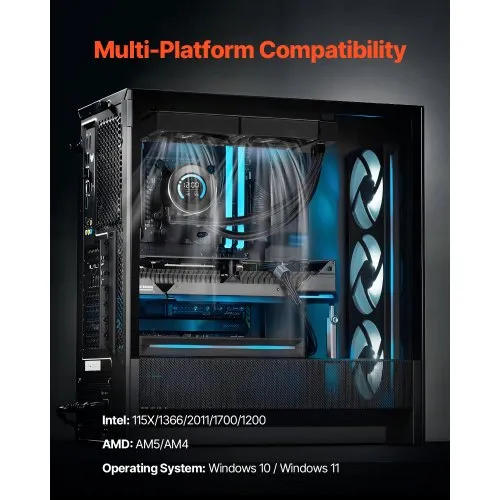
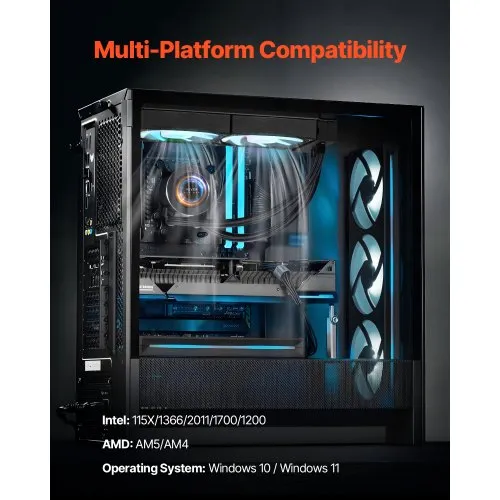
The cooler can only be used with certain processor types based on socket compatibility. Most modern liquid CPU coolers come with mounting gear for multiple socket types, but you should check before you buy.
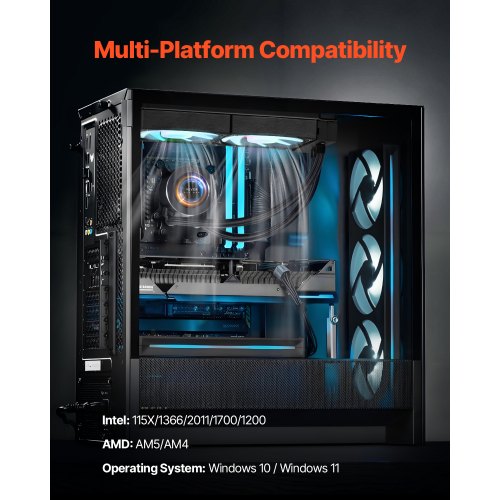
Intel sockets work with LGA1700 (12th, 13th, and 14th generations), LGA1200 (10th and 11th generations), and older LGA115x sockets, which are designed for backward compatibility with previous models. The LGA1700 socket has different hole spacing than older Intel sockets; it requires special mounting brackets. Some models come with both mounting options, while others require you to buy separate brackets. When upgrading coolers, users should check the socket type of their cooler against its specifications to ensure it fits properly.
AMD sockets work with AM4 (Ryzen 1000–5000 series), AM5 (Ryzen 7000+ series), and some older AM3/AM3+ sockets. AMD's mounting hole layout remains the same across multiple socket generations, making it easier to ensure everything works together. AM4 and AM5 use the same mounting so that you can use the same bracket design. But AM5 has more power and heat output than AM4; therefore, the water cooler CPU fan's capacity is more important than mere fit.
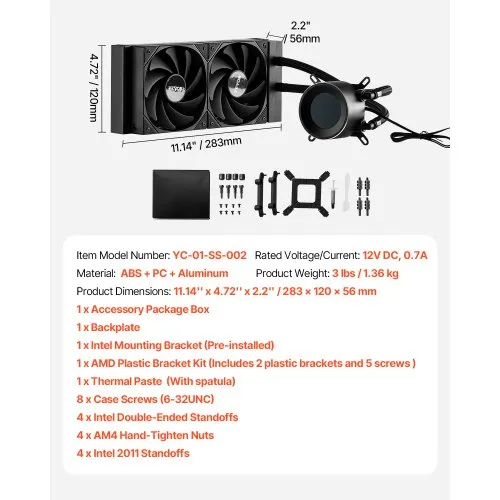
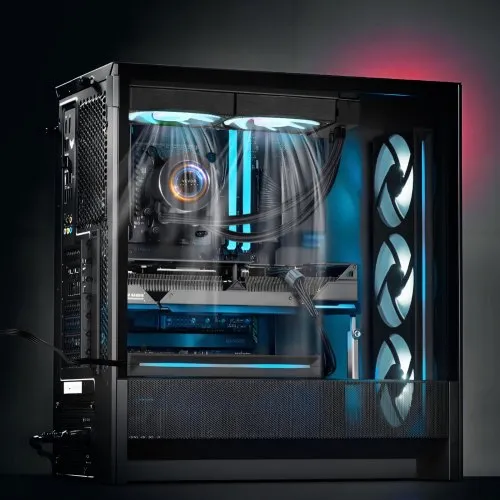
The mounting location and radiator clearance depend on the case's compatibility. The total space needed is the sum of the radiator thickness (usually 25-40 mm) and the fan thickness (25 mm). Top-mounted radiators in cases need clearance for motherboard VRM heatsinks and RAM modules. If you have long graphics cards or power supplies, front-mounted radiators could get in the way. Users should not assume that a CPU water cooler will fit in their case; they should measure the available space and compare it to the cooler's measurements.
The length of the tube on a closed-loop liquid CPU cooler affects how flexible its placement is. If the tubes are shorter (300 to 400 millimeters), the radiator can only be mounted near the CPU socket. If the tubes are longer (500+ millimeters), the radiator can be placed in a wider range of places. You can't expand the tubes on pre-filled designs; the factory length needs to be just right. VEVOR's liquid CPU coolers include detailed information on which sockets and cases they support.
Features impact how easy it is to install, how well it works, and how well it looks. In addition to basic heat dissipation, modern liquid-cooling systems offer many other functions.
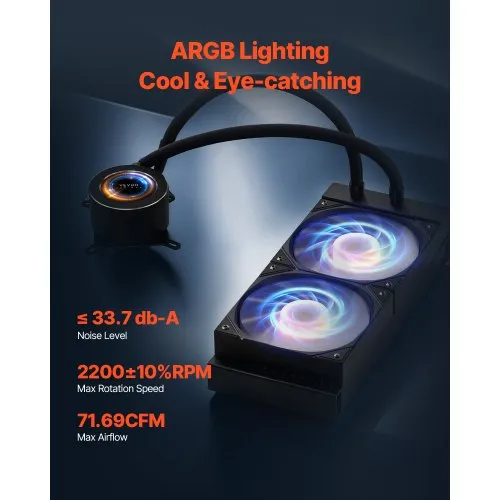
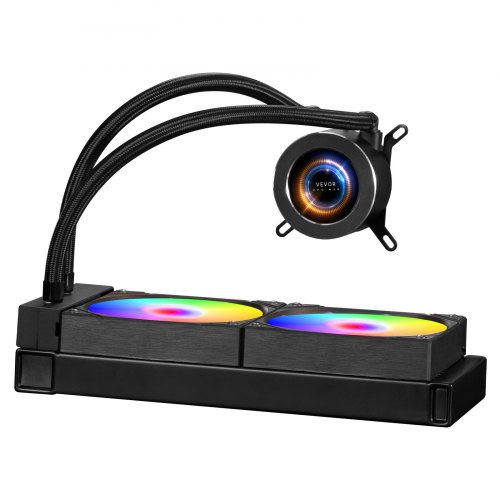
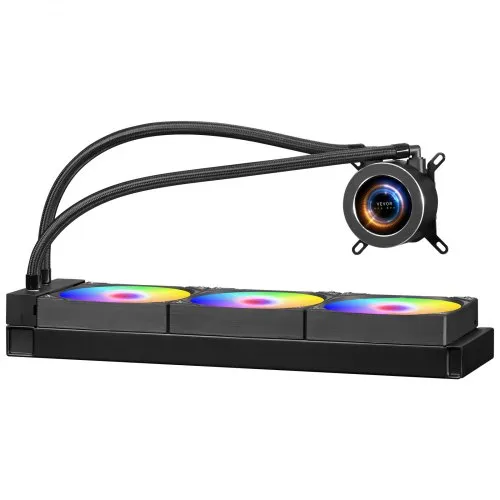
RGB lighting on pump blocks and fans has become common in gaming-oriented liquid CPU cooler products. Addressable RGB allows synchronization with motherboard lighting-control software for a unified system aesthetic. Some users highly value coordinated lighting effects, while others strongly prefer non-RGB models that reduce cost and eliminate unnecessary features. Lighting typically adds minimal cost but requires compatible motherboard RGB headers or separate controllers.
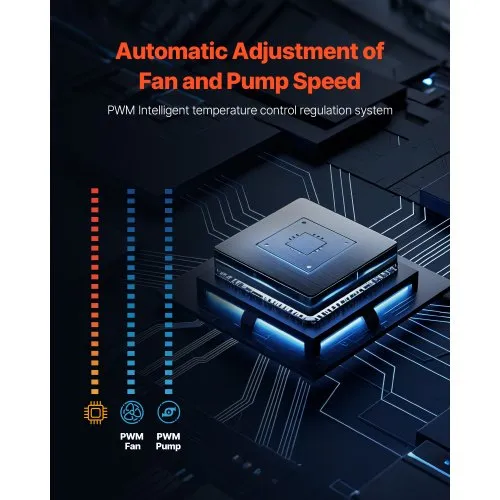
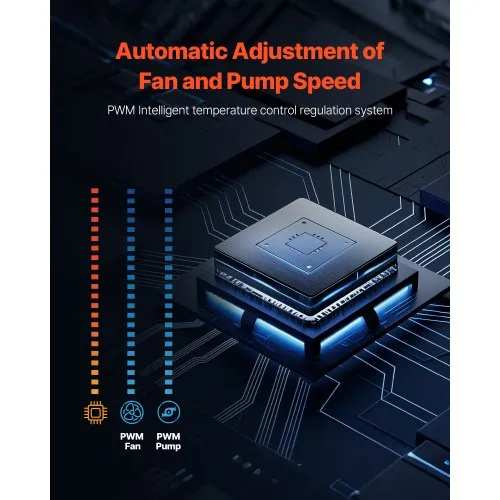
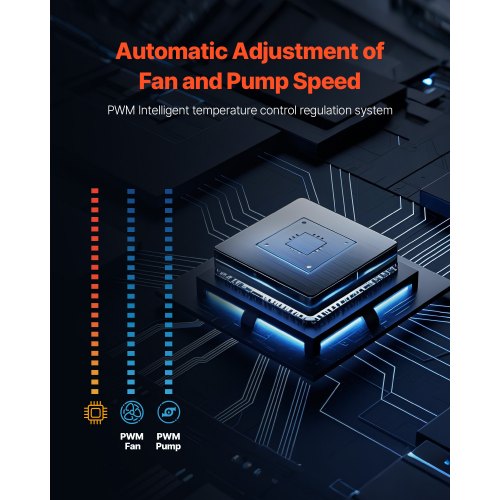
Fan speed control via PWM (Pulse Width Modulation) enables dynamic adjustment based on CPU temperature. The motherboard or included controller automatically ramps fan speeds up under load and reduces speeds during idle, balancing cooling performance with noise levels. Quality models use PWM fans throughout, rather than mixing PWM and voltage-controlled fans, which cannot be managed effectively together.
Monitoring and controlling pump speed via motherboard fan headers provides basic insight into cooler performance and allows manual adjustments. Adjustable pump speeds let users carefully balance flow rate with pump noise, though most manufacturers recommend running pumps at maximum speed for optimal cooling. Some water-cooler designs include zero-RPM modes that stop fans completely at idle for silent operation, resuming airflow only when temperatures rise.
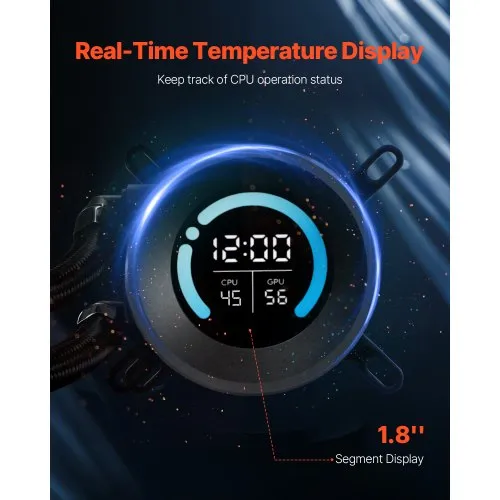
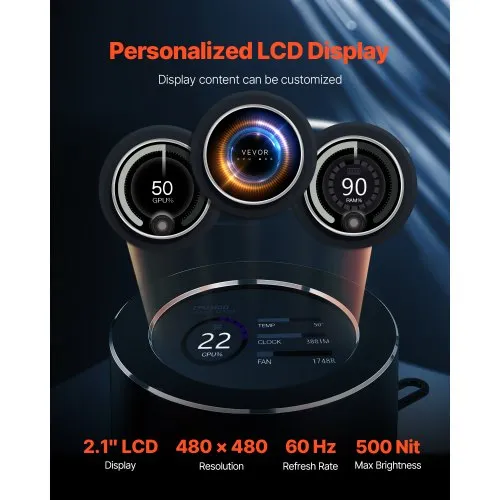
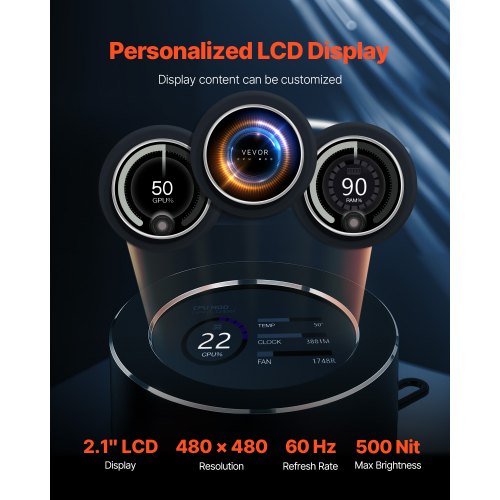
Software monitoring in premium liquid cpu coolers provides real-time temperature tracking, fan curve customization, and RGB control through unified interfaces. Dedicated software offers more granular control than BIOS fan settings and allows saving custom profiles for different use cases, silent mode for office work, and performance mode for gaming. However, software adds system overhead and potential compatibility issues with operating system updates. VEVOR’s liquid CPU coolers include features appropriate for different user needs and experience levels.
VEVOR’s range of liquid CPU coolers covers every cooling need, from compact models for space-constrained builds to high-capacity water cooling systems for extreme performance. With multiple radiator sizes, broad socket compatibility, and performance features, our water cooling CPU coolers and water cooling CPU fan options deliver the thermal management that gaming and professional systems require. Browse the full range today to find liquid CPU coolers that keep your processor running cool and fast.
Mainstream 65-95W processors work well with 120-240mm CPU water-cooler radiators. High-performance 125-150W CPUs require 240-280mm water cooling configurations. Overclocked or high-core-count processors require 360mm+ water cooling CPU cooler systems for adequate thermal headroom without excessive fan noise.
Cooling systems that use water dissipate more heat than equivalently priced air coolers and avoid RAM clearance issues. However, high-quality air coolers that approach the performance of water cooling CPU coolers are available at a lower cost. Choose liquid cooling for high-power processors, overclocking, or when case clearance limits the height of an air cooler.
Sealed all-in-one water coolers for CPUs typically last 5-7 years before pump failure or coolant evaporation reduces performance. The longevity of a water-cooling CPU cooler depends on the quality of the pump and operating conditions. Custom loops require maintenance. Most users replace water cooler CPU fan systems during major upgrades rather than at end-of-life.
Sealed all-in-one CPU water coolers require virtually no maintenance beyond occasional dust cleaning of the radiator fins and fan blades. Water CPU cooler systems are closed-loop units requiring no refilling. Custom water cooling CPU cooler loops require periodic coolant replacement and component inspection, whereas integrated units are maintenance-free.
Check case specifications for radiator mounting support. Most mid-towers support 240-280mm water cooling CPU coolers, front- or top-mounted. Small-form-factor cases may only fit 120mm configurations. Measure the clearance between the mounting location and components, RAM, GPU, or motherboard heatsinks, before purchasing liquid CPU coolers to ensure proper fit.