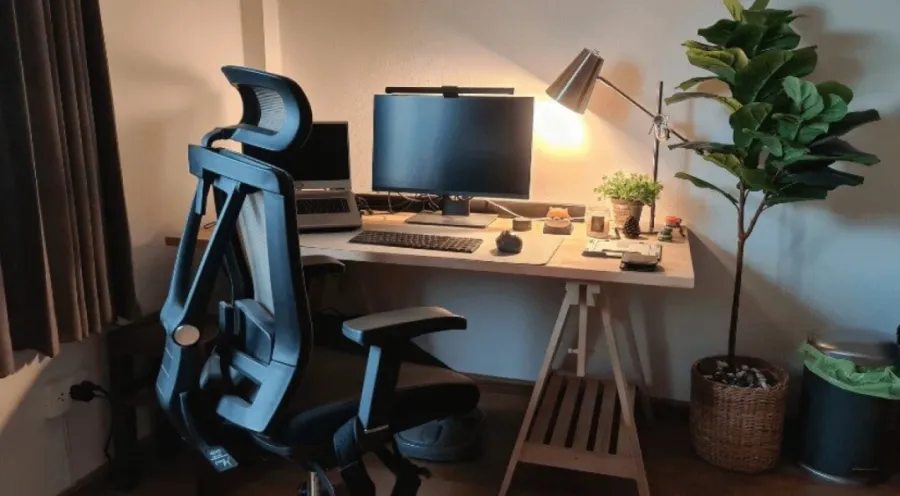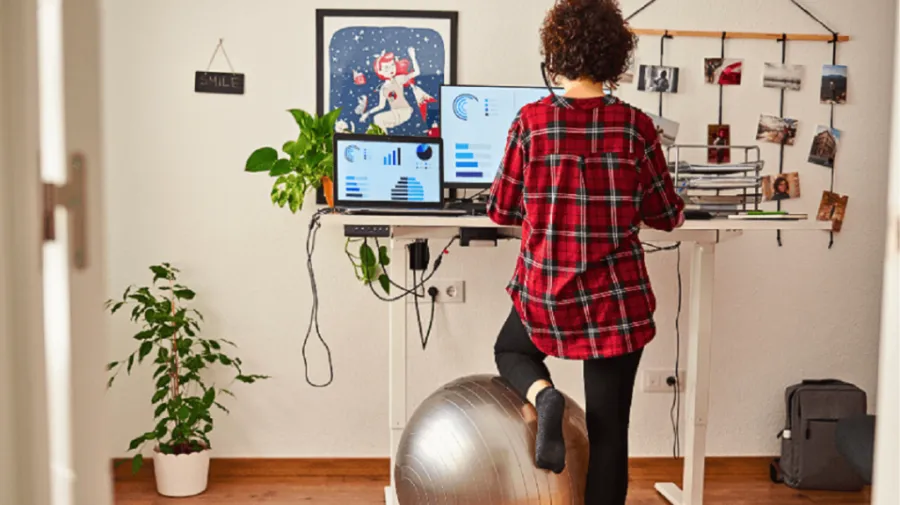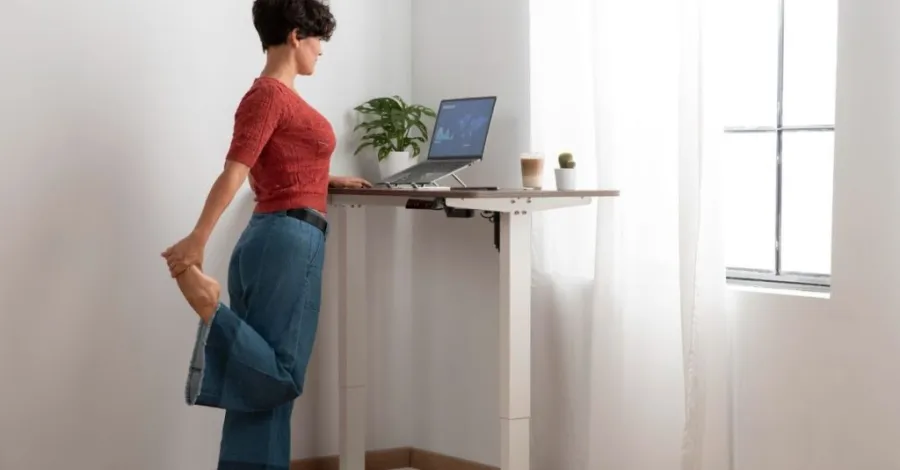
Choosing the best adjustable-height work table can make your day at the office much easier. You get to switch between sitting and standing, which helps you stay comfortable and focused. A good table lets you adjust the height with little effort. If you want ergonomic workspaces that support your health, pay close attention to how the table fits your body and your daily routine. Think about what makes you feel good at work.
Height Range
Sitting and Standing Positions
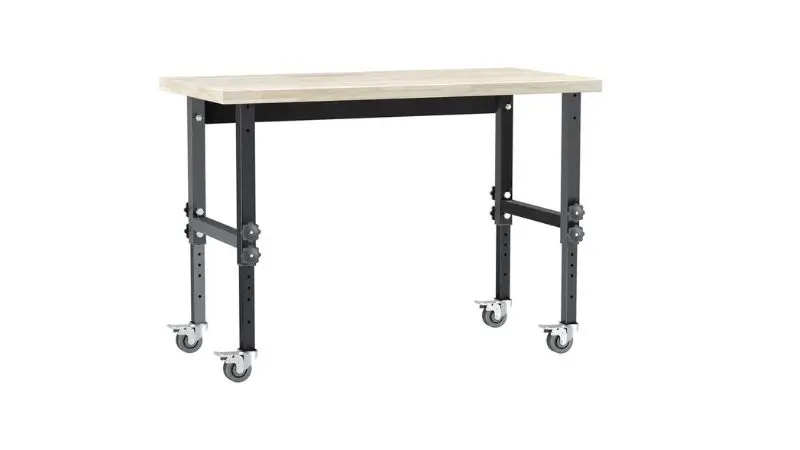
When looking for the best adjustable-height work table, you want a desk that accommodates both sitting and standing positions. The right height range helps you move between these positions with ease. The Business and Institutional Furniture Manufacturers Association (BIFMA) suggests a height range from 22.6 inches to 48.7 inches.
This range covers most people, so you can sit with your feet flat on the floor and stand without hunching your shoulders. If you are tall or short, you need to check if the desk is low or high enough for you. Some sit-stand desks do not reach the lowest or highest points. Always check the specs before you buy.
Ergonomic Alignment
You want your workspace to feel good for your body. An ergonomic desk helps you keep your back straight and your eyes level with your screen. The right height-adjustable desk lets you set the surface so your elbows bend at about 90 degrees. Your wrists stay flat, and your shoulders relax.
Many online ergonomic calculators and guides can help. Simply enter your height, and the tool will tell you the best desk and monitor height for you. This makes it easy to set up your height-adjustable table for comfort and health. Here is a quick checklist to help you find your ideal height:
- Sit with your feet flat on the floor.
- Keep your knees at a 90-degree angle.
- Place your elbows at desk height, bent at 90 degrees.
- Make sure your monitor sits at eye level.
Adjustment Mechanism
Manual vs. Electric
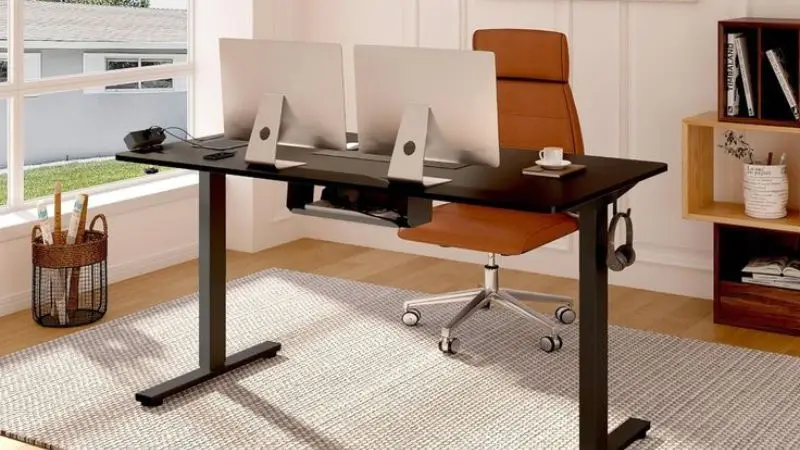
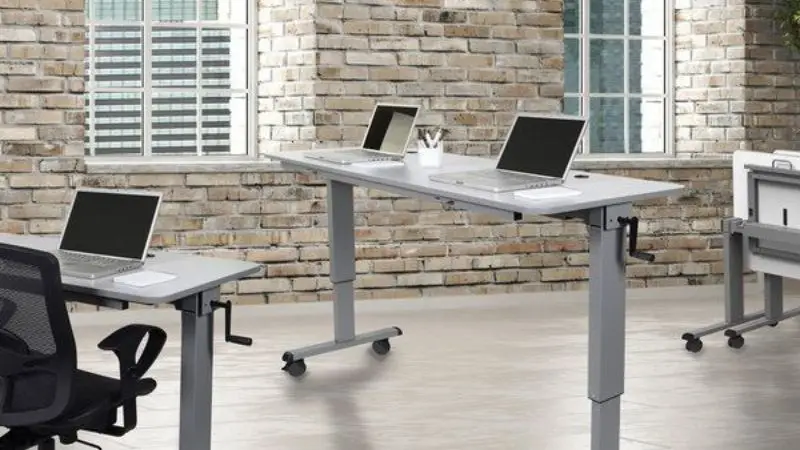
When you pick a height-adjustable desk, you get to choose between manual and electric adjustment. Manual desks use levers, cranks, or handles. You turn or pull these to raise or lower the desk. Manual options work well if you do not change positions often. They cost less and do not need power. However, you might find them harder to use if you frequently switch between sitting and standing throughout the day.
Electric desks use buttons or touchpads. You press a button, and the desk moves up or down by itself. This makes it easy to change your desk height, even if you do it many times each day. Electric desks often come with memory settings. You can save your favorite heights and switch with one touch. Although these desks cost more, they save you time and effort.
Speed and Noise
You want your desk to move smoothly and quietly. Manual desks can be slow. You might need to crank for a while to get the right height. Some manual desks also make noise, which can bother others in a quiet office. Electric desks move faster and with less effort.
Most electric models run quietly, so you will not disturb your coworkers. Some even have soft start and stop features. This means the desk will not jerk or make loud sounds when you adjust it. Here is a quick comparison:
| Feature | Manual Desk | Electric Desk |
| Ease of Use | Needs effort | Push a button |
| Speed | Slower | Faster |
| Noise | Can be loud | Usually quiet |
| Price | Lower | Higher |
Stability and Weight Capacity

Frame Strength
You want your work table to feel solid every time you use it. A sturdy frame keeps your desk from wobbling or shaking, even when you type fast or lean on it. If your table moves too much, you might get distracted or even spill your coffee. Look for a table with a steel or heavy-duty metal frame.
These materials give you the best support and last longer than lighter options. Some tables have extra support bars or crossbeams under the surface. These features add more stability. You can also check the legs. Wide, thick legs usually hold up better than thin ones.
Equipment Support
Think about what you put on your desk every day. Do you use two monitors? Maybe you have a printer, speakers, or a heavy desktop computer. Each table has a weight limit. If you go over that limit, the desk might sag or break. Here’s a quick checklist to help you:
- Check the weight capacity in the product details.
- Add up the weight of your monitors, computer, and other gear.
- Leave some extra room for new equipment in the future.
| Equipment | Average Weight (lbs) |
| Monitor | 10–20 |
| Desktop Computer | 15–30 |
| Printer | 10–25 |
| Speakers | 5–10 |
Desk Surface and Size
Depth and Area
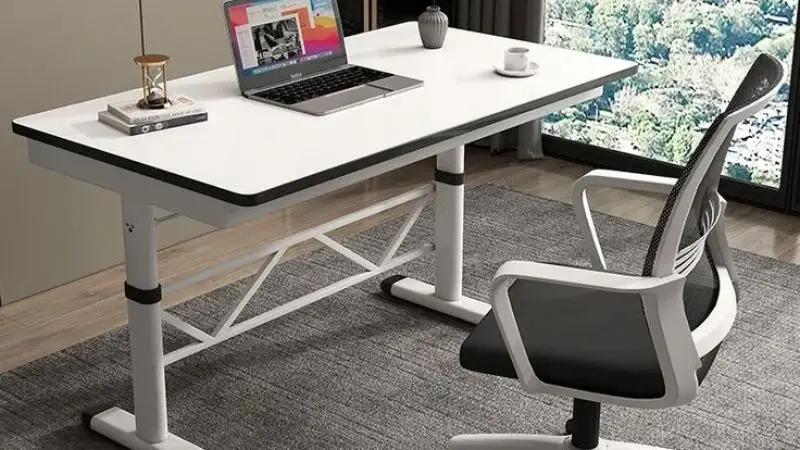
You want a desk that gives you enough space for your work. If your table feels too small, you might end up with a cluttered mess. A good rule is to look for a desk with a depth of 28 to 30 inches. This size lets you place your monitor at a safe distance from your eyes and gives you room for your keyboard and mouse.
You can also keep a notebook or a cup of coffee nearby without feeling crowded. If you use two monitors or like to spread out papers, you might want a wider desk. But the question is how to choose an adjustable-height work table. Here’s a quick table to help you decide:
Workspace Fit
| Desk Depth (inches) | Best For |
| 24 | Laptops, small spaces |
| 28–30 | Monitors, full setup |
| 36+ | Multiple monitors |
Before you buy a new desk, check your office space. You do not want a table that blocks your path or makes it hard to move your chair. Grab a tape measure and write down the length and width of your room. Leave enough space to walk around and open drawers. Try this simple checklist:
- Measure the spot where you want your desk.
- Make sure you have at least 3 feet behind your chair for easy movement.
- Check if doors or cabinets will hit the desk when opened.
A desk that fits your space keeps your office neat and easy to use. You will feel more relaxed and ready to work when everything fits just right.
Best Adjustable Height Work Table Features

Controls and Accessibility
To change your desk height quickly and easily, look for controls that you can reach without stretching or bending. Some desks have buttons on the front edge. Others use a small lever or a touchpad. If you plan to switch between sitting and standing often, easy-to-reach controls make a big difference.
Think about how often you will adjust your desk. If you move a lot during the day, you need controls that work fast. Memory settings help, too. You can save your favorite heights and switch with just one touch. This saves time and keeps you comfortable.
Cable Management
Cables can turn your workspace into a mess. Good cable management keeps your area neat and safe. Many adjustable desks come with built-in cable trays or clips. You might also want a keyboard tray or a monitor arm.
These extras help you keep your desk clear. A monitor arm lets you move your screen to the right height. A keyboard tray gives you more space on your desk. The affordable adjustable height work table for workshops may not include such features. If you have a low budget, you can ignore these aspects. Here are some features to look for:
- Cable trays or channels under the desk
- Clips or hooks for wires
- Monitor arms for easy screen adjustment
- Keyboard trays for extra space
Sit-Stand Desk Benefits
Health and Productivity
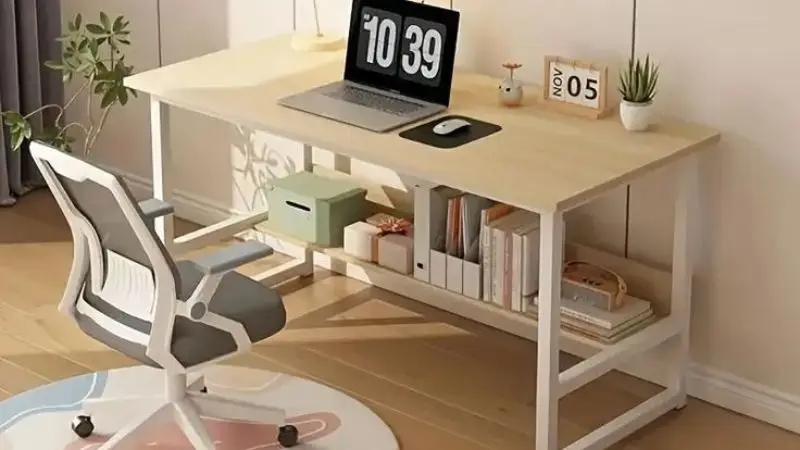
You spend a lot of time at your desk. If you sit all day, your body can start to feel stiff and tired. A sit-stand desk lets you change positions whenever you want. You can stand up to stretch your legs or sit down to rest. This simple switch helps your back, neck, and shoulders feel better. You might notice less pain and more energy during the day.
When you use a sit-stand desk, you also help your mind. Moving between sitting and standing keeps your blood flowing. You stay more alert and focused. Many people say they get more work done when they use sit-stand desks. You may find it easier to pay attention and finish tasks faster.
20-8-2 Rule
You might wonder how often you should switch between sitting and standing. You can walk, stretch, or just shift your weight. This routine helps you avoid feeling stiff or tired. It also keeps your muscles active and your mind sharp. Try setting a timer to remind yourself.
You don’t have to follow the rule perfectly every hour; just use it as a guide. Over time, you will notice that your body feels better and your workday goes by faster. These are the benefits of using a height-adjustable work table. Experts suggest the 20-8-2 rule. This rule is easy to remember:
- Sit for 20 minutes.
- Stand for 8 minutes.
- Move around for 2 minutes.
Budget and Value
Price vs. Features
When you start looking at adjustable height work tables, you will notice a big range in prices. Manual desks usually cost less. You use a crank or lever to change the height. These desks work well if you’re willing to put in a little effort. Electric desks cost more, but you get more features. You can press a button to move the desk up or down. Here is a quick table to help you compare:
| Type | Average Price | Main Features | Best For |
| Manual | $150–$400 | Crank/lever, simple design | Budget, light use |
| Electric | $300–$900+ | Button control, memory, quiet | Frequent adjustments |
Warranty
You want your new desk to last a long time. Check the warranty before you buy a desk that can be used for both sitting and standing. The company trusts its product if it has a good warranty. Electric desks usually have longer warranties than manual desks. Some brands give the frame and motor a warranty of five years or more. Here are some things to keep an eye out for:
- How long the warranty lasts (2 to 5 years is best)
- Make sure the warranty covers the main part of the table, like the motor or electronics, rather than the frame
- How easy it is to reassemble if anything goes wrong
Final Checklist

Look at your choices
You now know a lot about what makes an adjustable-height work table great. It’s time to compare the best options now. To make things easier, write down a list. Make a list of the features that are most important to you. This could include the range of heights, the weight limit, the type of adjustment, and any extra features like cable management. You can use this checklist as a guide:
| Feature | Model A | Model B | Model C |
| Height Range | |||
| Weight Limit | |||
| Adjustment Mechanism | |||
| Level of Noise | |||
| Desk Surface Size | |||
| Cable Management | |||
| Price | |||
| Warranty |
Test Usability
If you can, try out the desk before you buy it. Try moving the desk up and down a few times. Does it move easily? Does it feel sturdy or wobbly? Try sitting and standing at the desk to see if you’re comfortable. Make sure the controls are easy to get to. Make sure the desk fits in your office.
Read what other people who have bought the same thing say if you shop online. Check for reviews that talk about how stable, quiet, and easy to use the product is. You should feel sure before you buy a sit-stand desk. Testing usability helps you avoid surprises and choose the best option for your needs.
Bottom Line
You now know how to pick the right adjustable-height work table for your home office. Focus on comfort, stability, and the features that matter most to you. Make a simple checklist to compare your top choices. Try out the desk if you can. Remember, investing in your workspace means you invest in your comfort and productivity every day.
FAQ
How often should you switch between sitting and standing?
Experts suggest you switch every 30 to 60 minutes. Try the 20-8-2 rule: sit for 20 minutes, stand for 8, and move for 2. Set a timer if you forget!
Can you use a standing desk with a regular office chair?
Yes, you can! Just lower the desk to a comfortable sitting height. Make sure your feet touch the floor and your arms rest at a 90-degree angle.
What if your desk wobbles when raised?
A wobbly desk can distract you. Check if the legs are even and tighten any loose screws. If it still shakes, you may need a sturdier model.
Do you need special accessories for a sit-stand desk?
You don’t need them, but accessories can be helpful. Try a monitor arm, cable tray, or anti-fatigue mat. These keep your workspace tidy and comfortable.
Is the assembly complex for adjustable-height desks?
Most desks come with clear instructions. You may need basic tools. Ask a friend for help if the desk is heavy. Some companies offer assembly services for a fee.