
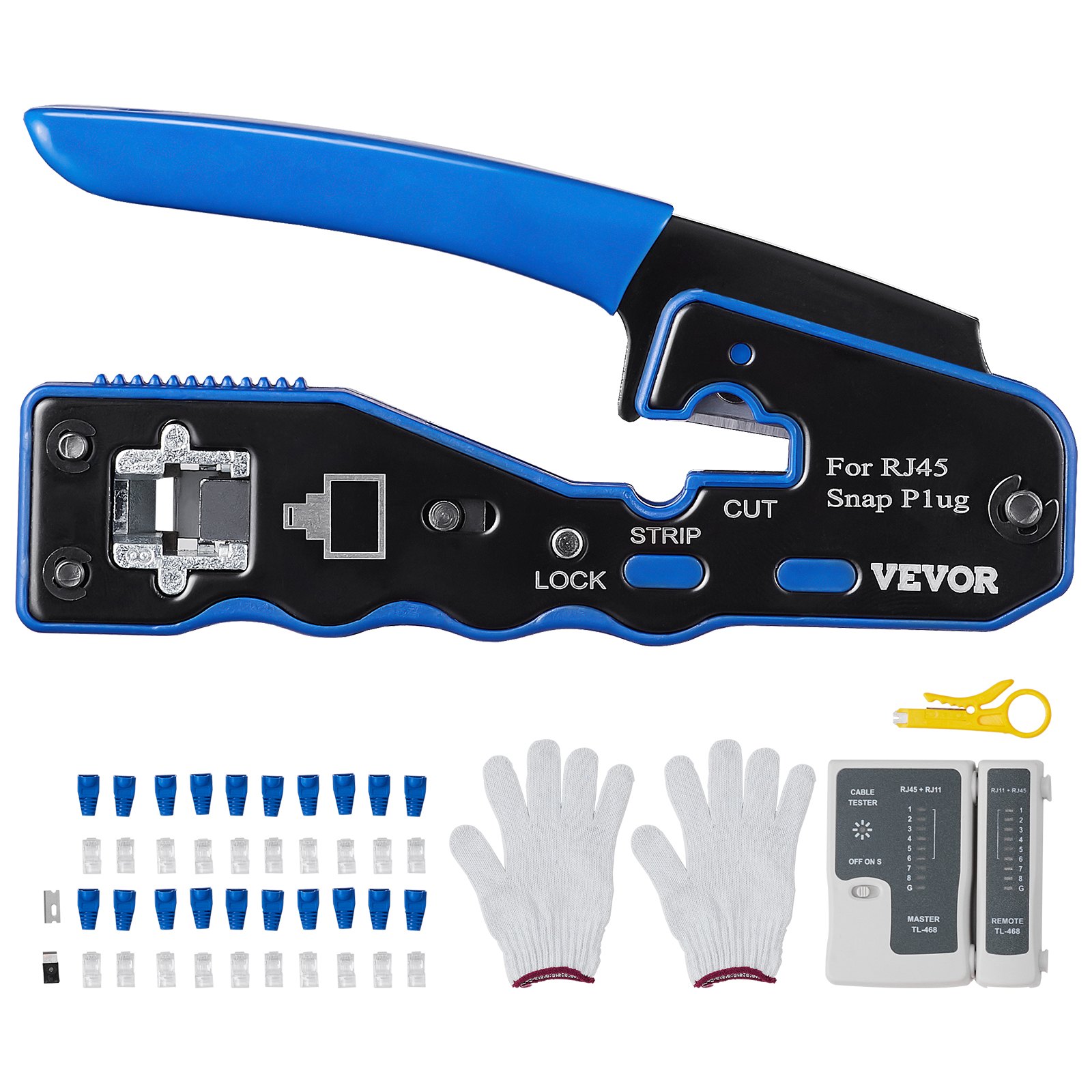

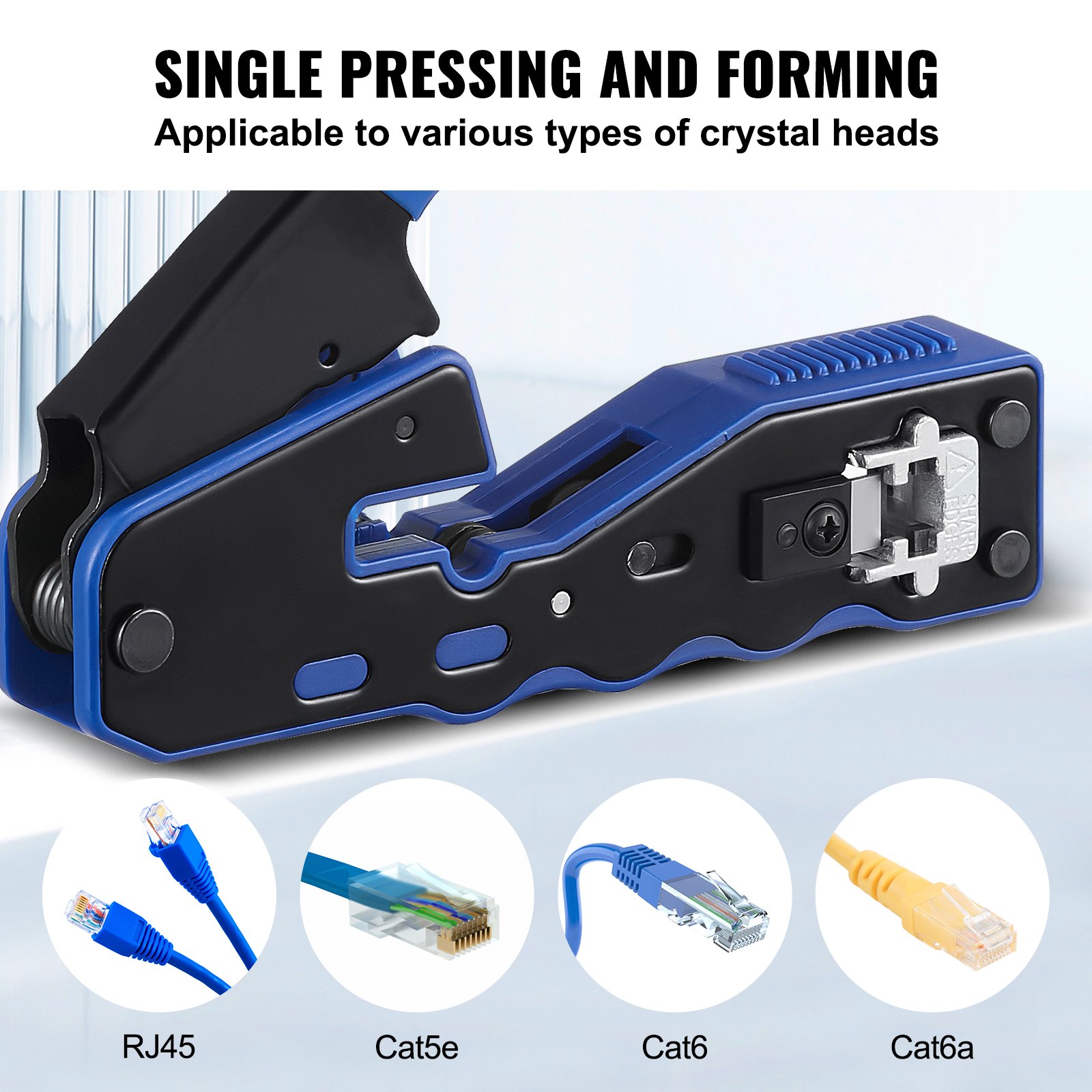

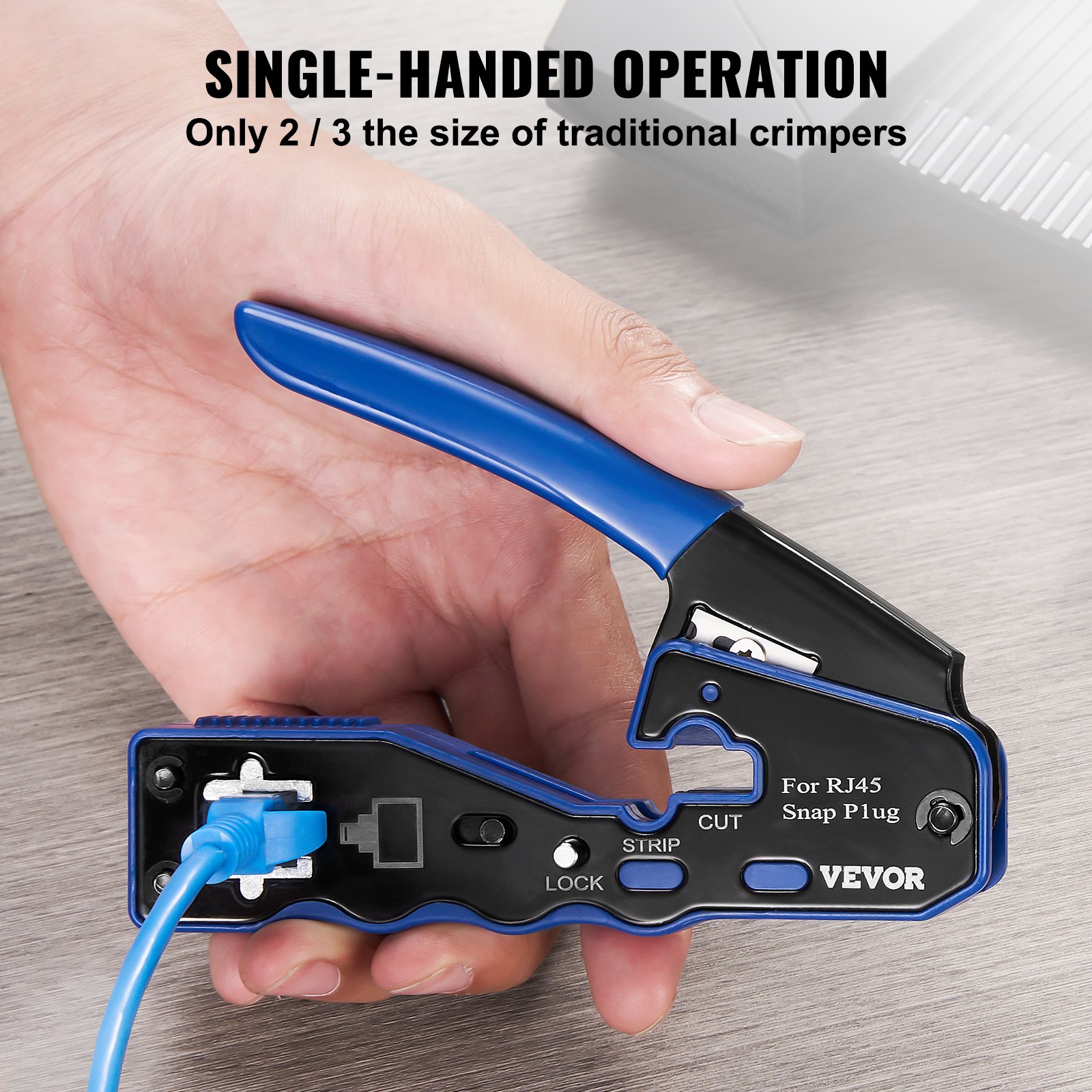
Unlock the full potential of your VEVOR RJ45 Crimp Tool Kit with our comprehensive product manual. Designed for beginners and seasoned professionals, this manual provides detailed, step-by-step instructions on using the Cat5e/Cat6/Cat6a Pass Through Ethernet Crimper for 8P8C Modular Plugs.
With clear diagrams and troubleshooting tips, you’ll be able to set up, optimize, and maintain your equipment with ease. Whether you’re installing new network cables or performing routine maintenance, our manual covers everything you need to know, including how to effectively use the 20pcs connectors and 20pcs covers, wire stripper, and network tester.
Download now to ensure you have all the information at your fingertips for a smooth and efficient crimping experience.
Crimping Tool Kit User Manual
Warning!
- Disconnect the wiring power supply before working.
- Inspect before every use; do not use if damaged.
- Keep away from children.
2. Product overview
RJ45 Crimping Pliers are a tool specially used for crimping 8PIN Connectors, suitable for connections in communication equipment such as networks and telephones. They have various characteristics, such as being shockproof, waterproof, and fireproof, and can protect cables and plugs from damage.
The crimping pliers are made of high-quality materials, with a strong structure, comfortable hand feel, and long service life.
Product parameter
Name: RJ45 Crimping Plies
Model: HT-08P6
Crimping range: 8PIN Connector
Package Size: 235×117×75mm
G.W.: 0.67kg
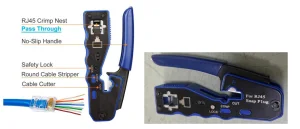
Crimp Tool Kit Product Structure
User Guide
- Prepare a network cable of appropriate length, and peel off about 1.5 cm of outer sheath at both ends as needed.
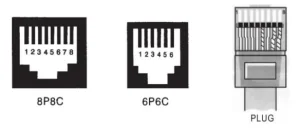
- Arrange the order of the network cables according to the T568B or T568A standard, insert each cable into the RJ45 plug in turn.
- Make sure that each wire is inserted in its corresponding position
- Insert the RJ45 plug into the crimping pliers, align the plug position, and press firmly. During the crimping process, ensuring that each pin is compressed and the compression force is uniform is necessary.
- Pull the network cable to check whether the plug is firm and the connection is stable.
- After the crimping is completed, use the TL-468 network tester to detect whether it was successful. The following is how to use the tester.
TL-468 NETWORK TESTER
Function
1. For twisted-pair 1, 2, 3, 4, 5, 6, 7, 8, G, every one will be tested, and distinguish which one (pair)will be false wiring, short circuit or open circuit.
2. TL-468 TEST: RJ45, RJ11
Twisted-pair testing: Push the FUNCTION key for 3 seconds to boot; meanwhile the AUTOlight will flash, and then you can carry out an automatic scan test. Insert wiring plugs into the primary tester and the remote tester, respectively, then the indicator lights of the mainframe from 1 to G will flash one after another.
Illustrate: major tester: 1-2-3-4-5-6-7-8-G
Remote tester:1-2-3-4-5-6-7-8-G(RJ45)
1-2-3-4-5-6———(RJ12)
–2-3-4-5————(RJ11)
1-2-3-4————–(USB)
1-2——————-(BNC)
If the connection is wrong, display as follows:
1. While one of the wiring is disconnected, such as 3, the primary and remote tester’s third indicator light will not light up.
2. While several wires are in the turnoff, the indicator lights will not light up. If the number of connected cables is less than 2, there will be no lit indicator lights.
3. If both ends of the wiring were connected, for example, the 2 and 4 are connected, and then show as follows:
Major tester normal: 1-2-3-4-5-6-7-8-G
Remote tester will be: 1-4-3-2-5-6-7-8-G
4. While there are two lines with short circuits, the foremost tester displays normal, and the two cressets of the remote tester are dim, indicating a short circuit. If there are more than three wires in short circuits, then the corresponding cresset will be unlit.
III. Press key “F” during testing to reset the first light, then restart the test. Return to the 1st light two seconds after pressing key “F” and enter the test of manual-step motion circulation, then press “F” once, the number of lights adds one in turn. It can repeat continuously unless you want to exit the process and return to the auto-circulation mode by pressing the key“F” for 2 seconds.
IV. If you want to turn off, push key “F” for more than 5 seconds at any mode. V. If the test is not in use, it will be off automatically after 20 minutes.
Warning
- Do not test network and telephone wires while connected to power; otherwise, the tester will be spoiled.
- The tester uses a 9V laminated cell. Please replace the battery if the lamp is too dim or the lamp jumps motionless.
- Do not test if the RJ45 plug is not pressed down thoroughly, otherwise the port will be spoiled.
- Please use the original fitting punch-down tool of high quality.
- Do not test the telephone connection without clearly indicating the RJ11 port; otherwise, it will spoil the port pin.
Crimp Tool Kit Safety and Maintenance
- Before using the crimping pliers, please confirm whether the selected cable and plug are suitable so as not to damage equipment or cause an unstable connection.
- When using crimping pliers, please operate carefully to avoid pinching your fingers. Before use, pliers should be inspected for looseness or wear.
- After use, please clean the surface of the crimping pliers immediately to prevent the accumulation of dirt from affecting the service life.
- Do not hit the crimping pliers with hard objects to avoid damaging the tool.
- Regularly check the screw fastening of the tool.
Made in China.
Recommended For Your Project
VEVOR RJ45 Crimp Tool Kit, Cat5e/Cat6/Cat6a Manual


Reviews
There are no reviews yet.