Choosing the right commercial printing tools starts with knowing your print needs. You want print equipment that fits your business needs and helps you deliver top-quality print jobs every time. Look at your print patterns. Count your average print volume.
Think about the materials you print most often. These key considerations help you find print equipment that matches your goals. Pay attention to cost and service, too. When you focus on these key considerations, you make an informed decision for your commercial print success.
Understand Your Printing Needs Before Choosing Equipment
Before investing in commercial printing tools, it’s essential to assess your current workload and anticipate future demands. Your printing patterns, materials, and turnaround expectations all influence the kind of equipment your business needs. Let’s explore the key factors that guide a smart purchase.
Evaluate Your Print Volume and Frequency
Start by observing how much you print on a weekly or monthly basis. Do you regularly handle large batches or just a few quick custom orders? High-frequency businesses will benefit from high-volume printing tools that can operate continuously with consistent results.
If you’re managing bulk jobs, consider top digital printing machines for bulk orders. These systems are designed to maintain performance under pressure and ensure quality output for every print run. Matching your equipment’s speed and durability to your workload is the first step toward a reliable and productive workflow.
Focus on Print Quality and Material Compatibility
If your clients demand sharp images and vivid colors, your equipment must deliver clarity and precision. Some digital printing equipment is excellent for rich graphics, while others are more suited for clean, text-heavy documents. Think about the materials you use—plain paper, glossy stock, vinyl, or thick cardstock.
The right printer should work seamlessly across all media. For businesses using specialty substrates, industrial printers offer better flexibility and endurance. Ensuring proper ink compatibility and material handling will guarantee lasting quality and customer satisfaction in every order.
Align Turnaround Time with Workflow Efficiency
Speed and workflow are critical to your success. If you’re under tight deadlines, fast machines will keep your schedule on track. Select equipment that integrates with your finishing tools—folding, binding, or packaging—for smooth transitions between tasks. The best commercial printing tools for small businesses support efficient, error-free workflows.
When your system flows naturally from print to finish, you avoid delays and stay ahead of client expectations. Planning for growth? Choose machines that can scale with your business, so you’re prepared to handle rising demand with ease.
Compare Commercial Printing Technologies Before Investing
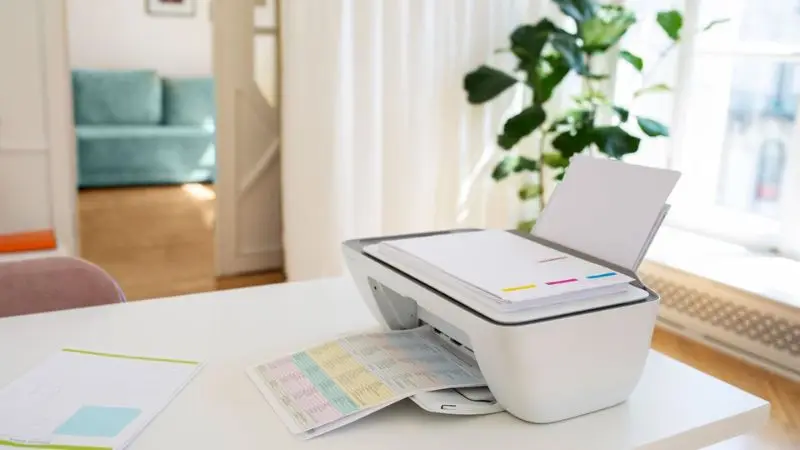
Every small business has different printing needs, so it’s important to understand what type of equipment suits your workload, materials, and quality goals. Commercial printing tools come in various forms—each one designed for a specific output, speed, and volume. Let’s break them down clearly.
Digital Printing: Ideal for Fast, Flexible Jobs
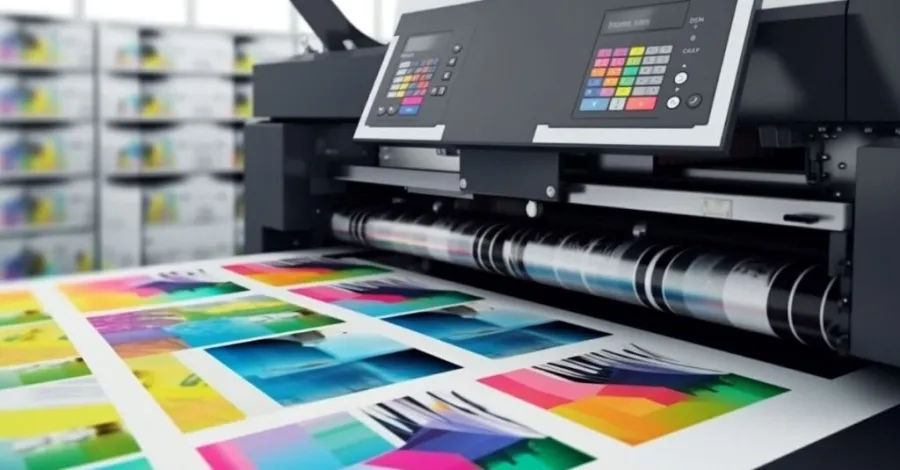
Digital printing equipment transfers images directly from a file to the paper. It’s fast, flexible, and ideal for short runs with fast turnaround. You can print flyers, business cards, personalized brochures, or one-off materials without needing an expensive setup.
It’s the go-to method for businesses that often change designs or update content quickly. These machines are also a smart choice for shops that serve local clients with daily custom orders. When paired with high-volume printing tools, they allow you to scale operations without sacrificing speed or clarity in your output.
Offset Printing: Great for Large, Consistent Runs
Offset printing is a traditional technique using plates and ink rollers to deliver sharp, uniform prints. It’s best for large orders that require consistent color quality across thousands of pages. Magazines, catalogs, and branded product booklets are usually done using offset presses.
These industrial printers offer a low cost per print once set up, which makes them ideal for volume-heavy operations. Although the setup is time-consuming, once it’s running, the process is smooth and reliable. Offset machines are a strong contender for businesses seeking affordable and scalable bulk printing.
Wide-Format Printing: Perfect for Signs and Graphics
Wide-format machines are tailored for oversized prints like posters, signs, vehicle wraps, and banners. These digital printing equipment types support different materials like canvas, vinyl, and heavy stock. The size, flexibility, and specialty inks allow businesses to create impactful, large-scale visuals. If your work involves visual promotions or storefront designs, these are the best commercial printing tools for small businesses targeting branding.
Additionally, tattoo stencil printers offer a specialized solution for creating precise, detailed stencils for body art. Keep in mind, however, that space and maintenance requirements might be slightly higher, so plan ahead when installing.
Production Printing Presses: Built for Demanding Workflows
When the volume is high and deadlines are tight, production printing tools offer unmatched reliability. These machines are designed for print shops that operate nonstop, printing thousands of pages daily. You’ll find them in busy environments where uptime matters.
For those handling high-traffic jobs—especially involving brochures or transactional documents—this equipment maintains performance and print quality over long runs. As high-volume printing tools, they’re the backbone of commercial printers. Though they have higher upfront costs, they more than make up for it with speed and durability.
How to Match Print Tools to Your Workflow
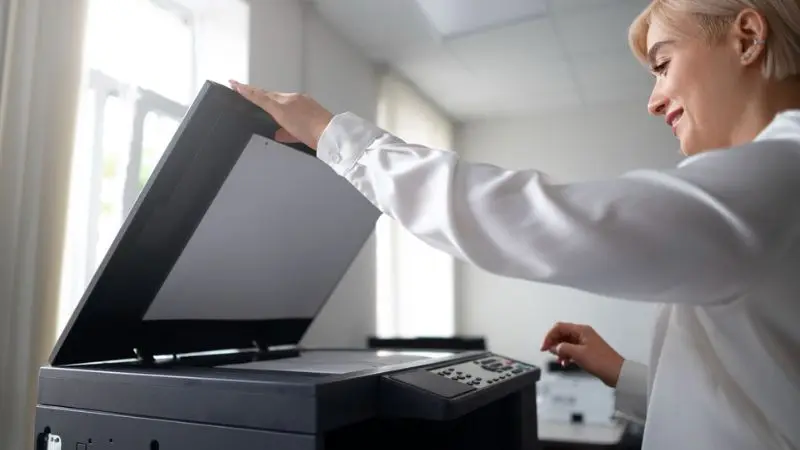
Your print shop is only as efficient as the tools you use. Selecting the right equipment involves more than comparing specs—it’s about aligning those capabilities with your daily operations, materials, and future goals. Below are key points that help shape your decision.
Match Equipment Features to Your Daily Output
Your average workload determines the machinery you need. If you print often throughout the day, your business needs top digital printing machines for bulk orders or even industrial printers designed for high-demand use. For lighter workloads with varied designs, smaller digital models will suffice.
The idea is to balance speed, reliability, and quality based on your job pattern. Investing in the right tools not only improves delivery time but also boosts customer satisfaction. By accurately evaluating your typical volume, you’ll avoid bottlenecks while preparing for future growth.
Choose Equipment That Matches Your Desired Print Quality
When quality matters, your equipment must reflect that priority. If your business prints graphic-heavy items or colorful promotional content, high-resolution digital printing equipment is essential. For long runs with consistent branding, offset print equipment offers better uniformity and color fidelity.
Keep in mind that clients often judge businesses by their print quality. Choosing the right machine will ensure sharp images, legible text, and vibrant visuals. Whether you print invoices or vivid ads, matching quality expectations with the right gear is key to repeat business and brand consistency.
Consider Material Flexibility and Print Surfaces
Your print materials directly impact which machine fits your needs. Some equipment handles only paper, while others print on vinyl, synthetic sheets, or textiles. If your business includes signage, fabric tags, or stickers, you’ll need wide-format print equipment.
This flexibility ensures you’re not limited when meeting custom client demands. Versatile machines allow you to expand into new niches or offer premium printing services. Choosing tools that accommodate various materials means fewer restrictions and more revenue opportunities in a competitive market.
Evaluate Integration and Choose the Right Print MIS System
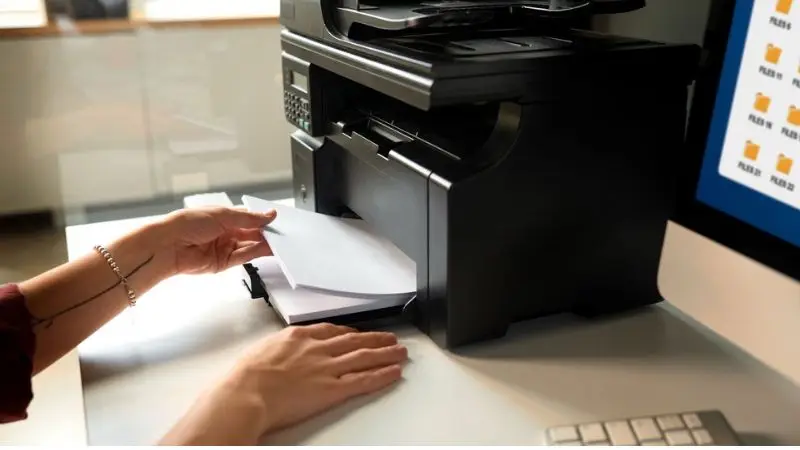
Once your printing needs are defined, the next step is ensuring your tools can work together. New equipment should blend smoothly into your current system, and your software must grow with your business. Integration and scalability are essential for lasting success.
Ensure Workflow Compatibility Between Systems
Introducing new machines into your shop can either boost your process or interrupt it. That’s why it’s vital to choose digital printing equipment that supports your existing software. Poor compatibility can lead to lost time, missed orders, or breakdowns in communication. Look for equipment that supports your current design tools and workflow systems.
Ask vendors if their hardware works with your software or requires drivers. Smooth integration means fewer issues and faster turnaround. The best commercial printing tools for small businesses are ones that work in harmony with your entire process, from design to final output.
Use a Print MIS System to Stay Organized and Efficient
A print management information system (MIS) can transform how your shop operates. It lets you monitor all active jobs, track inventory, and even check ink levels remotely. With real-time alerts, you can fix problems before they delay production. Many shops pair their MIS system with high-volume printing tools to streamline delivery and reduce manual errors.
You’ll know what’s being printed, who’s printing it, and how soon it’ll be ready. An MIS system improves visibility, especially for fast-paced orders. Even small businesses using top digital printing machines for bulk orders find value in managing every step with precision and speed.
Choose Scalable Systems for Long-Term Growth
Growth should never be blocked by outdated systems. As your business evolves, you may need more industrial printers, faster production, or wider material support. Your print MIS and hardware should evolve with you. Choose solutions that let you connect more machines, update features, or add modules without starting over. Scalable systems help you stay competitive as demand rises.
Whether you’re expanding into flyers or custom vinyl signage, your tools must adapt quickly. Future-ready solutions allow you to say “yes” to new opportunities without fear of delay or system overload.
Analyze Long-Term Costs and Vendor Support Carefully
Selecting the right printing equipment goes beyond just specs and upfront prices. A smart buyer evaluates all long-term expenses and chooses vendors who provide real, ongoing support. This section will help you weigh both cost and service before making an investment.
Understand the Full Cost of Owning Print Equipment
The cost of a printer isn’t just what’s on the price tag. It also includes the long-term cost of supplies, maintenance, and energy. A budget machine might seem like a deal, but it can become expensive if it uses high-cost toner or breaks down regularly.
For example, many industrial printers come with lower per-page costs but need scheduled upkeep. Consider how frequently you print and whether your supplies are easily available. Businesses using top digital printing machines for bulk orders must think ahead. Understanding the total cost helps you avoid unexpected charges and ensures your machine is profitable in the long run.
Pick a Commercial Printer That Matches Your Business Goals
Your ideal printer depends on what your business does every day—and what it might do in the future. Do you handle mass production or custom pieces? Does your work involve glossy cardstock or wide banners? The best commercial printing tools for small businesses are those that fit specific needs.
Ask if the printer can grow with your business or if it’s limited to one task. A machine that supports expansion and material flexibility ensures you’re not boxed in. Matching your printer’s features with your actual workflow saves money, boosts output, and helps you serve more clients reliably.
Choose Vendors Who Offer Strong Service and Support
Reliable vendor support is a critical part of owning any kind of digital printing equipment. Breakdowns happen, and when they do, you want fast answers and available parts. A helpful vendor offers clear communication, timely service, and the ability to help you troubleshoot issues remotely. Good vendors don’t disappear after the sale; they become a partner in your operation.
Whether you’re printing booklets or promotional banners, downtime hurts your reputation. That’s why great service should be a key decision factor, right alongside performance and price. Support is peace of mind for your investment.
Wrap Up
Choosing the right commercial printing tools for your business requires careful consideration of your print volume, quality needs, and materials. By understanding your specific requirements, you can select equipment that enhances your workflow and meets client expectations. Don’t forget to factor in the total cost of ownership, including maintenance and supplies, as well as vendor support.
Whether you’re focused on high-volume production or custom projects, aligning your tools with your goals ensures long-term success. With the right planning and tools, your business will be well-equipped to grow and thrive in the competitive print industry.
FAQ
Which is the most suitable kind of printer for small businesses?
The thing is that you could begin with a digital printer. It is efficient in short runs and quick jobs. Digital printers are user-friendly, and they do not require a lot of settings. They are also compact.
What is the recommended frequency of scheduled maintenance of my commercial printer?
Do a monthly check of your printer. Wash it and check for any issues. A complete check-up should be done on most printers annually or biannually. Routine maintenance helps your printer work with no problems and prevents major repairs.
Is it possible to print on some material other than paper?
Yes! Several business printers will allow you to print Vinyl, card stock, cloth, or even plastic. Before getting into a panic, it is always best to check the manual of your printer. Certain inks or settings in other materials are required of some printers.
What are the factors to consider in a print MIS?
- Easy to use
- Tracks jobs and inventory
- Connects with your printer
- Gives real-time updates
A good print MIS system helps you stay organized and finish jobs on time.