
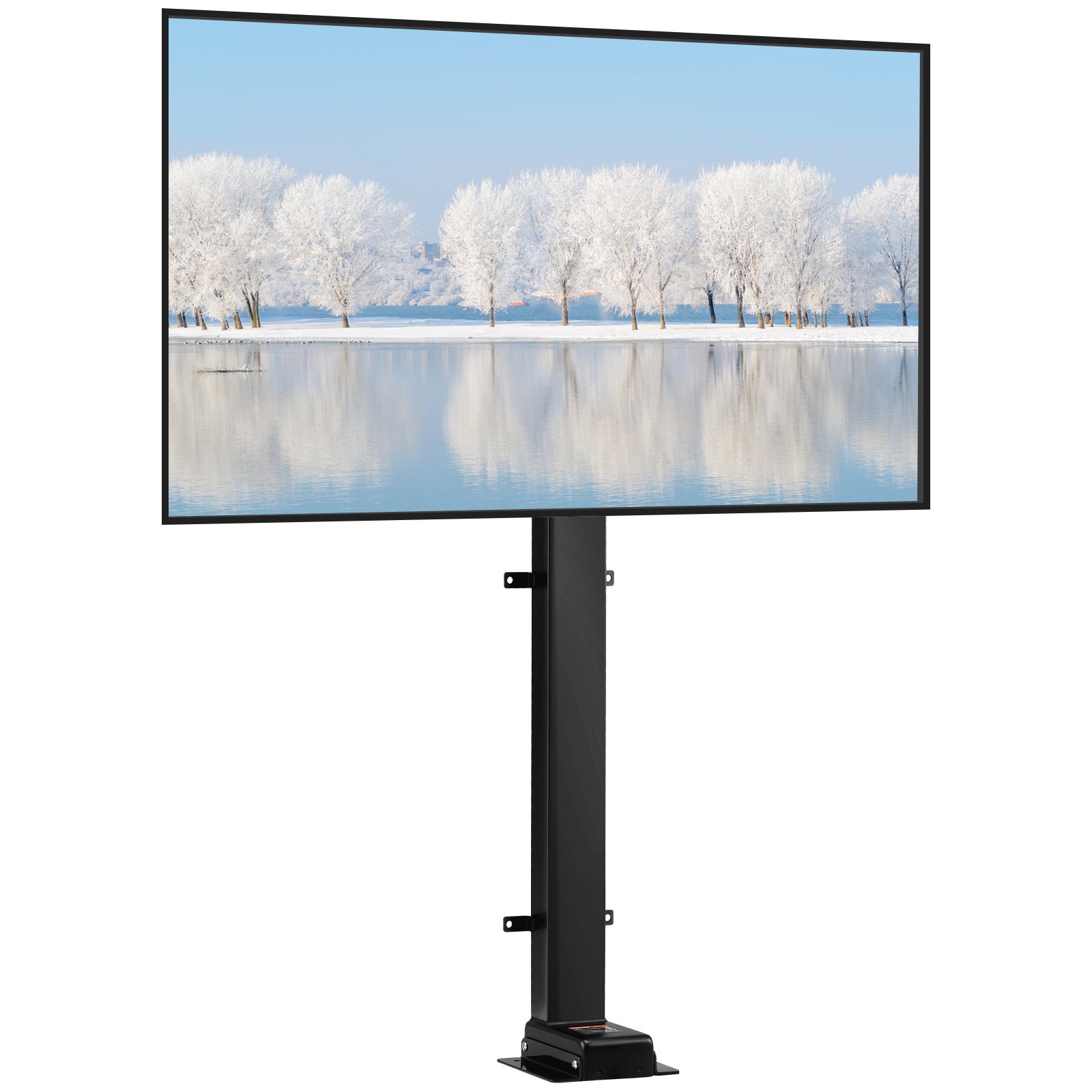
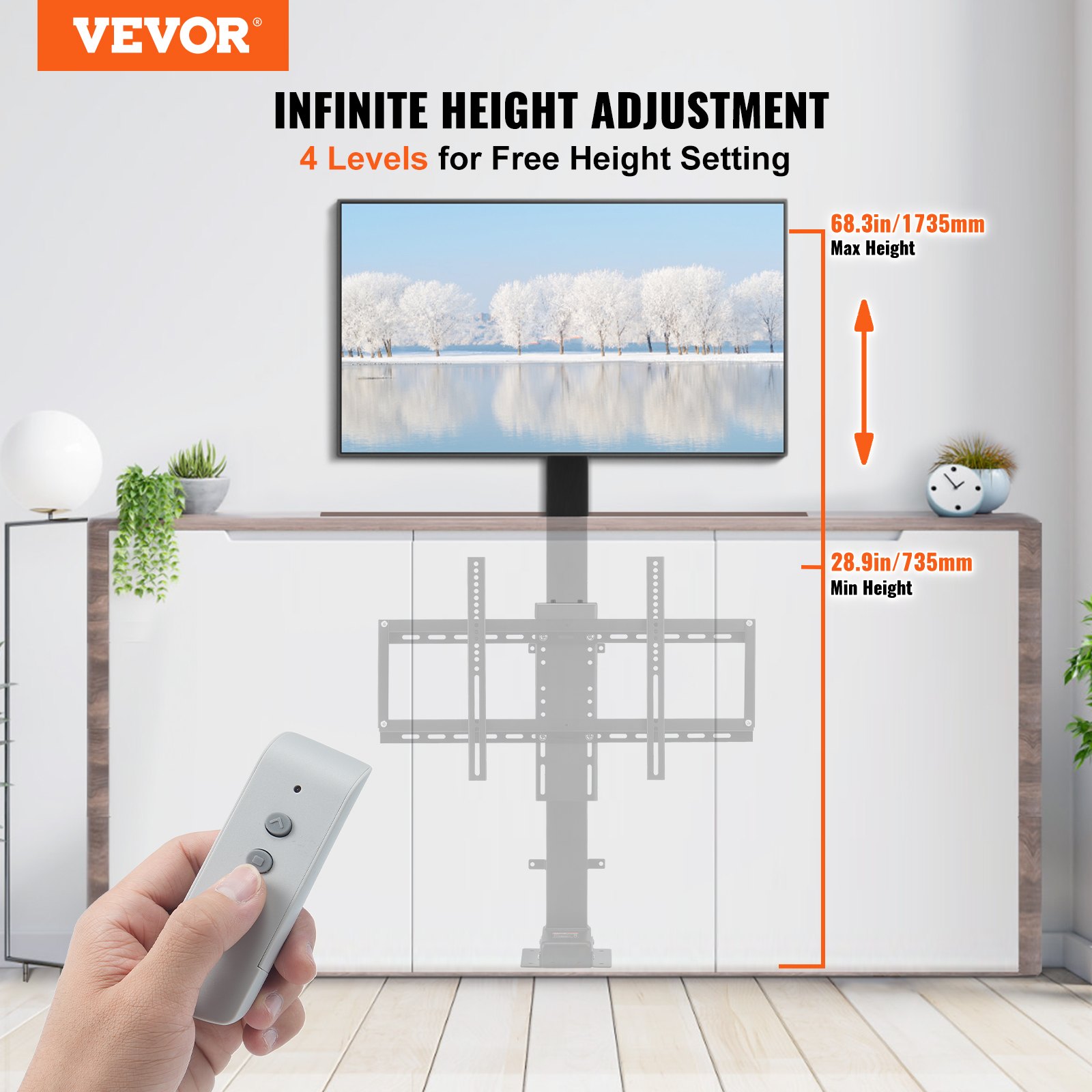
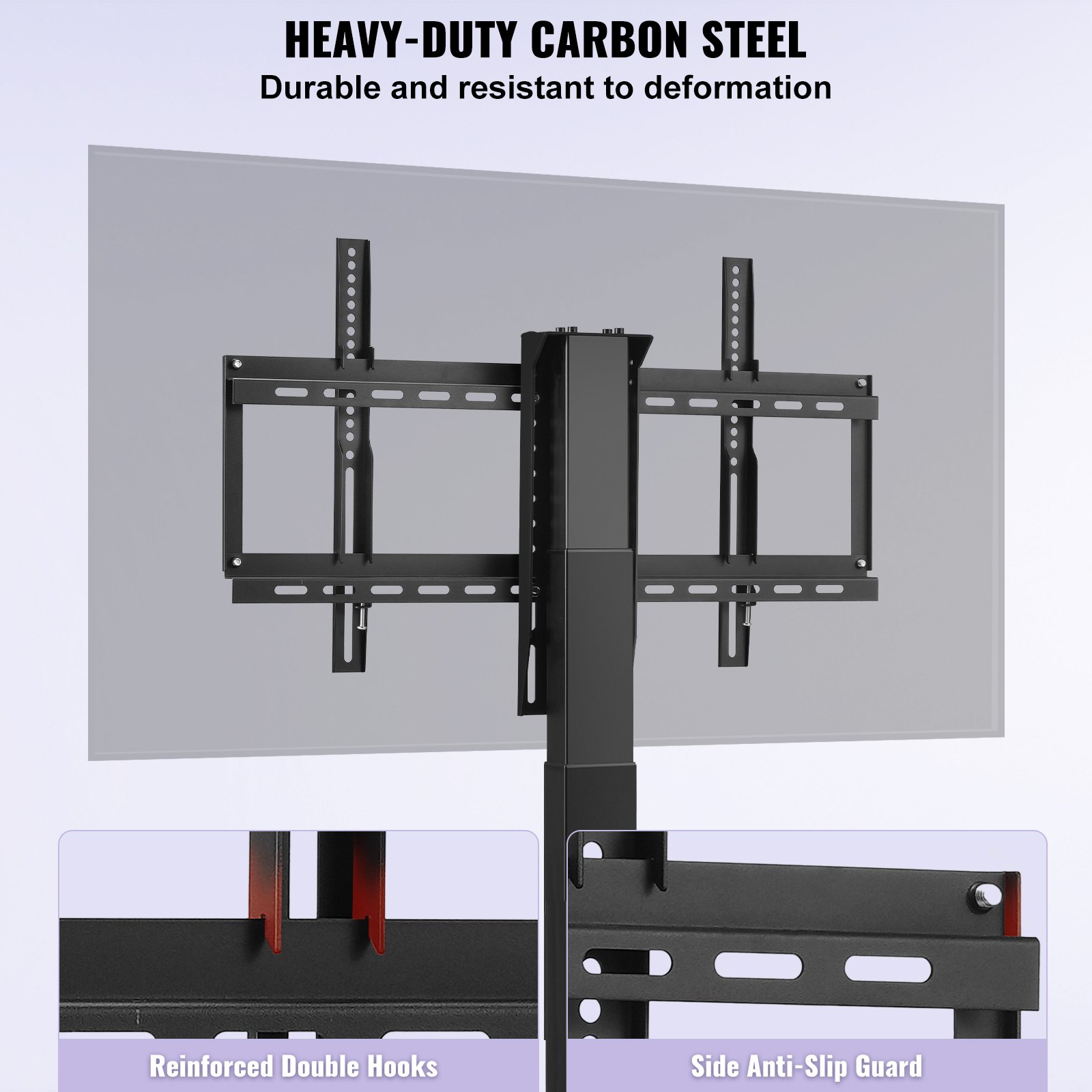
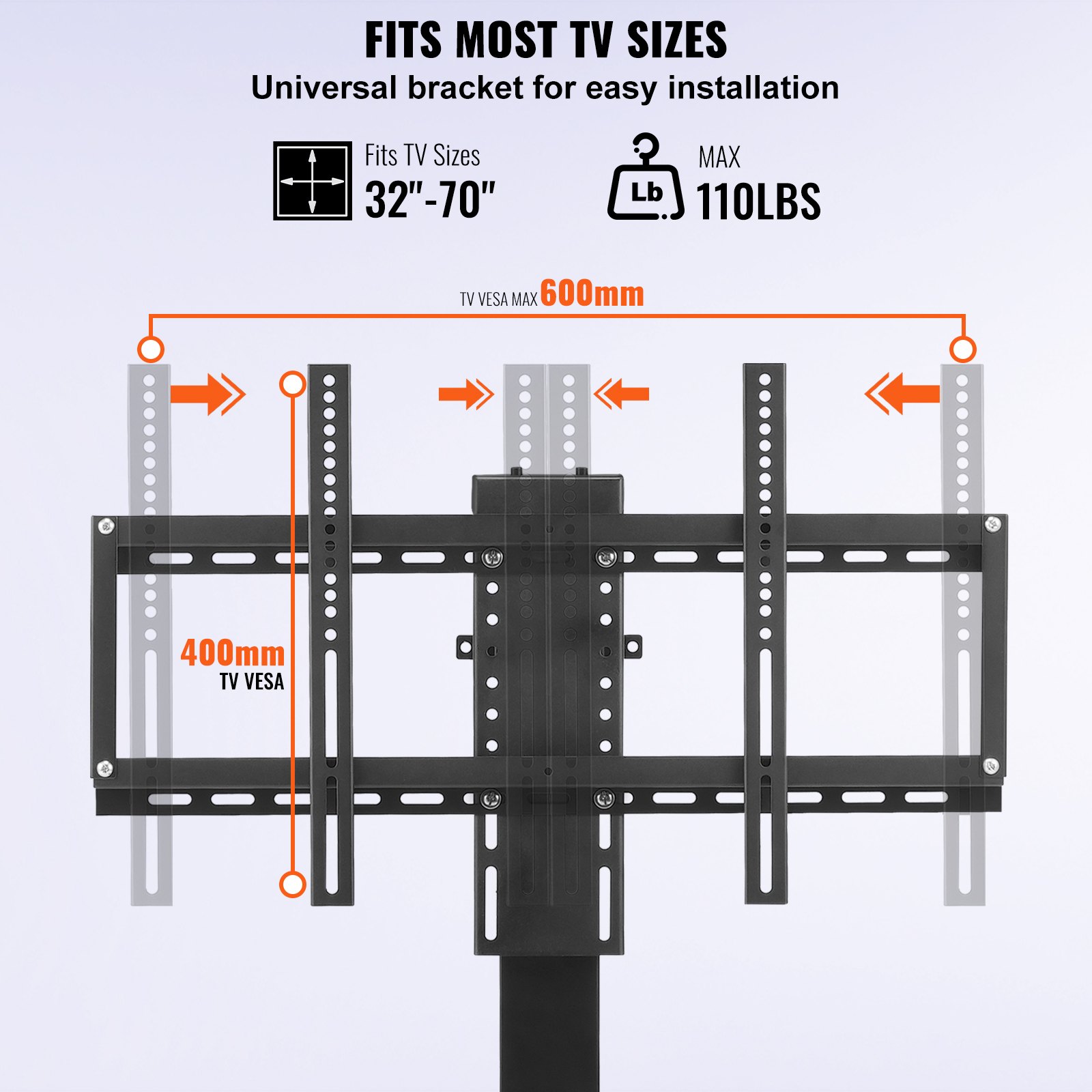
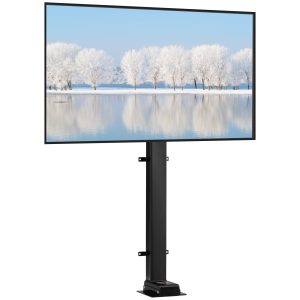
Unlock the full potential of your VEVOR Swivel Motorized TV Lift with our comprehensive product manual. Designed for TVs ranging from 32 to 70 inches, this motorized TV mount offers a stroke length of 40 inches and a load capacity of 154 lbs.
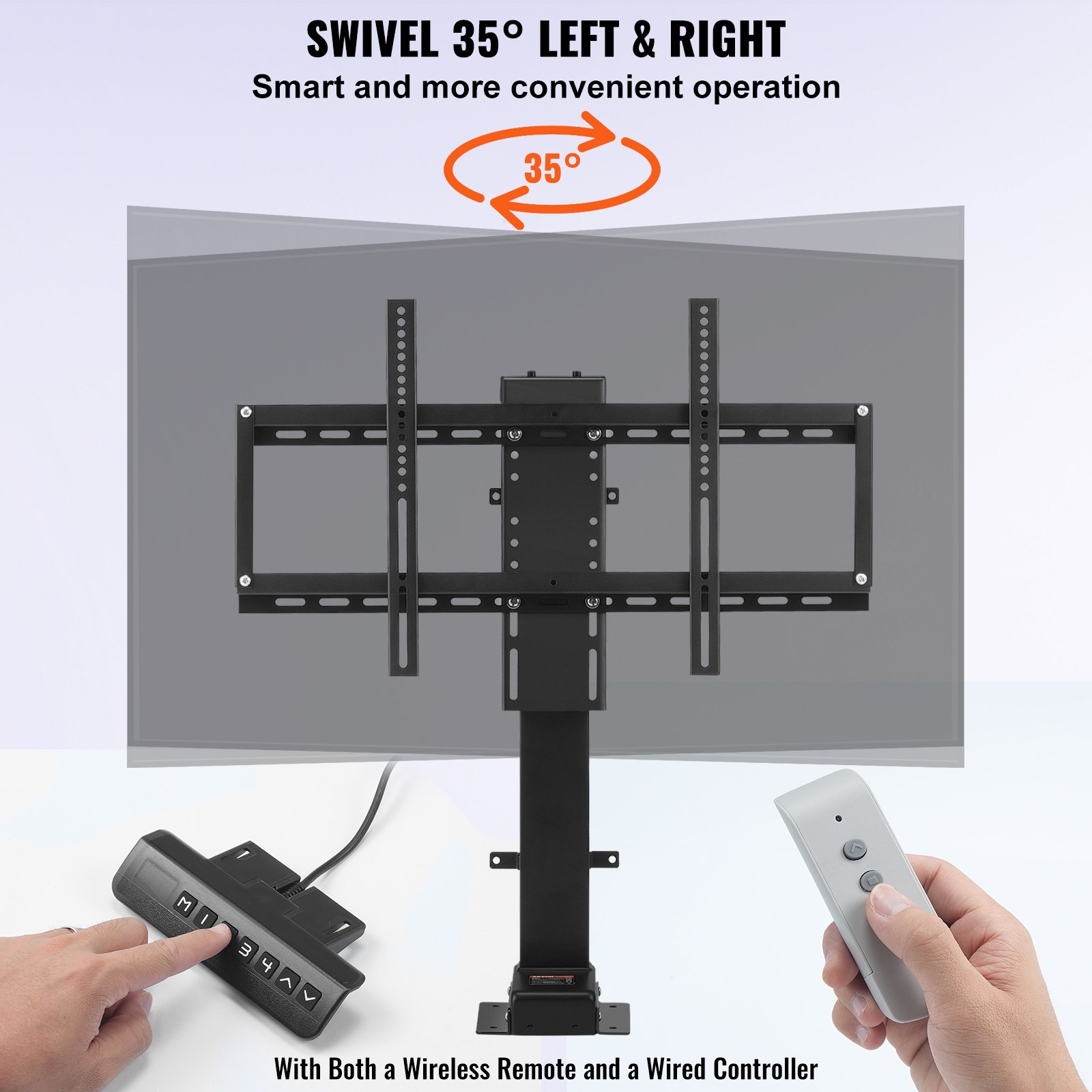
With effortless height adjustment from 28.74 to 68.11 inches and a manual swivel of 30° left or right, this TV lift is perfect for any setup. Our user detailed manual provides step-by-step guidance for setup, troubleshooting, and optimization, ensuring you get the most out of your TV lift.
Whether you’re a seasoned installer or a first-time user, our manual is user-friendly, professionally written, and packed with helpful tips to make your installation seamless. Download today and experience the ease and convenience of having all the information you need at your fingertips.
VEVOR TV Lift Installation Manual
Packing list
Hardware Section
01 Lifting Column ———————————————————— 1PCS
02 TV Mounting Seat ——————————————————– 1PCS
03 TV Bracket (vertical) —————————————————– 2PCS
04 TV Bracket (transverse) ————————————————- 2PCS
05 TV Bracket connecting rod ———————————————- 2PCS
Control Section
06 Control Box ————————————————————— 1PCS
07 Remote Controller —————————————————— 1PCS
08 Transit line A ————————————————————– 1PCS
09 Power Adapter ———————————————————– 1PCS
10 Power Line —————————————————————- 1PCS
11 Transit line B ————————————————————– 1PCS
Accessory Package
12 Bolt+Nut M8x20 ——————————————————— 4PCS
How to install the TV Lift.
- Connect two TV brackets (transverse) with a TV bracket connecting rod.
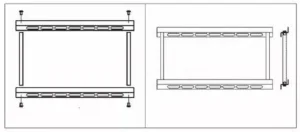
- Install the frame to the TV Mounting Seat with a bolt + nut (Parts: 4pcs M8x20).
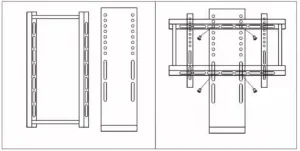
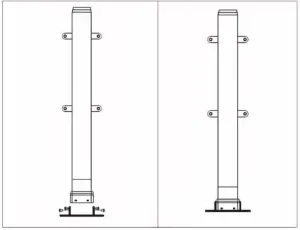
- Install the base to the Lifting Column (Parts: 4pcs M6x12).
Installation Precautions & Use Instructions
Installation Precautions
-
Work on a Stable Surface – Assemble the unit on a flat, stable floor to prevent tipping or misalignment.
-
Handle Components with Care – Avoid dropping or striking the lifting column or brackets to prevent damage.
-
Use Correct Tools – Only use the recommended tools for bolts and nuts to avoid stripping threads or overtightening.
-
Follow the Sequence – Install parts described in the instructions to ensure proper fit and stability.
-
Check Bolt Tightness – Ensure all bolts and nuts are fully tightened, but do not overtighten to prevent thread damage or bending parts.
-
Secure Power Connections – Ensure all cables are correctly connected and secured before powering on the lift.
-
Avoid Pinching Hazards – Keep hands and fingers away from joints and moving parts during installation and testing.
-
Install in a Safe Location – Position the TV lift away from moisture, heat sources, and heavy foot traffic areas.
-
Two-Person Assembly Recommended – Due to the weight and size of components, have at least two people for assembly to prevent injury or damage.
-
Final Inspection – After installation, ensure the lift moves smoothly without obstruction before mounting the TV.
Use Instructions
-
Check Package Contents – Verify all parts listed in the packing list are included and undamaged.
-
Assembly Preparation – Lay all components flat and prepare the bolts, nuts, and tools.
-
Step-by-Step Installation:
-
Step 1: Connect the two TV Brackets (transverse) with the TV Bracket Connecting Rod.
-
Step 2: Install the frame to the TV Mounting Seat using 4pcs M8x20 bolts + nuts.
-
Step 3: Attach the base to the Lifting Column using 4pcs M6x12 bolts.
-
-
Cable Connection – Connect the Control Box to the Lifting Column and power supply. Attach the Transit Lines (A & B), Power Adapter, and Power Line as instructed.
-
Operating the Lift – Use the Remote Controller to raise or lower the TV lift. Ensure no obstacles block the mechanism during operation.
-
Safety During Use – Do not exceed the maximum load capacity. Remove hands, tools, and cables from moving parts—disconnect power before performing maintenance.
-
Maintenance – Periodically inspect and tighten bolts and nuts. Clean the unit with a soft, dry cloth; avoid water or harsh chemicals.
Recommended For Your Project
VEVOR Swivel Motorized TV Lift Stroke Length 40 Inch Manual
Reviews
There are no reviews yet.