
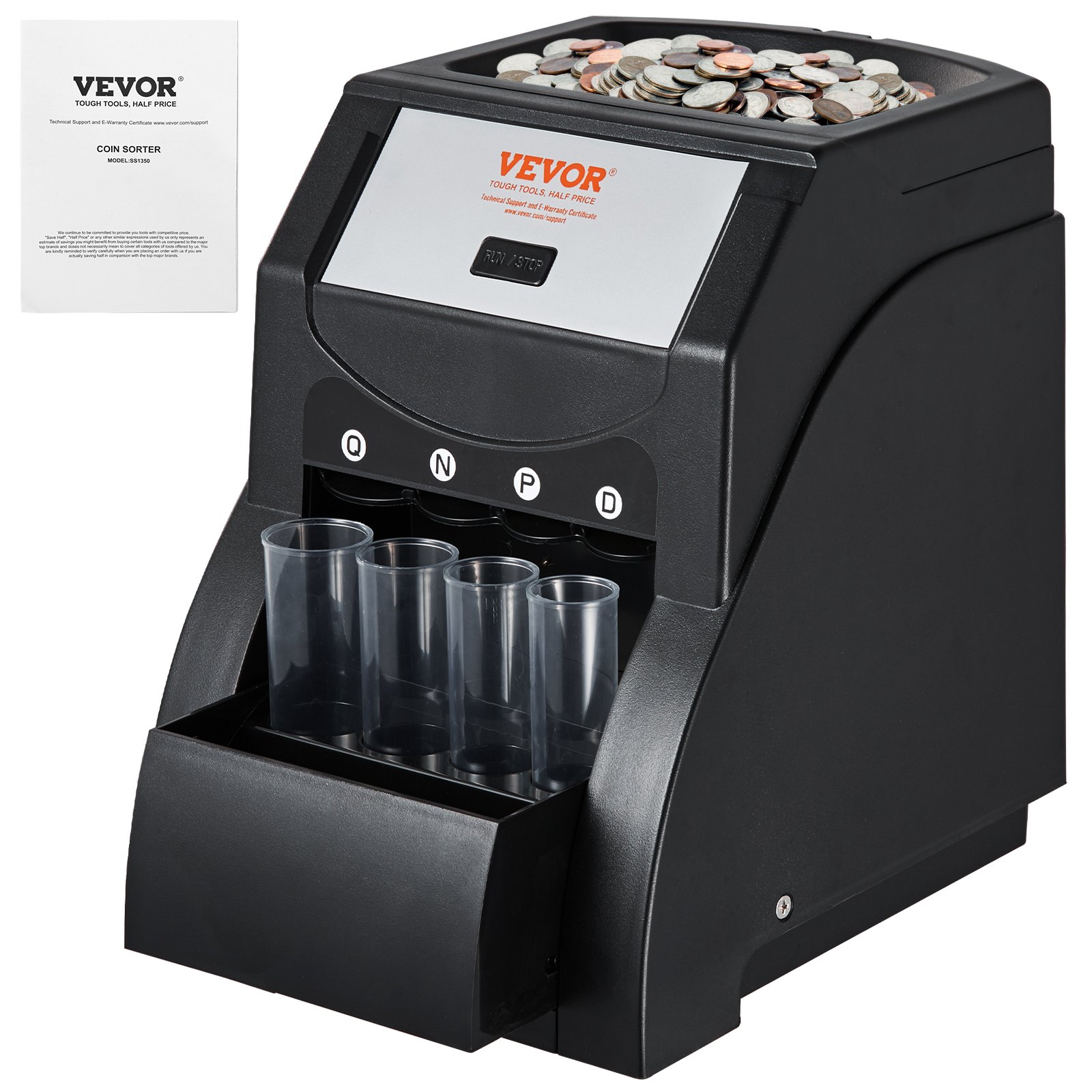
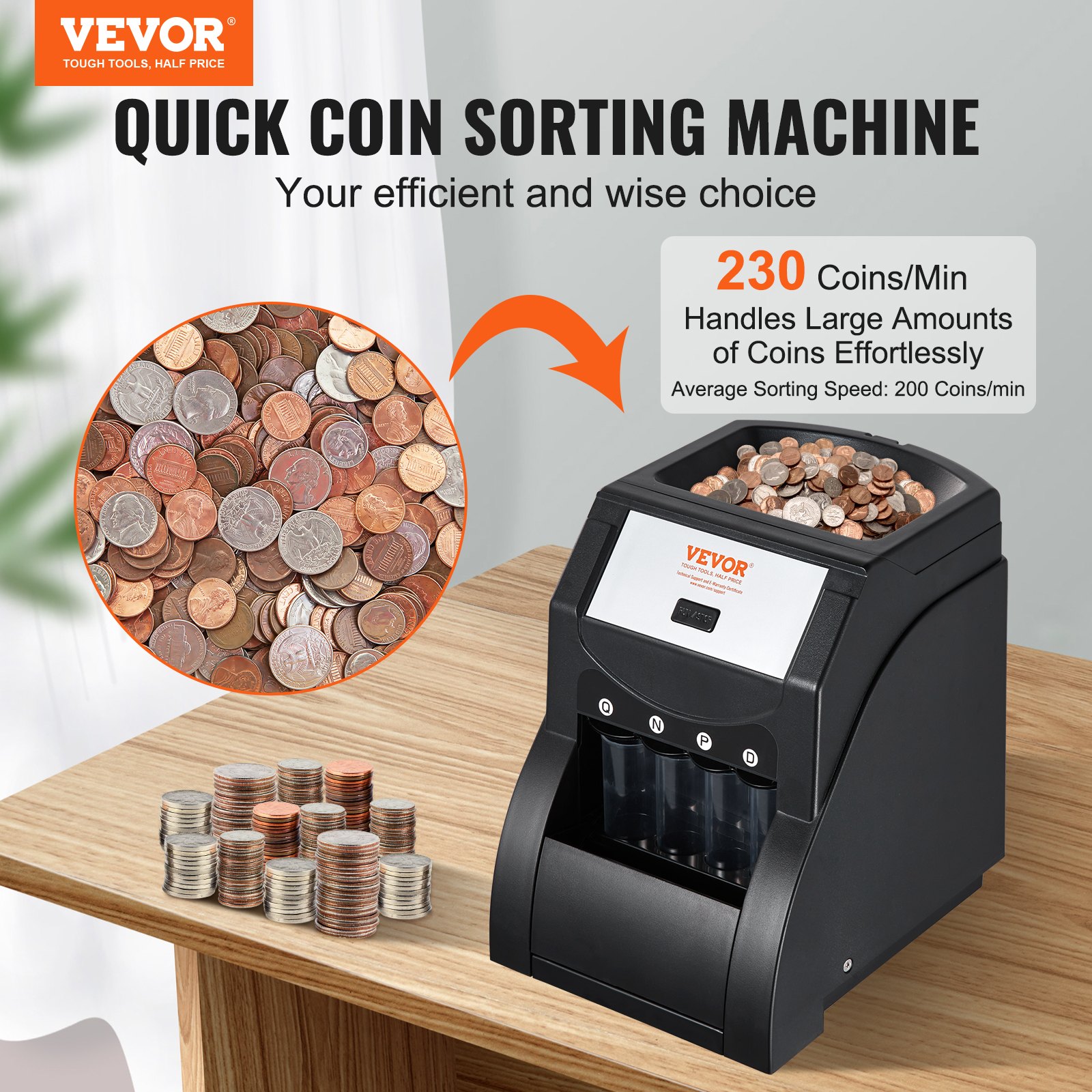
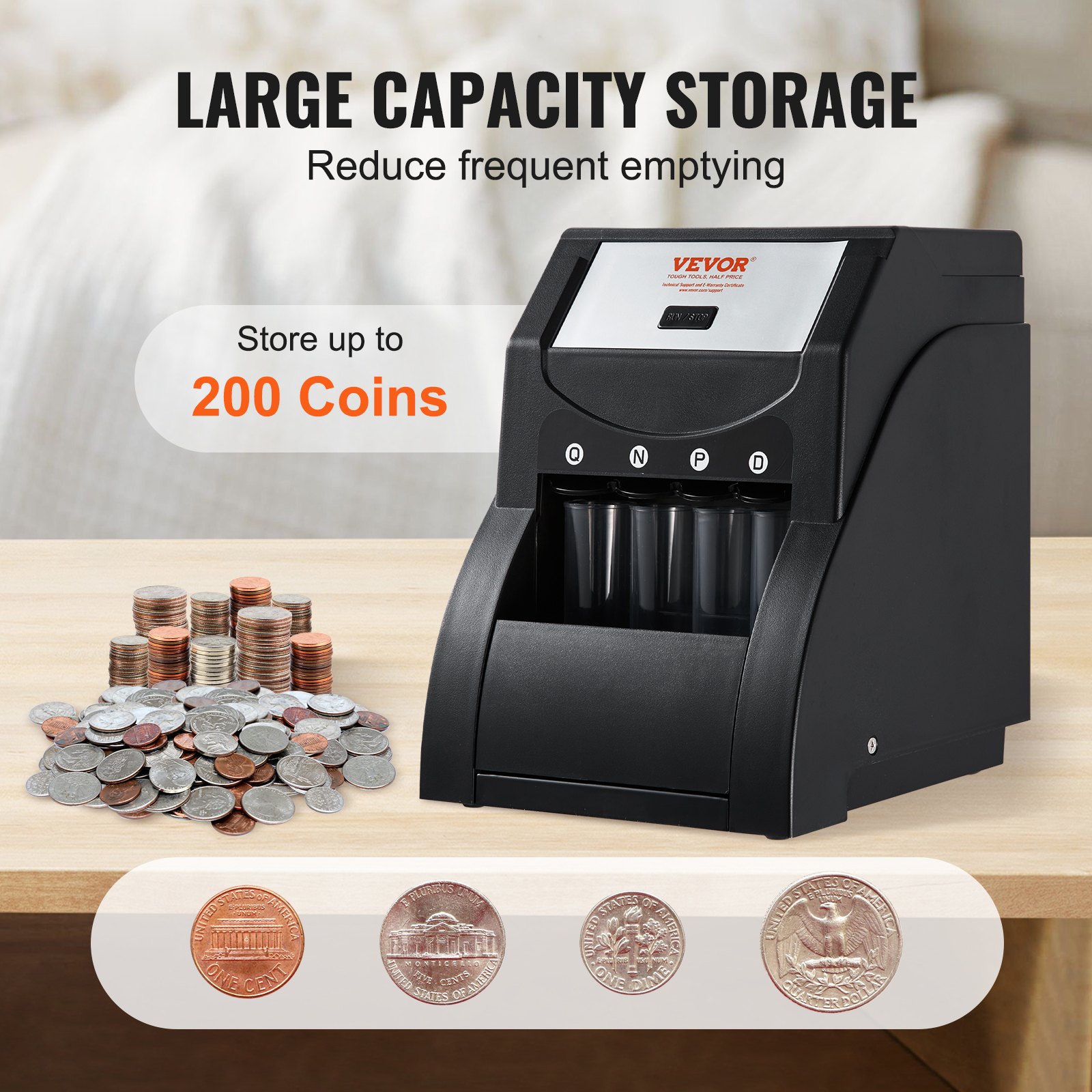
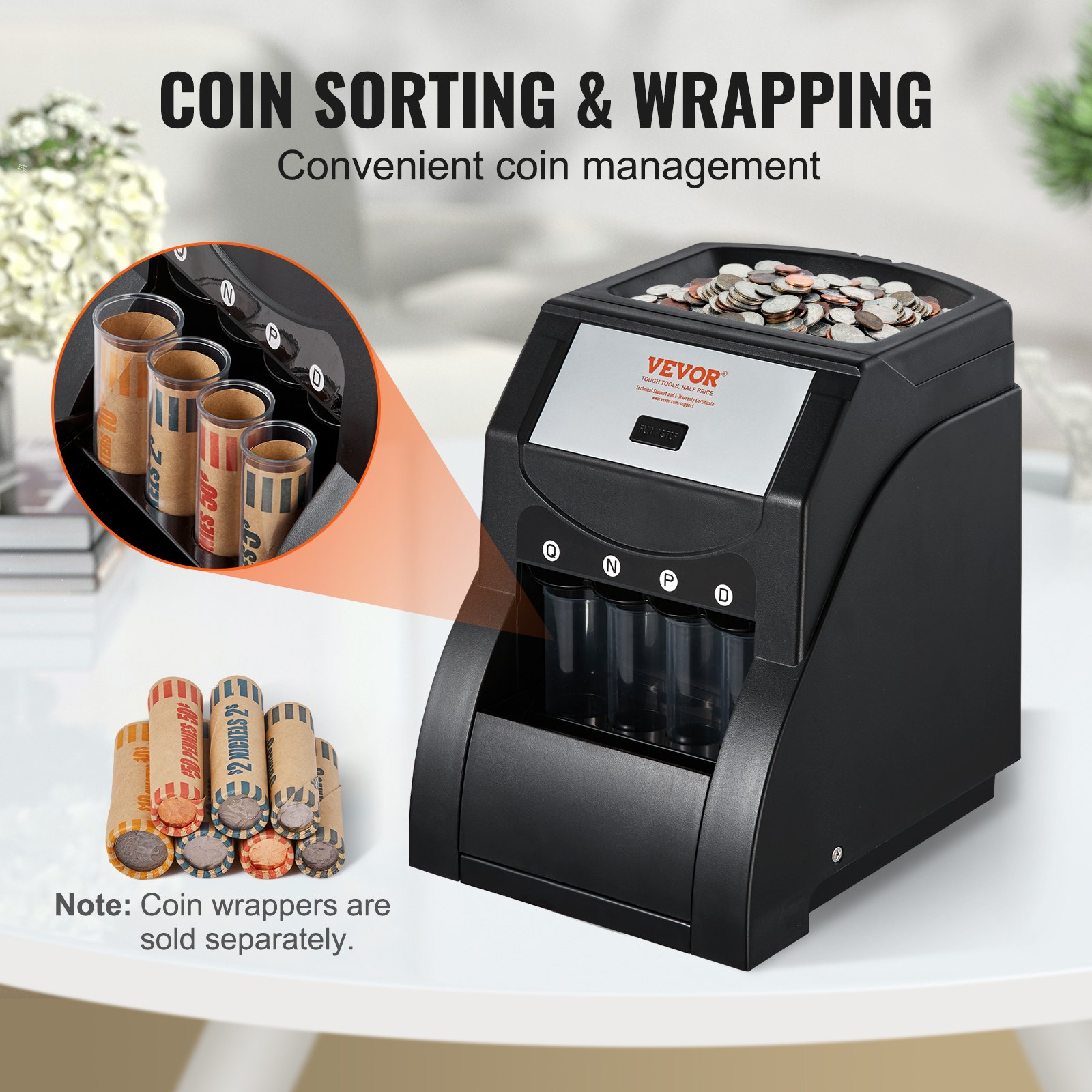
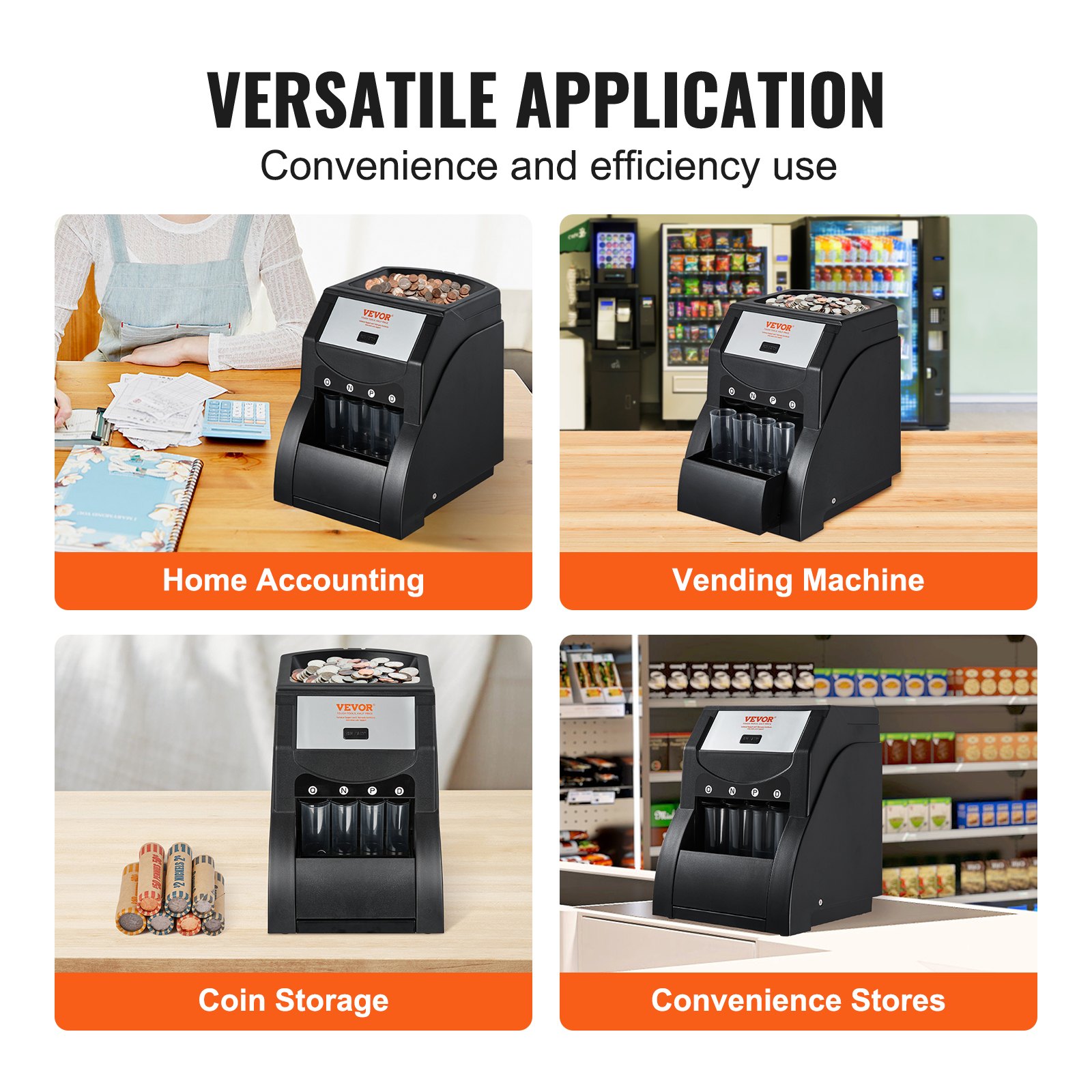
Discover the ultimate solution for managing your coin sorting needs with the VEVOR USD Coin Sorter. This powerful coin sorter machine for USD coins, including 1¢, 5¢, 10¢, and 25¢ denominations, is engineered to streamline your coin handling process. This machine can sort up to an impressive 230 coins per minute and ensures maximum efficiency and accuracy. The VEVOR Coin Sorter and Wrapper Machine has four coin tubes and boasts a robust capacity, holding up to 200 coins simultaneously.
Our comprehensive product manual is designed to help you unlock the full potential of your VEVOR Coin Sorter. It provides step-by-step instructions for setup, troubleshooting tips, and optimization strategies to ensure seamless operation. Whether you’re a business owner, a financial professional, or someone who handles large quantities of coins, this manual is invaluable.
Download now to enhance your experience with the VEVOR USD Coin Sorter, and enjoy the ease and convenience of expert guidance at your fingertips.
MODEL: 1550
This is the original instruction. Please read all manual instructions carefully before operating. VEVOR reserves the right to interpret our user manual.
The appearance of the product shall be subject to the product you received. Please forgive us for not informing you again if there are any technology or software updates on our product.
WARNING!
For your safety, it is critical that you always follow the simple precautions as below:
- Do not operate the USD coin sorter if it is damp. Operating it under wet, damp conditions can lead to an electrical shock hazard that might result in serious injury.
- Use only the same type and rating when replacing a fuse. An incorrect fuse can cause a potential fire hazard if a higher rating Fuse is used.
- Ensure the machine and the domestic mains supply system have the same voltage. An incorrect supply voltage could cause a potential fire hazard.
- Turn off and unplug the power before performing maintenance.
- Do not start the machine when the back cover is open.
- Do not put your fingers inside the hopper or channel when the machine operates.
- Turn off and unplug the power when not used for a long time.
- Should you have any doubts, don’t hesitate to contact your local distributor or sales agent for further advice.
SAVE THESE INSTRUCTIONS
- To reduce the risk of electric shock, do not disassemble this product. Please take it to qualified service personnel when service or repair work is required. Opening or removing covers -like the rear cover plate- may expose you to dangerous voltages or other risks. Incorrect re-assembly can cause an electric shock when the appliance is subsequently used.
- Only use the cable provided with the unit. Using other cables may result in an electric shock, fire, or cause serious damage to the unit. If the supply cord is damaged, it must be replaced by the manufacturer, service agent, or similarly qualified persons to avoid a hazard.
- Do not use the unit if the power cord is damaged or if the plug socket contact is loose. Not following these instructions may result in electric shock, fire, or other hazards.
- Do not place heavy objects over the cord, and do not bend it excessively, as this could damage it. Not following these instructions may result in electric shock, fire, or other hazards.
- This equipment is unsuitable for use in locations where children are likely to be present.
- The product’s power cord should be connected to a socket outlet with a heating connection.
SAVE THESE INSTRUCTIONS
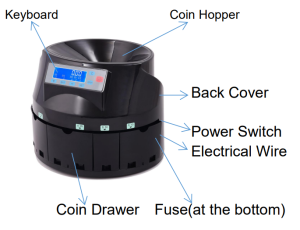
USD COIN SORTER OVERVIEW
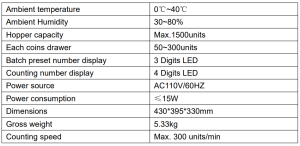
SPECIFICATION
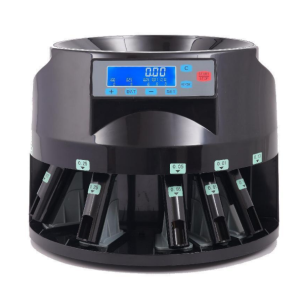
USD COIN SORTER OPERATION
- Ensure the machine is put on a level surface and then turn it on.
- Set an expected batch.
Each channel can be set to an expected batch (from 0 to 999). Press the“SET” key to select the channel, and the “BAT” key, “+” key, and “-” key to set the expected batch number.
Note 1: If some channels set the batch to 0, the machine will not stop this channel even if the drawer is full, unless the “START/STOP” key is pressed or no condition drops through the channel within 20 seconds.
Note 2: Press the “-” key for 7 seconds to set all channels to batch 0.
- Start counting
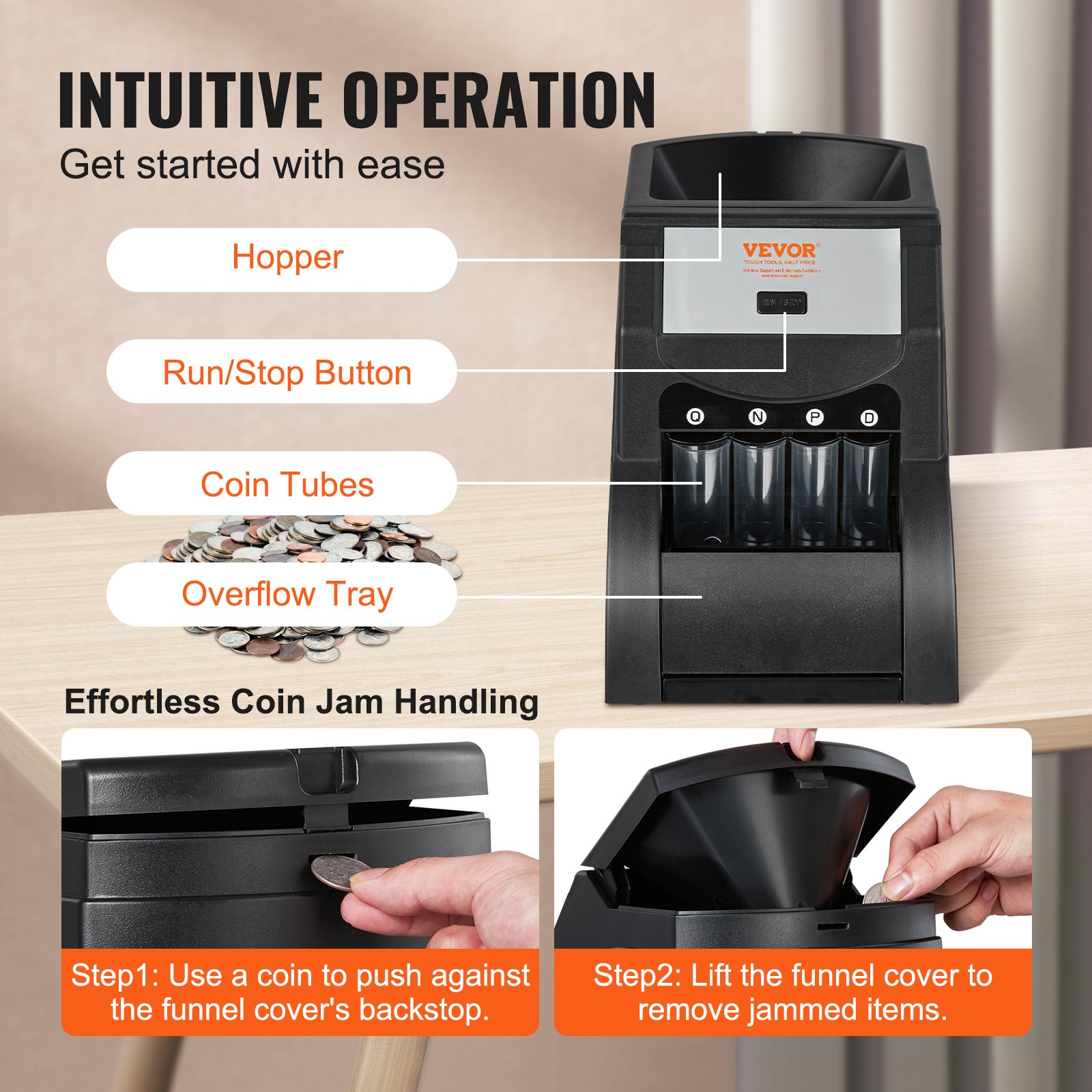
Put coins in the hopper, and press the “START/STOP” key to start counting. Use the “START/STOP” again to stop the counting.
- Check the report
Press the “REPORT” key circularly when the machine is in the standby state to check the counting results of each channel. Press the “C” key to exit this checking procedure.
Coin tube attachments
- This machine allows you to use coin tube attachments. After sorting, you can wrap the coins with standard paper rolling wrappers.
- The operation is the same as above.
MAINTENANCE
WARNING! TURN OFF THE MACHINE AND UNPLUG THE POWER BEFORE THE FOLLOWING MAINTENANCE!
- Foreign objects falling into the hopper can cause jamming or damage to the machine! Please avoid letting foreign objects fall into the hopper. To remove a foreign object, just open the back cover and pick it out.
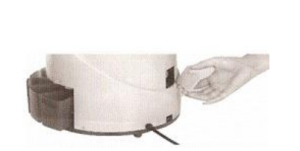
- To remove the coin jamming, as the following pictures show, use a finger to push up the jammed coin and let it fall out from the gap between the channels.
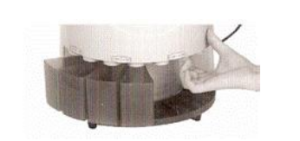
- If the machine is switched on, the electron undergoes a test itself. It may result in one of the following error messages:
EA: This means the optical sensor is blocked: stop the machine and remove the back cover, then turn the carry tray with your hands, by outer light, you see the glass on the top left corner, then clear the dust on the glass. Because there is too much dust on the glass, it affects the optical sensor’s work.
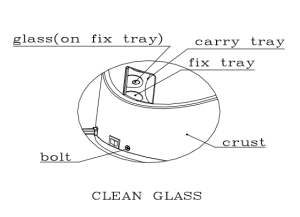
If the machine often appears EA, it may be due to the working environment, leading to too much dust in the inner part of the machine, and it needs to be cleaned. a: Switch off the machine and cut down power. b: Remove the 3 bolts on the bottom of the crust, and remove the crust. c: Clean dust, and end to reset.
E1…E8 means the count sensor is blocked. (According to the coin diameter, it ranges from short to long range). E9 means the running sensor is blocked.
The machine must be repaired if it has no effect after cleaning the inner parts and sensors.
Recommended For Your Project
VEVOR USD Coin Sorter, Coin Sorter Machine for USD Coin 1¢ 5¢ 10¢ 25¢, Black Manual


Reviews
There are no reviews yet.