
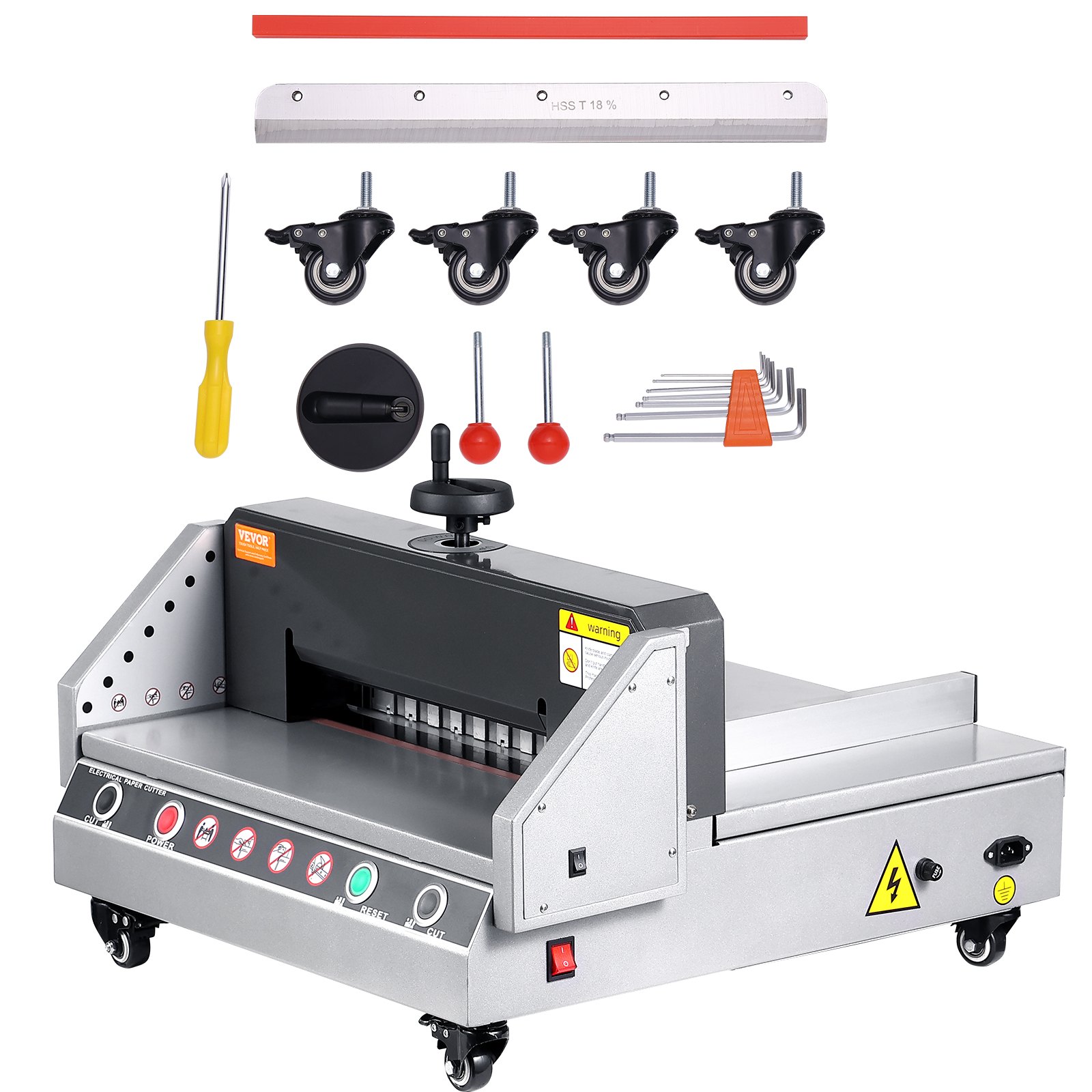
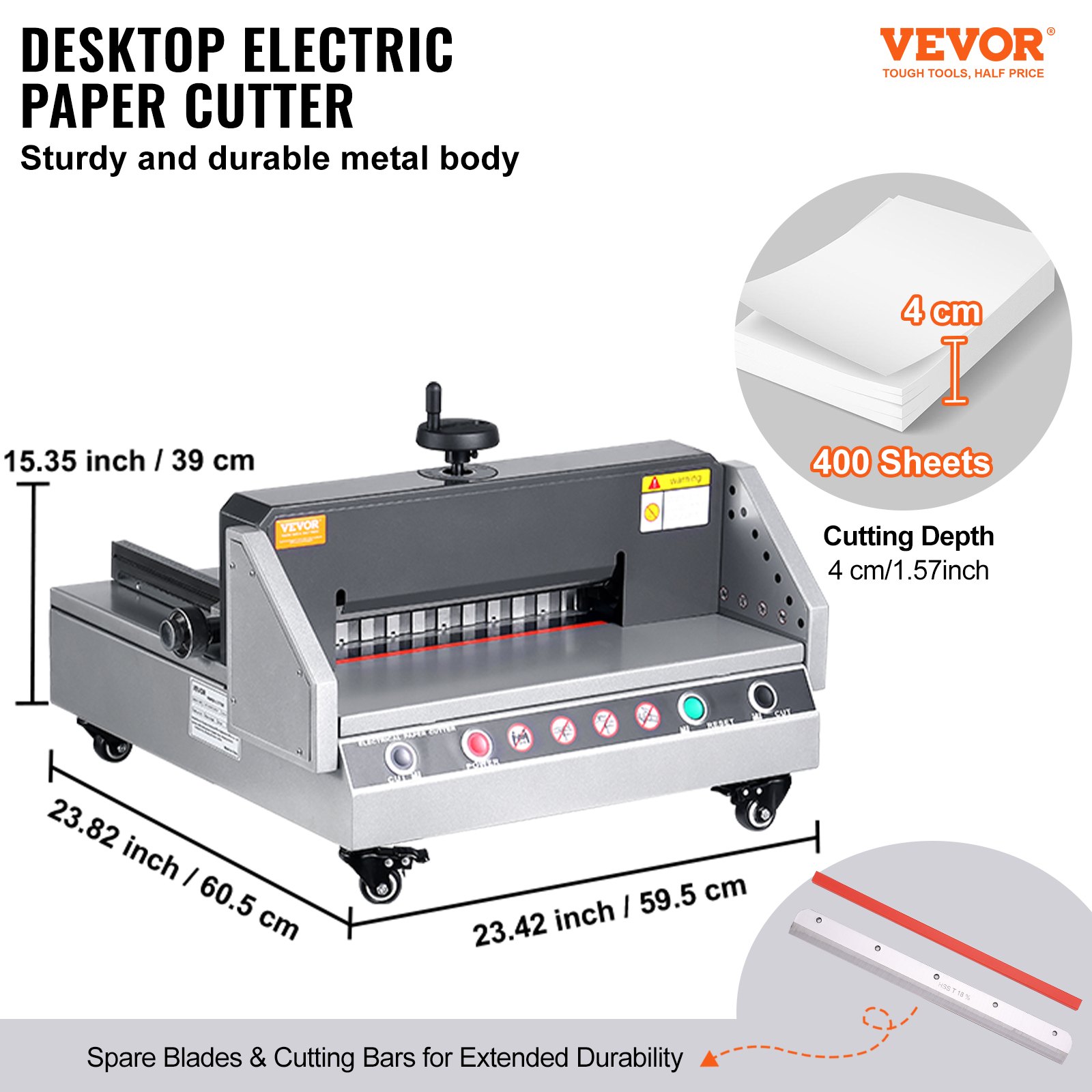
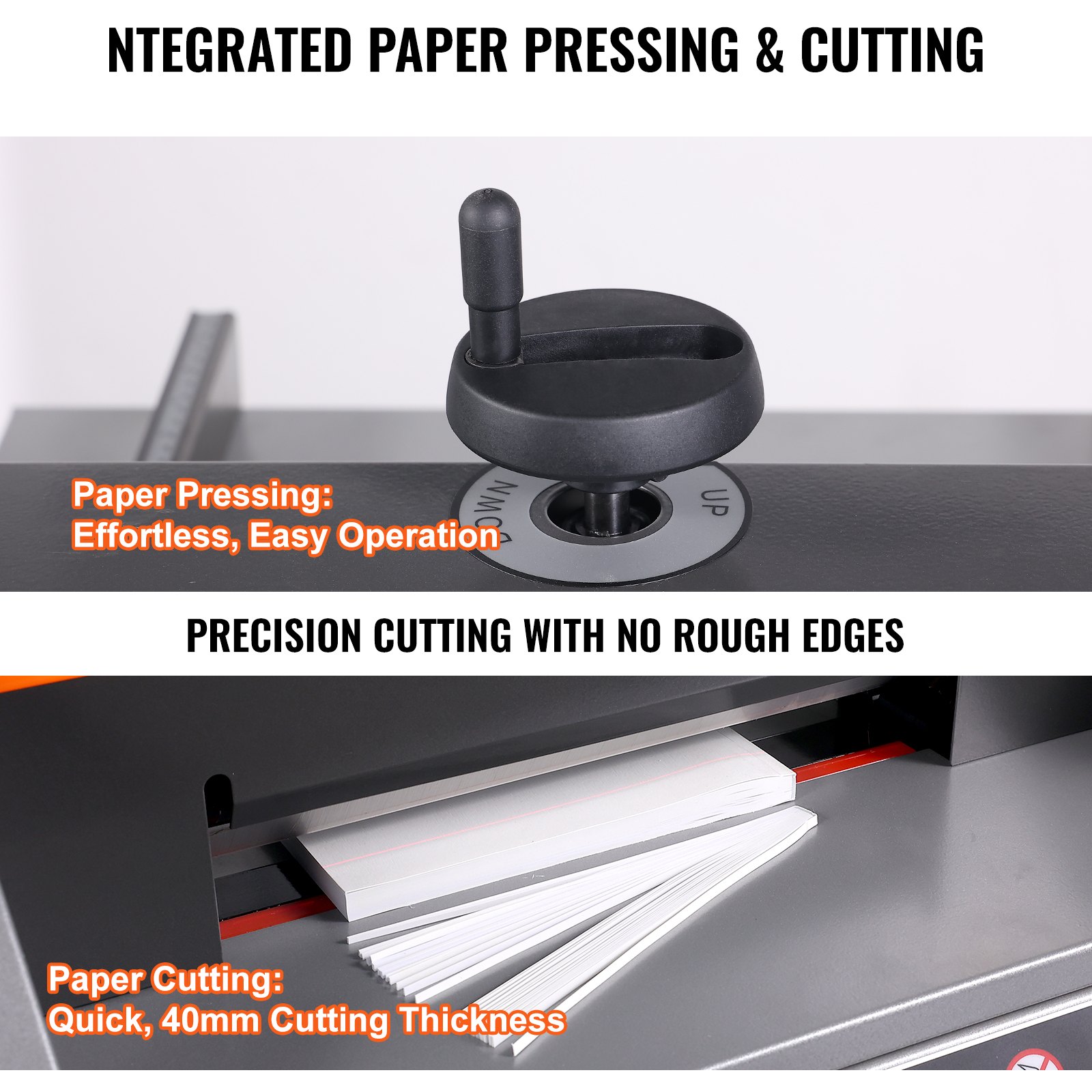
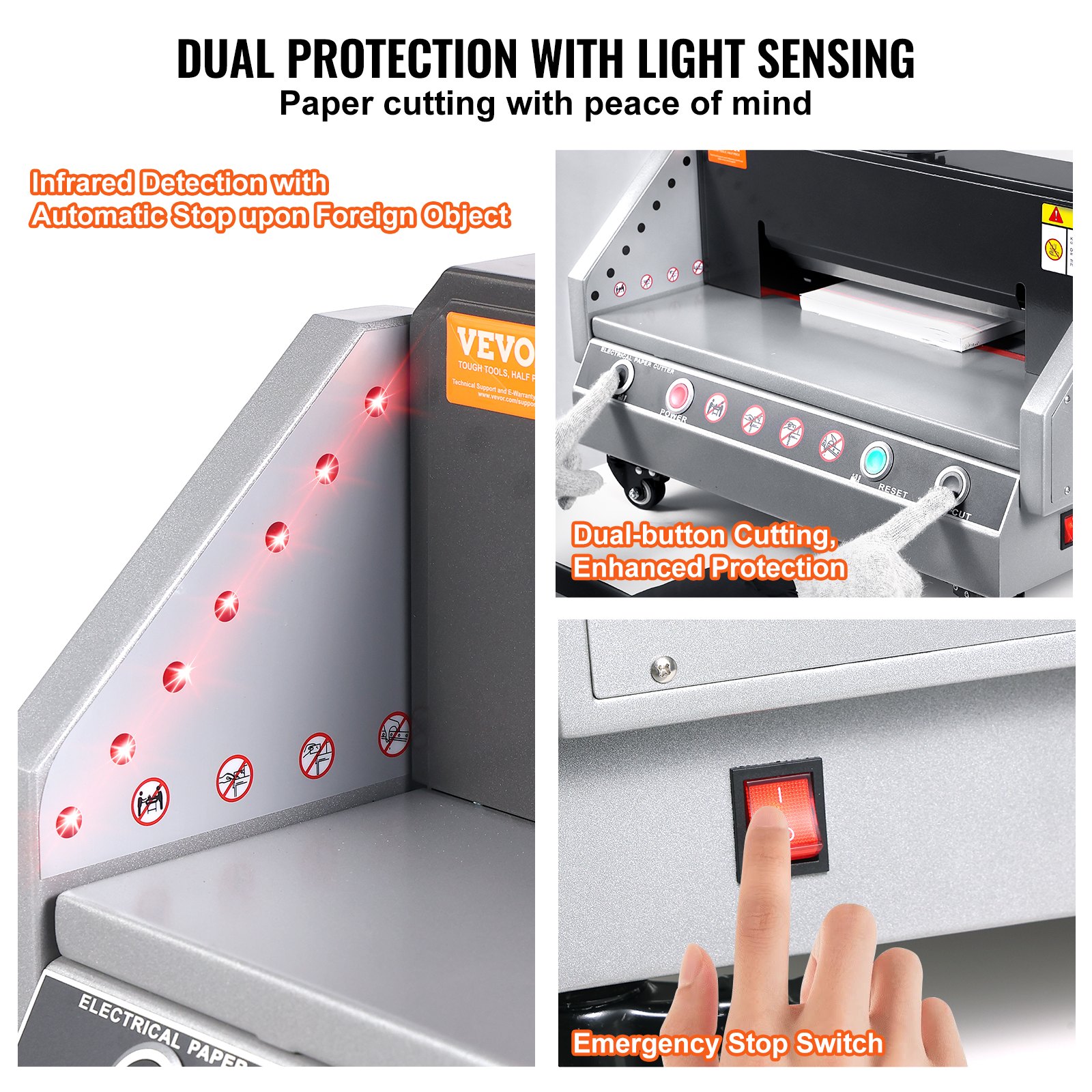
Discover the ultimate guide to mastering your VEVOR Electric Paper Cutter 0-330 Cutting Width with our comprehensive product manual download. This electric paper trimmer, designed for both office and school environments, features a robust 40mm cutting thickness and industrial-grade durability.
Our detailed manual provides step-by-step instructions for setup, troubleshooting, and optimization, ensuring you make the most of this heavy-duty paper cutter. This guide covers everything from initial assembly to advanced cutting techniques, making your desktop cutting paper machine easy and efficient.
Download now to unlock the full potential of your VEVOR Electric Paper Cutter and experience seamless, precision cutting.
PAPER CUTTING MACHINE USER MANUAL
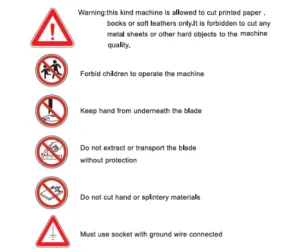
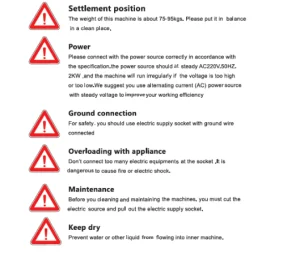
BRIEF INSTRUCTION OF THE PAPER CUTTING MACHINE
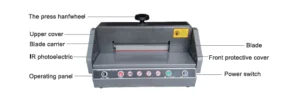
Parts description
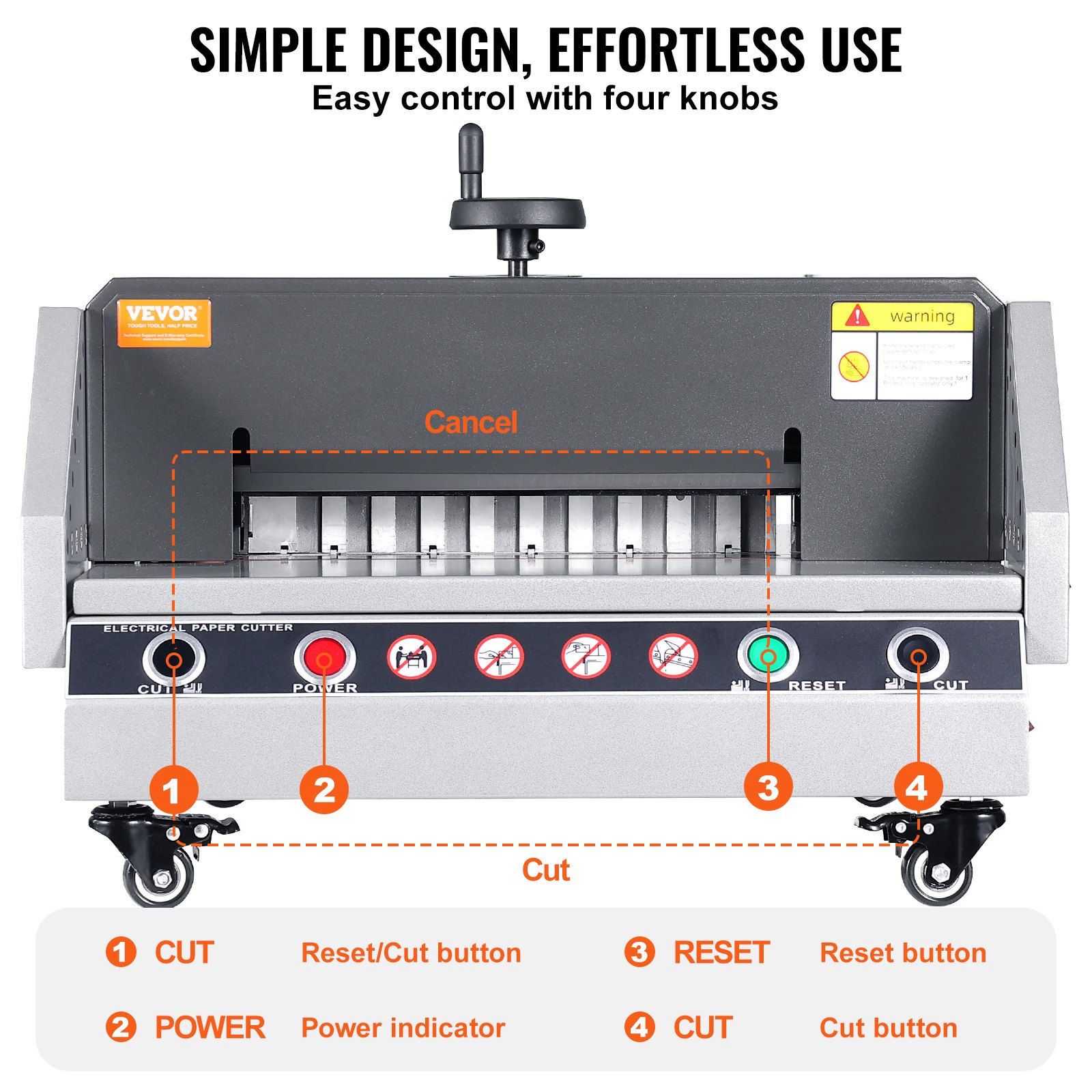
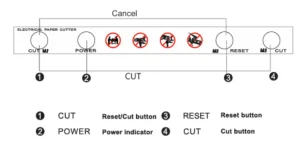
Operation panel
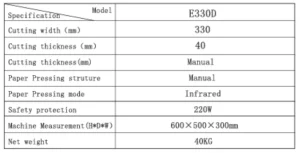
Principal technical parameter
Characteristics
- Heavy-duty casting mechanism.
- Outer adjustment of the depth of the blade appearance design
- Infrared laser indicating cut line.
- Patent appearance design.
BASIC OPERATION
Basic operation
Before operating, please carefully review the contents described. Then you can do the operations below.
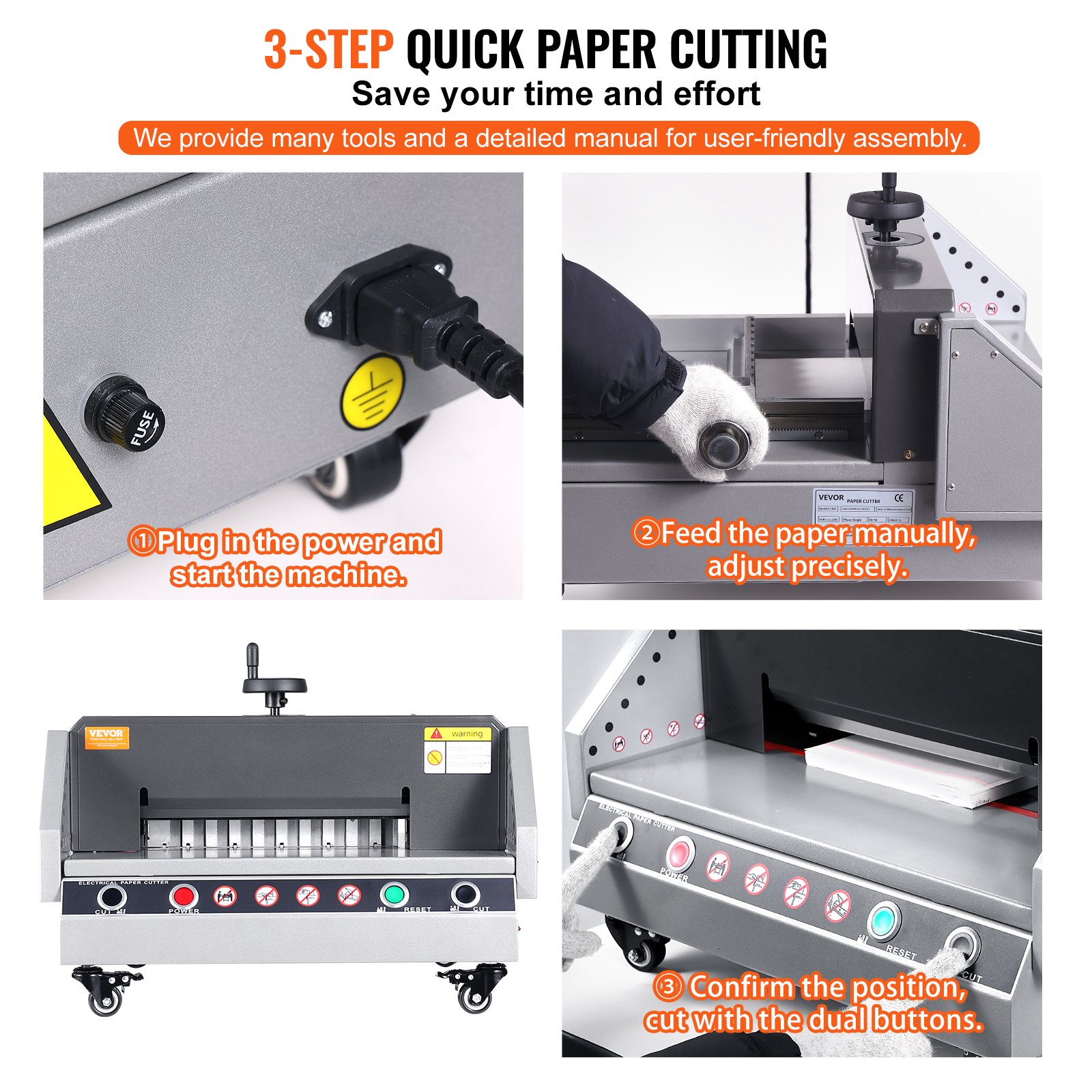
- Start the machine
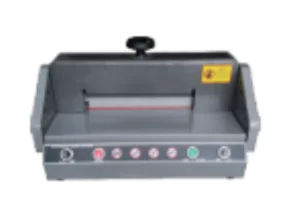
Insert the power plug into the AC220V socket and power on the machine. If the power indicator is on, the electricity connection is standard.
- Paper pushing
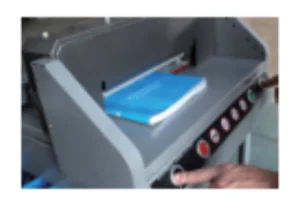
Push the paper or book to the left side, align it with the measuring scale, and rotate the hand-wheel to the required cutting size. Then tighten screw for pushing paper. If the real cutting size does not match the measuring scale marks, please adjust according to the method after checking and adjusting.
- Cutting paper
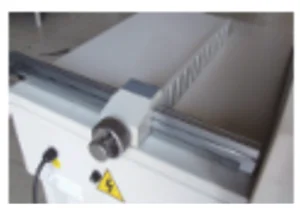
After adjusting the cutting size and clamping the paper with the hand wheel, press the Reset key and the red indicator.

Press the cut buttons with both hands. You can start the operation first to ensure the paper has been pressed firmly by the paper presser. If you need and have the paper presser return, you can press the cut button with your left hand.
Press the reset button with your right hand, then the paper presser will return automatically. If you need to cut, press the cut button with both hands, and the cutting procedure will complete.
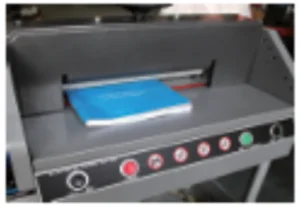
- If the last sheet of paper can’t be cut completely, please adjust according to the blade adjustment method.
NOTE: If the front protective cover has not been put down completely, cut buttons will not work.
Basic adjustment
- Dimension check and adjustment
- Cut the electricity.
- Check whether there are any other things on the guiding rod.
- Pull out the front covering strip and check the stepping motor to see whether the synchronous belts are fixed normal.
- Adjust the support chip on the screw, and move it back and forth until the digital display dimension matches the measuring scale dimension. Then, lock the retaining screw firmly.
Blade adjustment
- Cut off the electricity.
- Disassemble retaining screws on both sides of the on upper cover, and take the upper cover away.
- Loosen seven M6 fasten screws on the blade which is on blade carrier, and adjust screws of adjusting blade depth on blade carrier, until the blade cuts into cutting stick about 0.3-0.5 mm.
- Tighten screws on blade carrier, put on the upper cover, then fix up.
- Choose one piece of paper to try. If it cannot be cut completely, you can readjust according to the processes above.
Blade replacement
- Open the upper cover.
- Loosen the noched fasten screw o the blade carrier, revolve the two screw stems clockwise, and then fix up and lock firmly.
- Take away other fasten screws on the blade carrier.
- Revolve the two screw stems anticlockwise 180°, then remove the blade. To avoid being scratched, please wear gloves or wrap the blade in cotton cloth.
- Before inserting the blade, first please loose the three small screw that it adjusted to the depth and balance of blade. Tight the two unloading knife bolt, and install the blade in the blade holder with screw. The last step is to adjust the blade position according to the cutting depth.
- Please go to the professional sharpener company to ensure the quality of grinding.
NOTE:
- To avoid injury, the blade must be replaced seriously and carefully. Pay attention to safety anytime.
- A dull blade can’t cut paper correctly. It will also become dull if it always cuts thick paper or pasteboard. If cutting quality and accuracy can’t meet the required standard, the blade needs to be changed.
- If you always have one blade standby, your work will go smoothly. When you need to change the blade, you must operate according to the steps of the blade change instruction.
Cutting stick replacement
-
- One cutting stick can be used 8 times.
- When the slash on the shim is too deep, you should adjust or replace it.
- The cutting stick can be removed by screw and should be assembled flatly in the cutting area when it needs to be reinstalled.
- The cutting stick should lean to the left side.
NOTE: When the cutting stick is being changed, the blade must also be adjusted. If the blade cuts too deeply, the cutting stick will be damaged easily, and the blade will wear rapidly.
Electric Paper Cutter Lubrication and Maintenance
Lubrication
The electric paper cutter should be lubricated every month. Check and clean, tighten accessory parts, and add lubricating oil to transmission parts. Be careful when adding oil if it drops on the circuit boards and components.
Maintenance
When the machine is working, other objects are forbidden to be put on the machine. This is because the blade will be damaged as it cuts hard objects.
To protect the machine, you should wipe it after every day’s work, remove junk, and wax the blade.
Circuit diagram
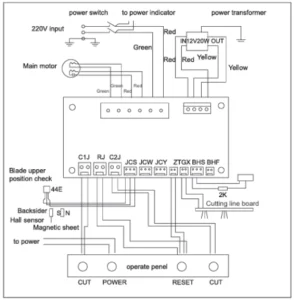
Electric Paper Cutter: Common errors and elimination
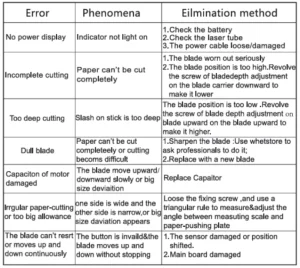
Repair warranty
- The guarantee period of the electric paper cutter is one year. You should register at the maintenance station within one month of buying the machine to establish a maintenance file.
- Maintenance service scope:
- Free installation, adjustment, operation training, periodic maintenance, elimination of errors in normal operation, and repair.
- Freely change parts damaged in regular operation. Maintain the motor and circuit for one year. Knife shim and blade belong to expendable supplies and are excluded from the maintenance scope.
- The local sales agency should undertake maintenance.
- We won’t undertake the maintenance and accessories diversion fees caused by conditions below:
- Damage caused by accident, wrong operation, or intentional disassembling.
- Repaired by stations not authorized by our company, or use dependable materials and accessories not required by our company.
- The customer doesn’t register in the maintenance station within one month after the machine.
- The machine is damaged because of a lack of oil, oil in, or water inflow.
Recommended For Your Project
VEVOR Electric Paper Cutter 0-330 Cutting Width, Electric Paper Trimmer, 40mm Cutting Thickness Manual

Reviews
There are no reviews yet.