
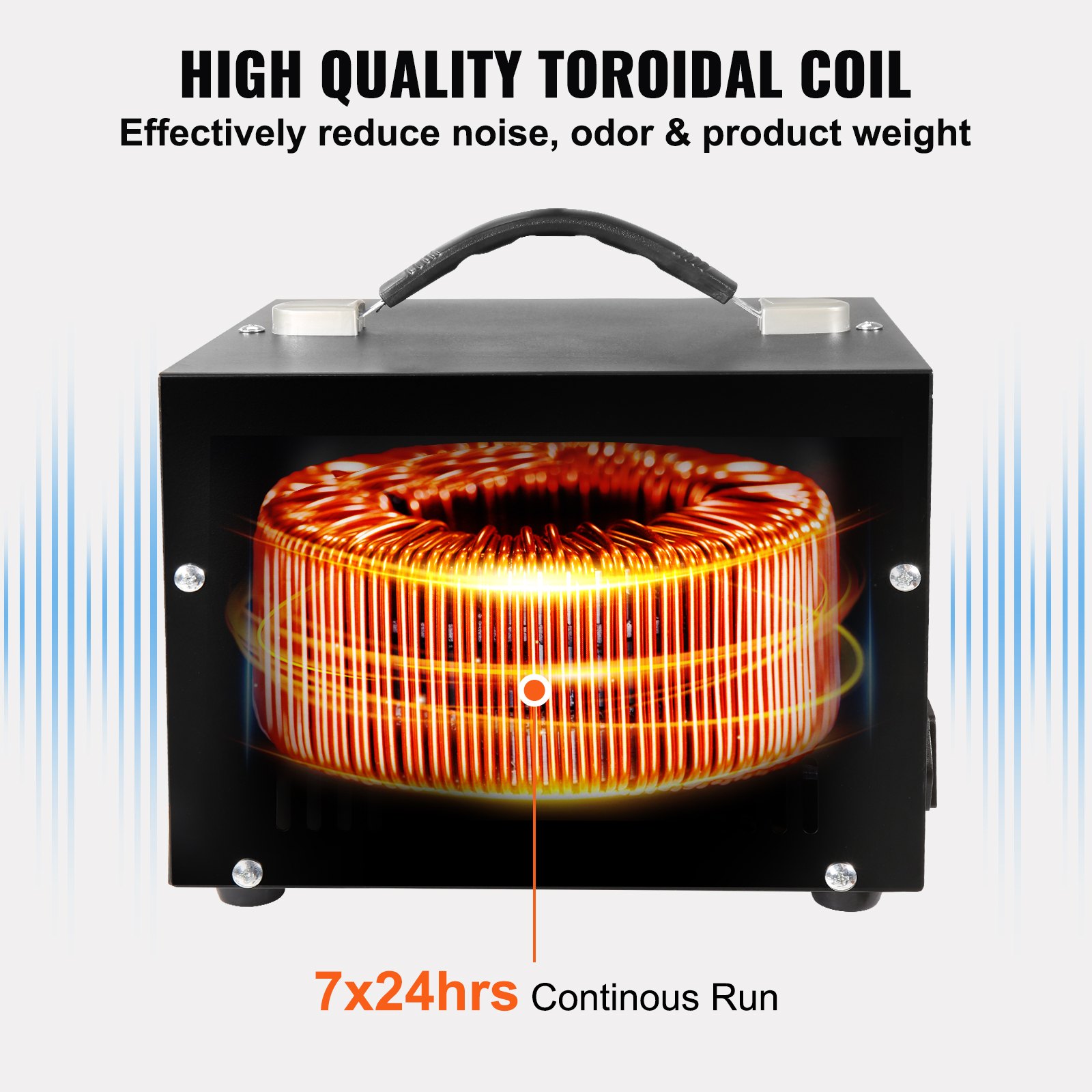
Unlock the full potential of your VEVOR Voltage Converter Transformer with our comprehensive product manual download. Designed for the 2000W Heavy Duty Step Up/Down Transformer, this detailed guide offers step-by-step instructions to convert from 110 Volt to 220 Volt and from 220 Volt to 110 Volt effortlessly.
Whether you’re setting up the device for the first time or troubleshooting an issue, our manual provides clear, illustrated guidance to ensure seamless operation.
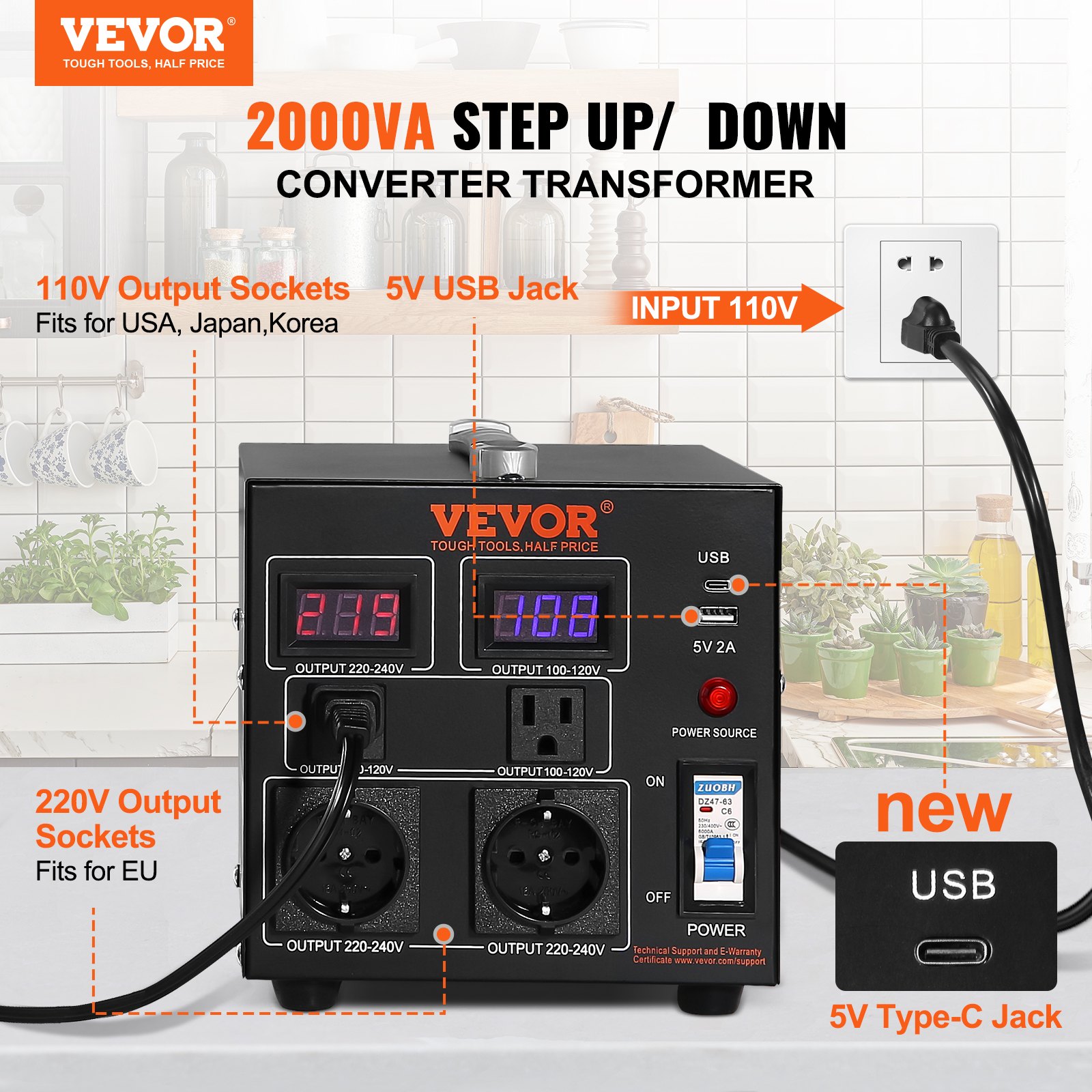
The manual covers everything from basic setup to advanced optimizations, ensuring you get the most out of your VEVOR Voltage Converter Transformer. With features like a US Outlet, EU Outlet, and a 5V USB Port, this CE-certified transformer is versatile and indispensable. Download now to simplify your setup and maintenance process.
Voltage Converter Transformer Instruction Manual
Model: SV-500VA/SV-1000VA/SV-2000VA/SV-3000VA/SV-5000VA
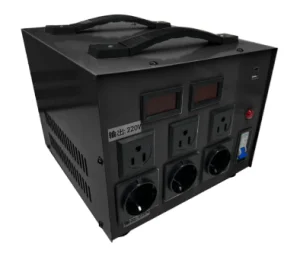
Symbols
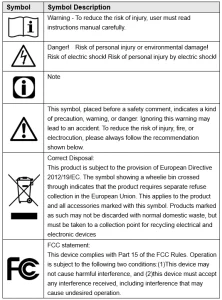
WARNING:
- ELECTRICAL SHOCK AND FIRE HAZARD! Failure to comply with this instruction could result in an electrical failure, fire and electrocution.
- This equipment is a high-voltage device; please do not attempt to disassemble this equipment at any time to avoid danger. After a device failure, if the external switch fails to restart the device, please contact your reseller for handling.
ATTENTION
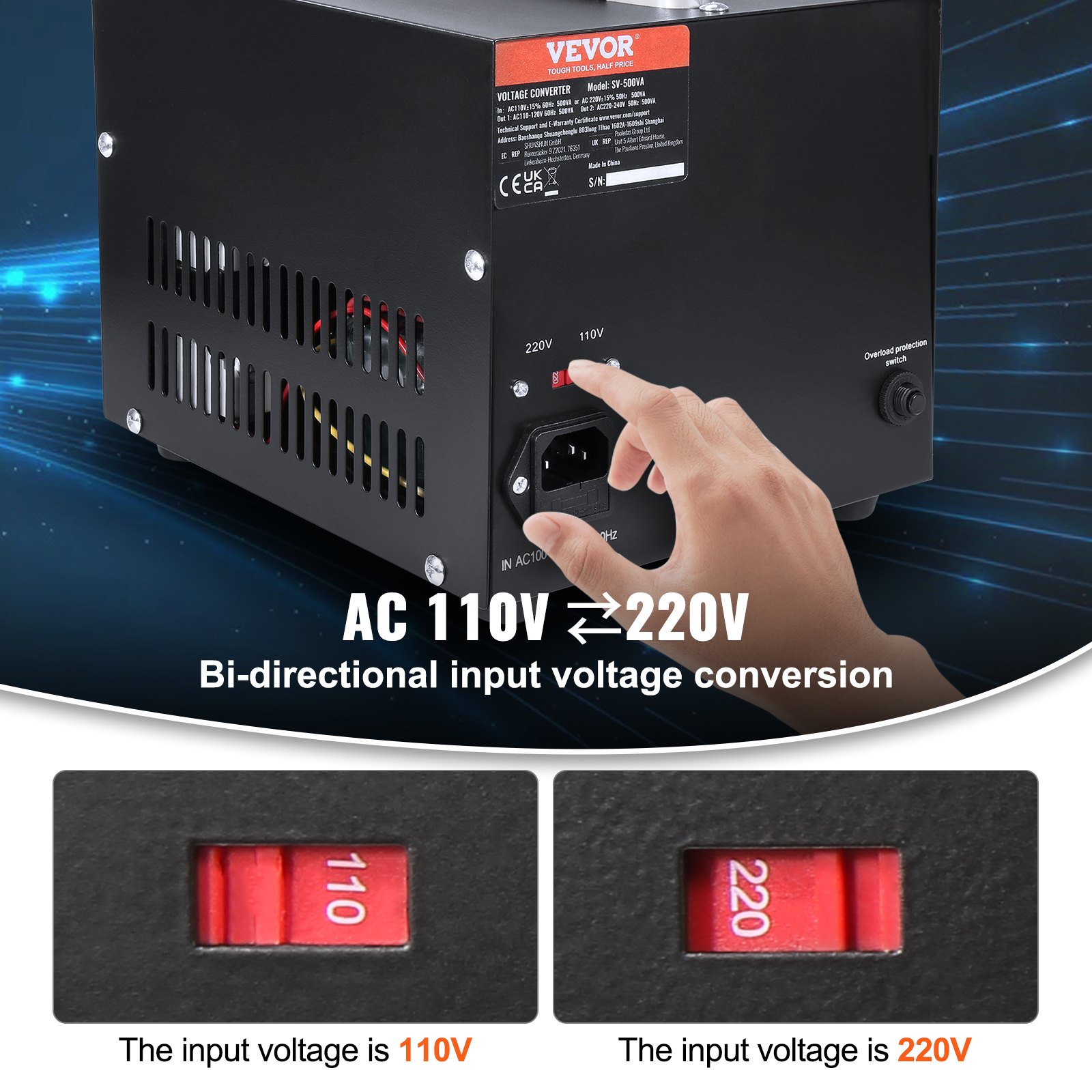
A toggle switch selects this product’s voltage input range. Before powering on, please check that the mains and the product’s switching voltages are consistent.
PRODUCT PARAMETERS
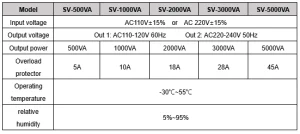
Instructions for use of the Voltage Converter Transformer
Set the product’s input toggle switch to a position consistent with the mains voltage
1. Set the input toggle switch of the product to a position consistent with the mains voltage.
- The input voltage is 220V-240V rule Switch to position 220
- The input voltage is 100V-120V rule Switch to position 110
2. Insert the input power cord into the end of the voltage transformer converter, and then insert the plug of the power cord into the mains outlet.
- Note: Before plugging in the mains, please check whether the position of the input voltage transfer switch is consistent with the mains voltage.
3. Please use the load according to the voltage of the panel output socket. The load power must be less than the device’s nominal power, and the recommended load power is 80% of the rated power.
- Because the equipment itself has a certain loss, the load-use power must be less than the nominal power of the equipment; otherwise, there is a risk of damage to the equipment.
4. The panel USB output port outputs 5V/1.5A DC as an emergency to charge other smart devices.
Notes:
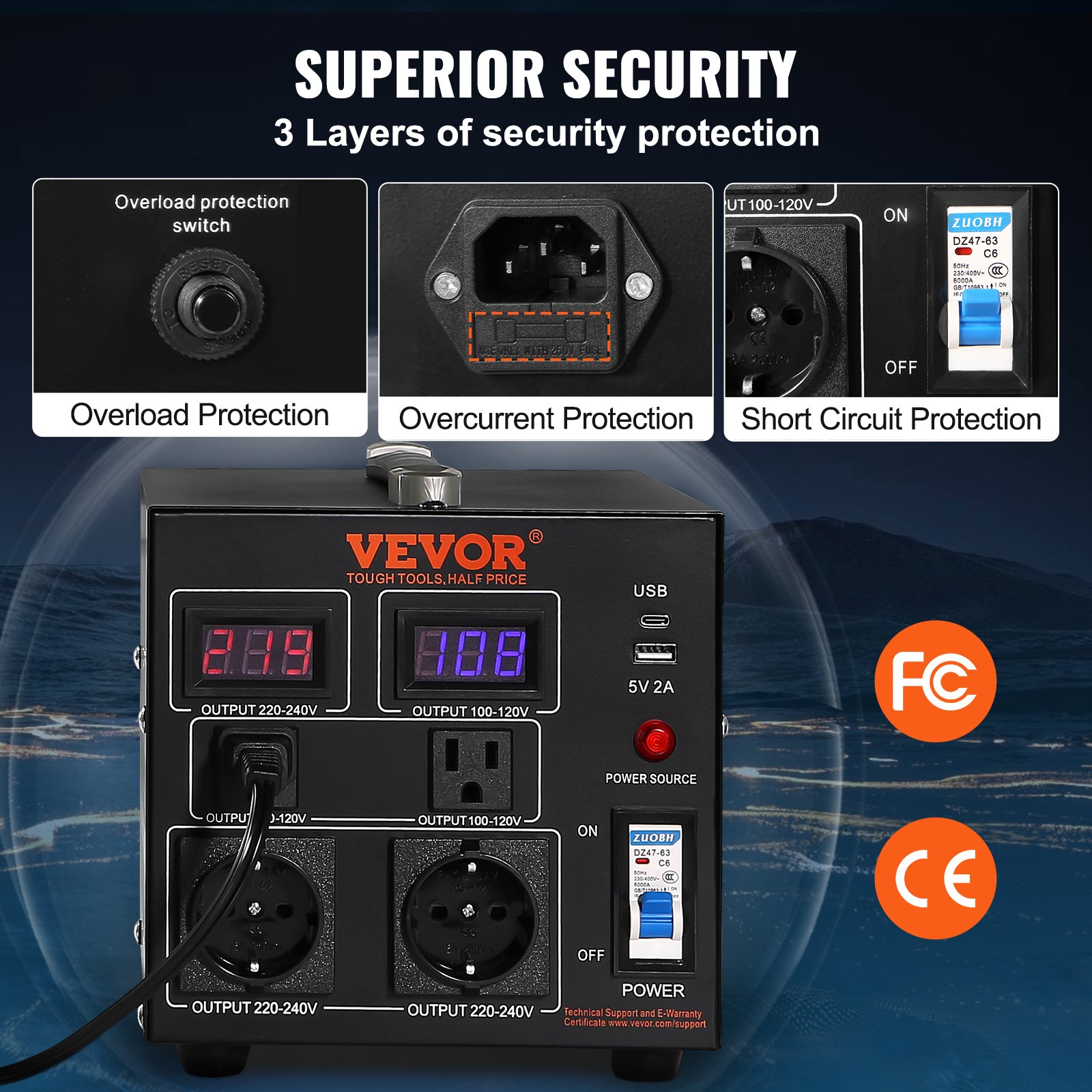
1. This equipment is equipped with an overcurrent fuse (SV-500VA or SV2000VA), which will blow when the load exceeds the equipment’s load capacity. When you find that there is no output, check the replacement fuse
2. This equipment has an overload protection switch. When the load exceeds the equipment’s load capacity, the overload protection switch will automatically spring up and disconnect the output. When the load overload is solved, you can press the overload protection switch manually to open it and resume work.
3. This voltage converter transformer is equipped with an air switch. When the load is overloaded for a long time or short-circuited, the air switch will immediately turn off the output, thereby protecting the equipment from damage. When the load fault is lifted, open the air again, and it can work normally.
Device panel
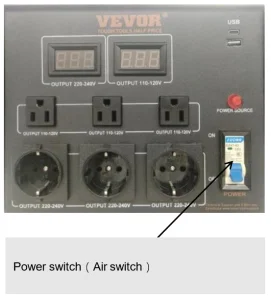
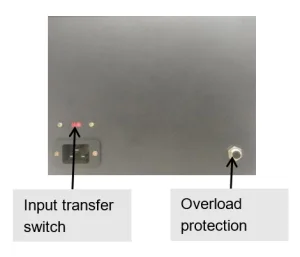
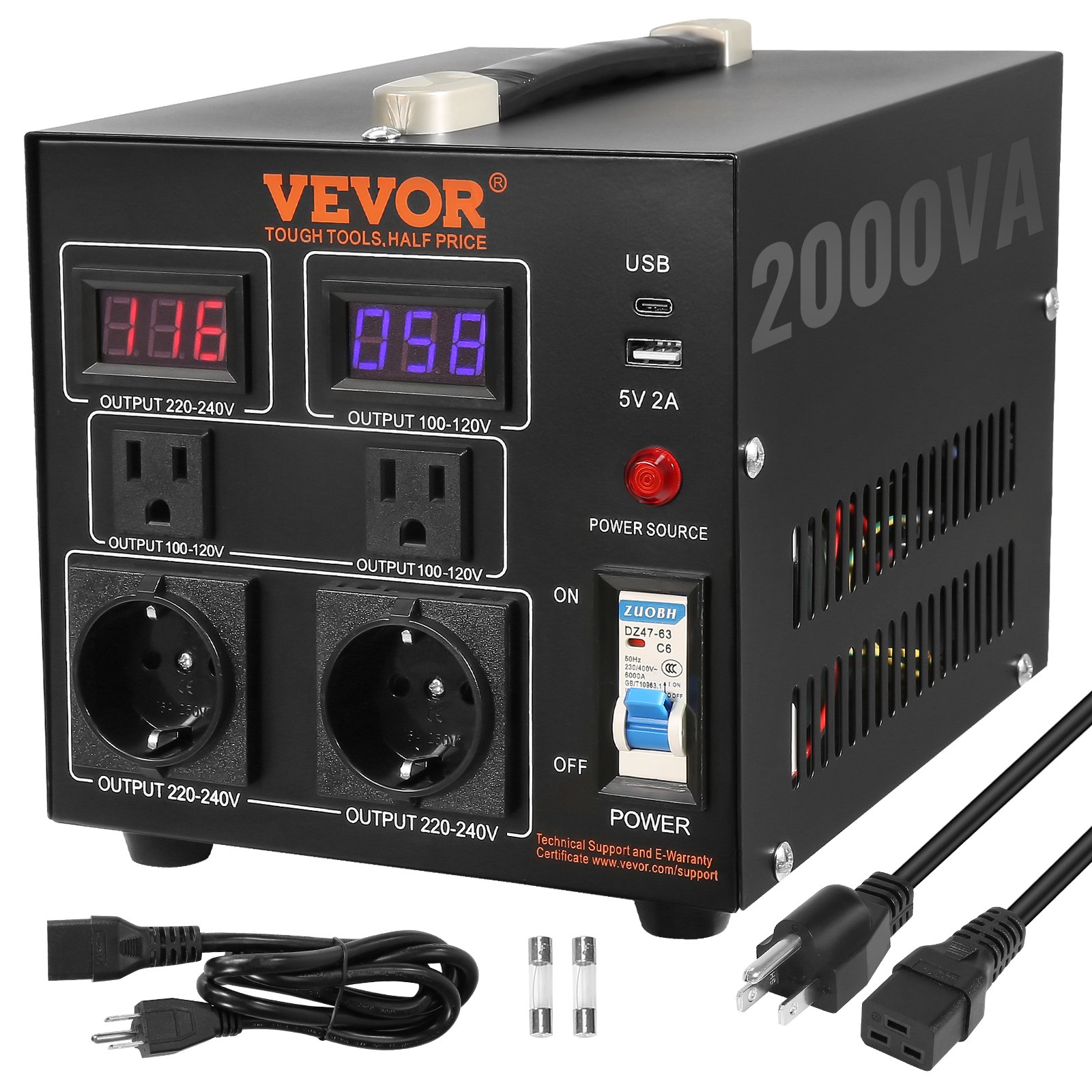
Voltage Converter Transformer accessories
1. Instruction manual *1
2. Adapter plug *1
3 Power cord *1
Recommended For Your Project
VEVOR Voltage Converter Transformer, 2000,W Manual
Reviews
There are no reviews yet.