
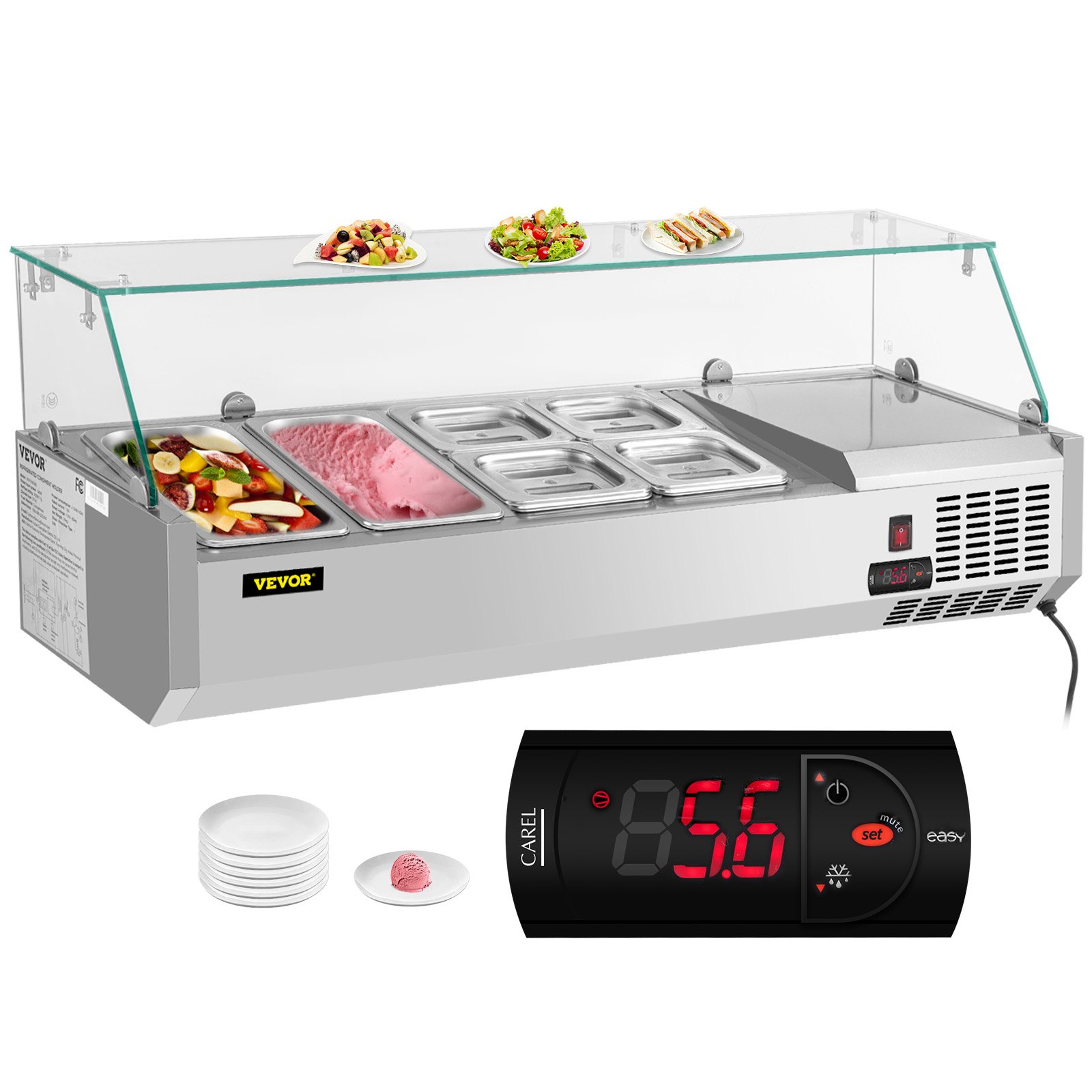
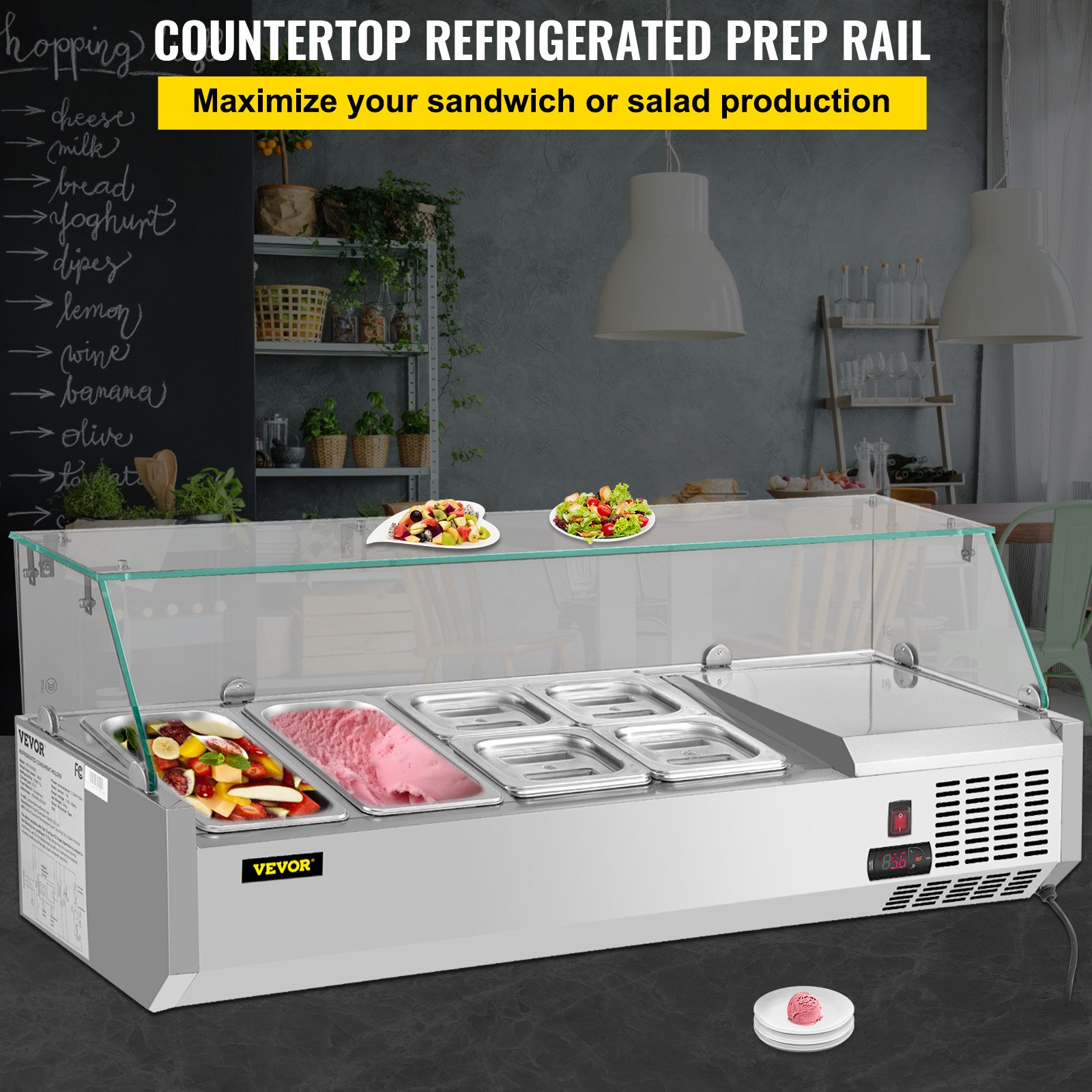
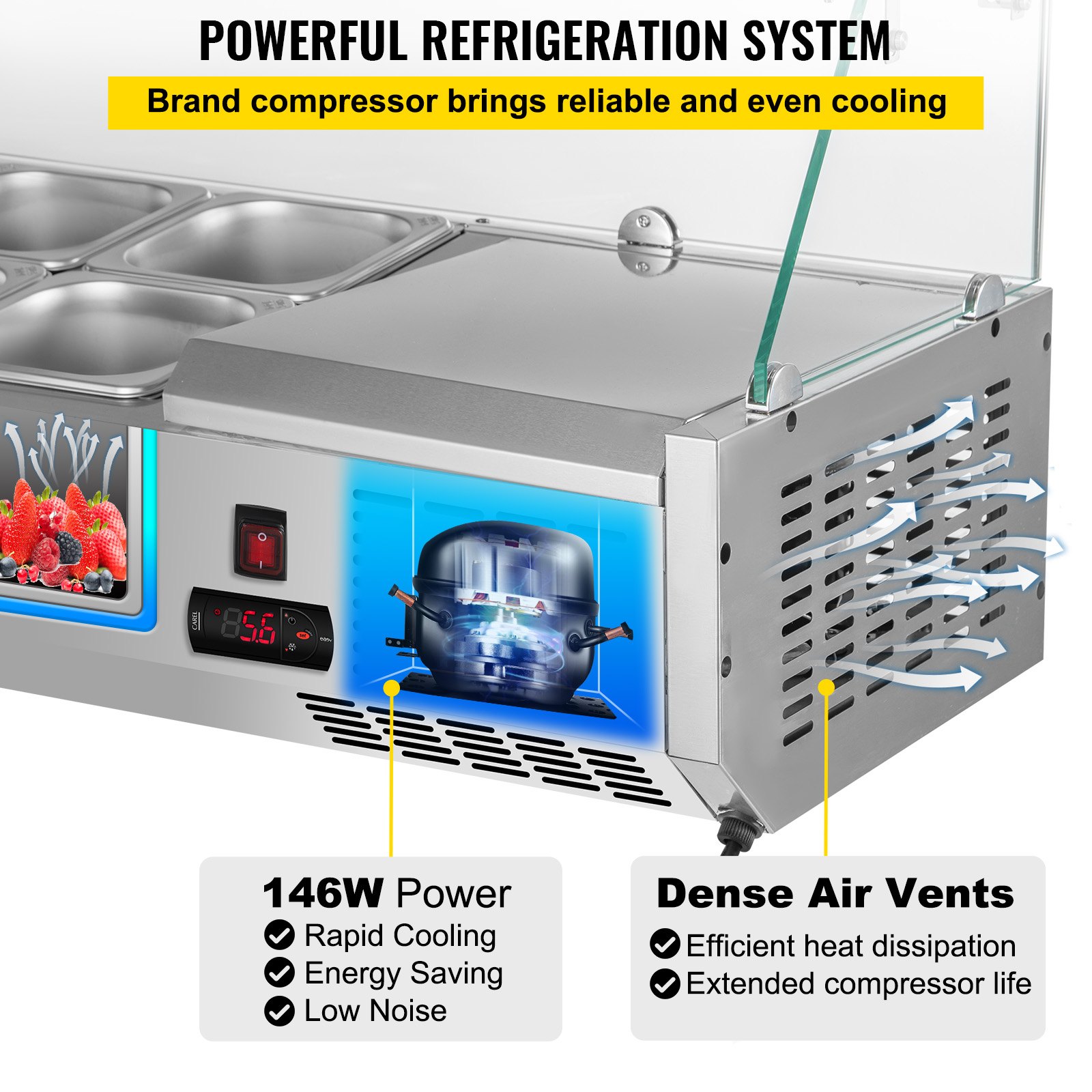
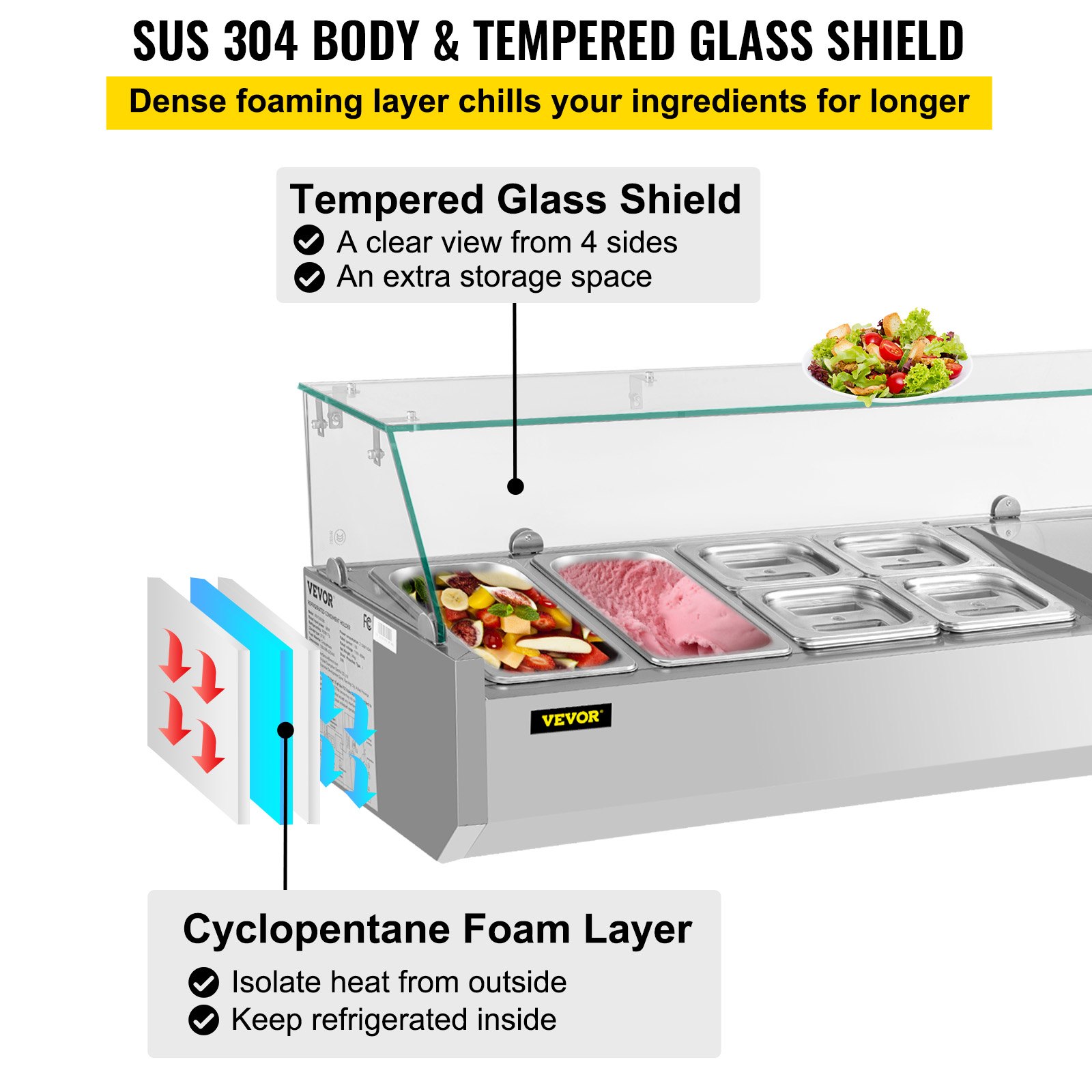
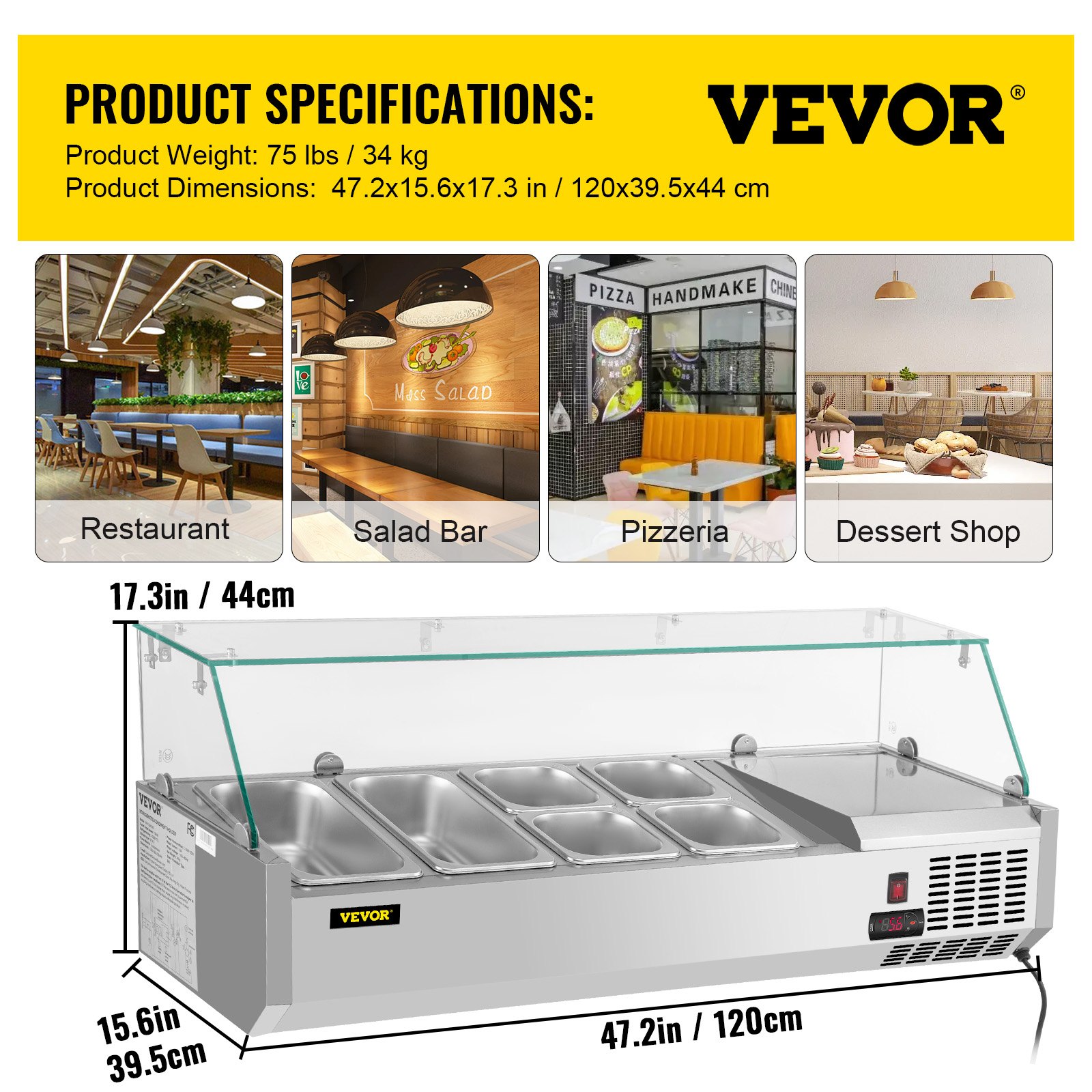
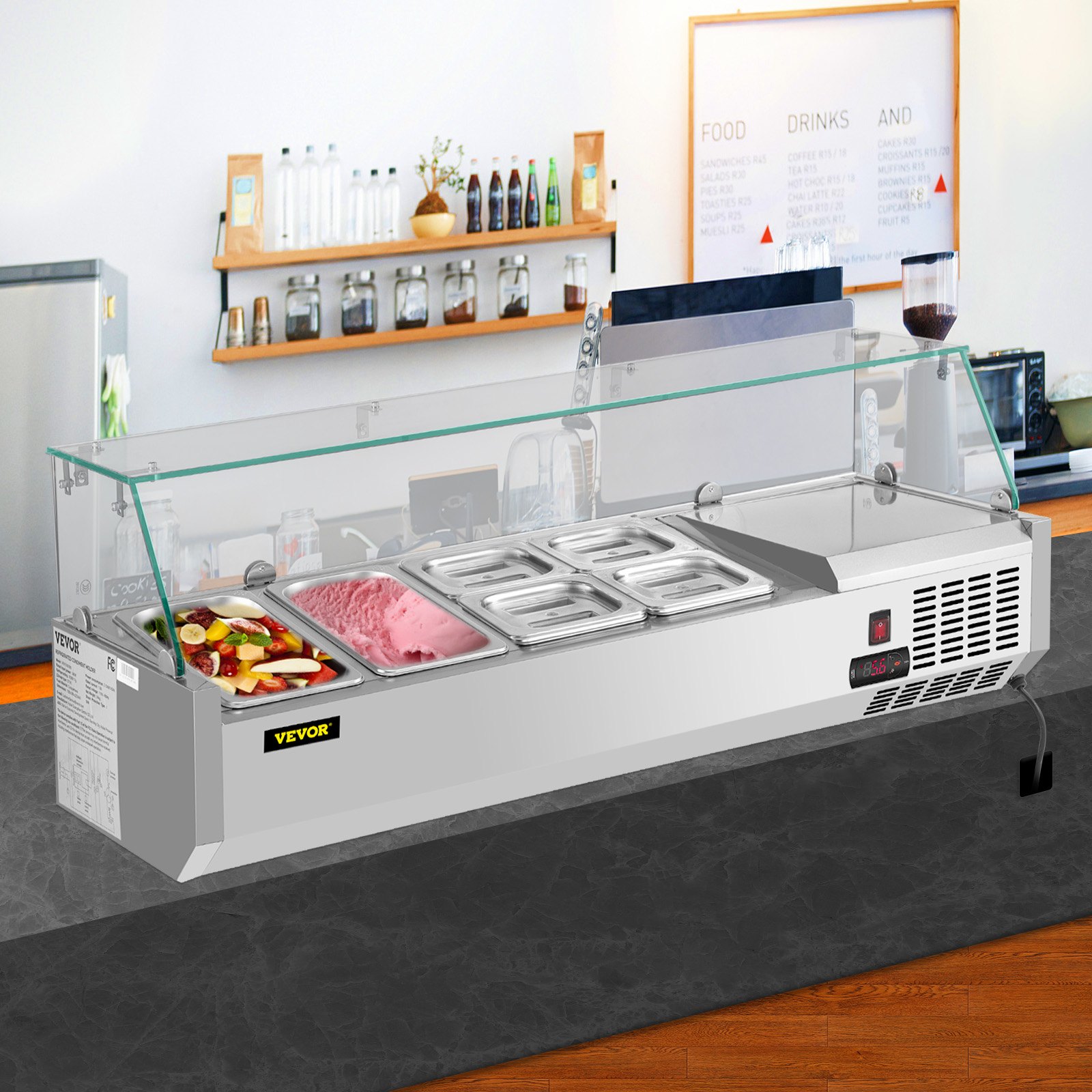
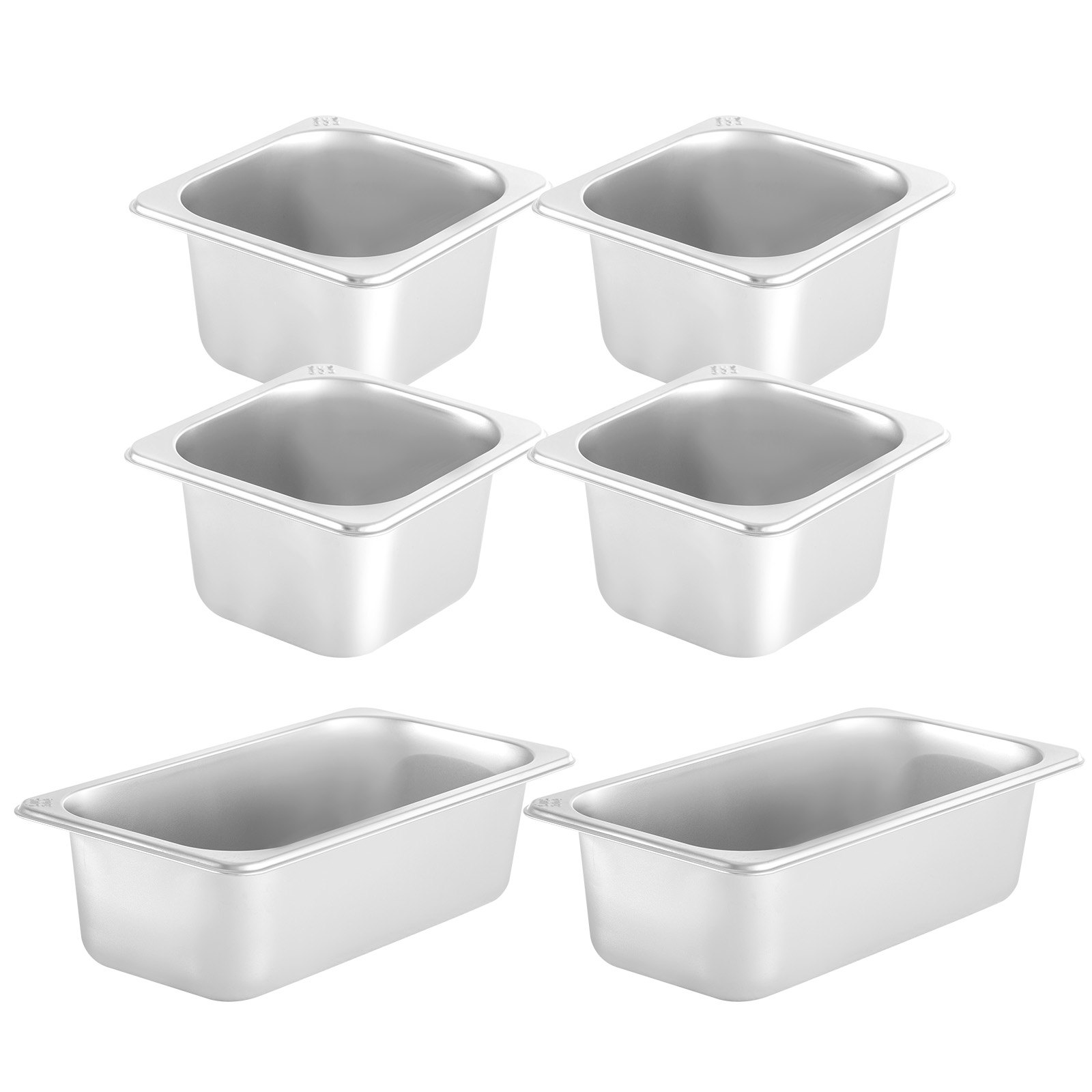
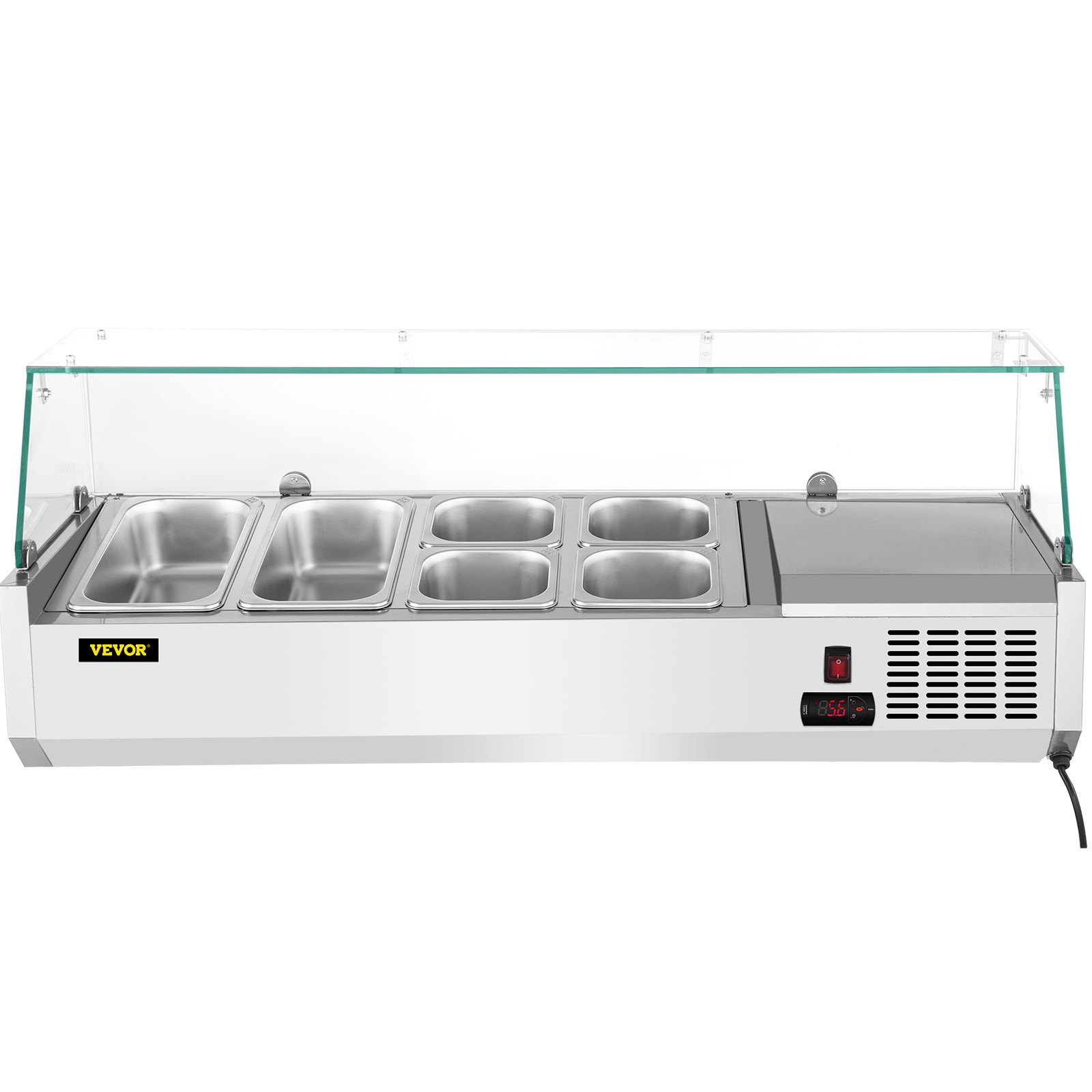
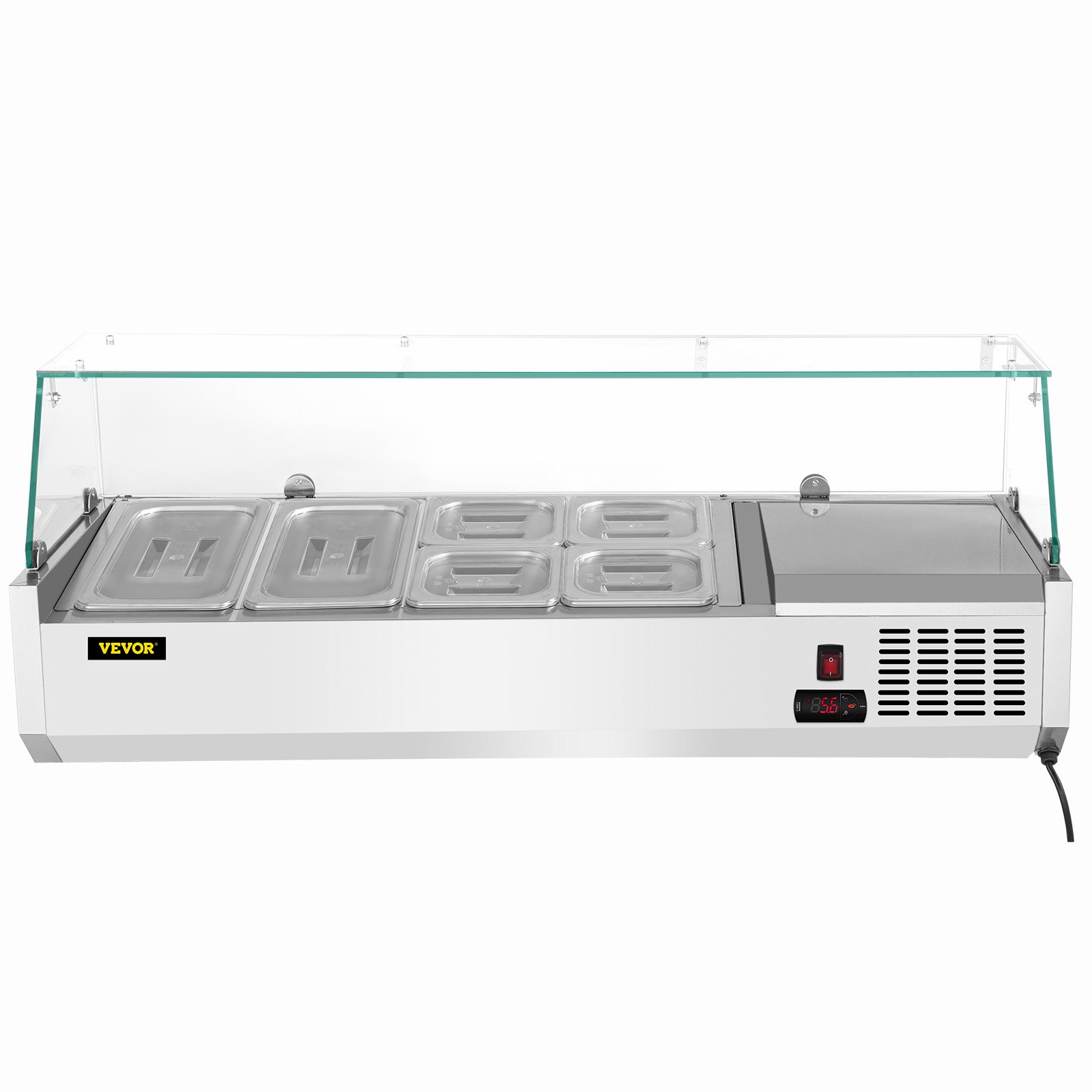
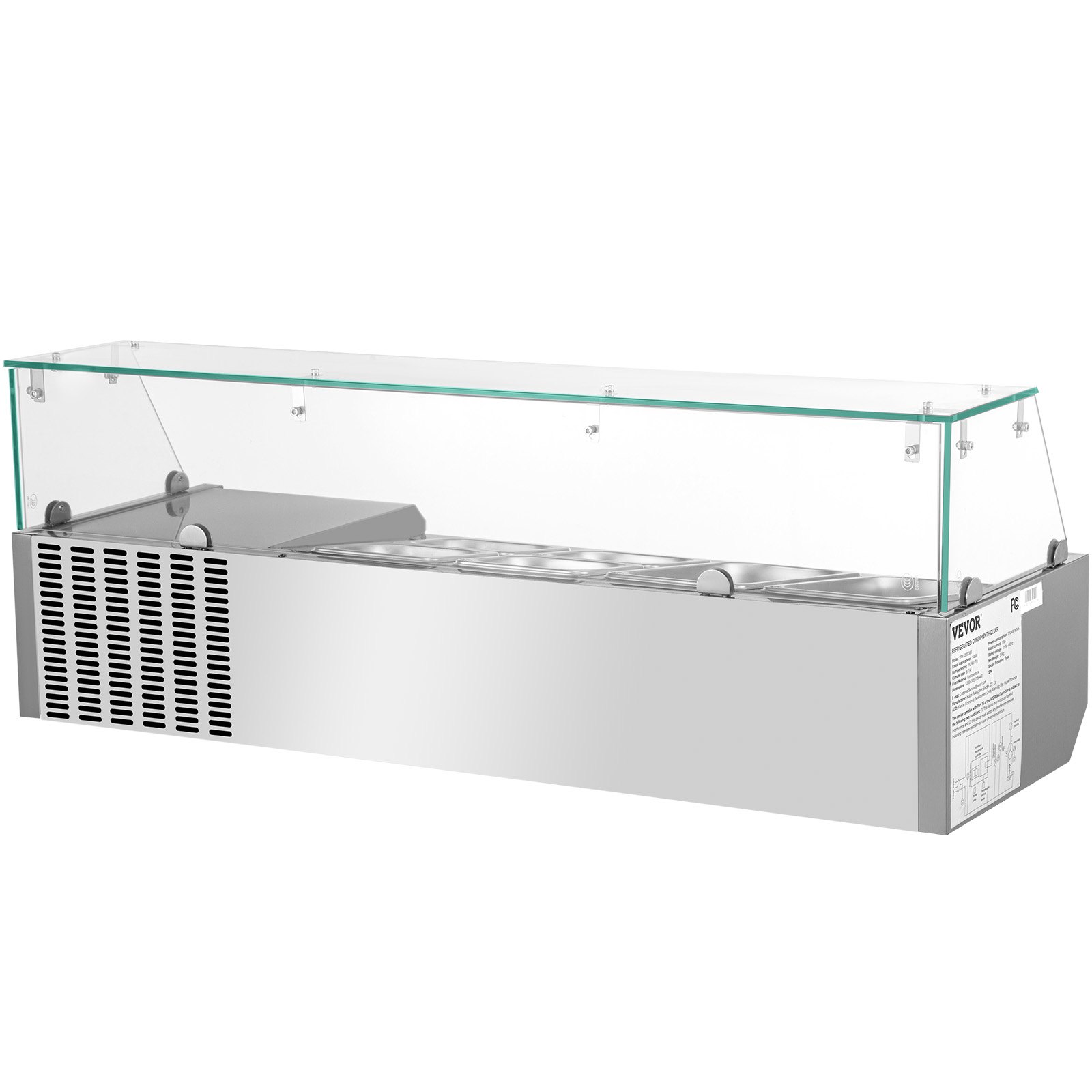
Unlock the full potential of your VEVOR Refrigerated Condiment Prep Station with our comprehensive product manual. This 48-Inch, 10.8Qt Sandwich Prep Table is designed to streamline your kitchen operations, and our manual will guide you through every step of setup, troubleshooting, and optimization.
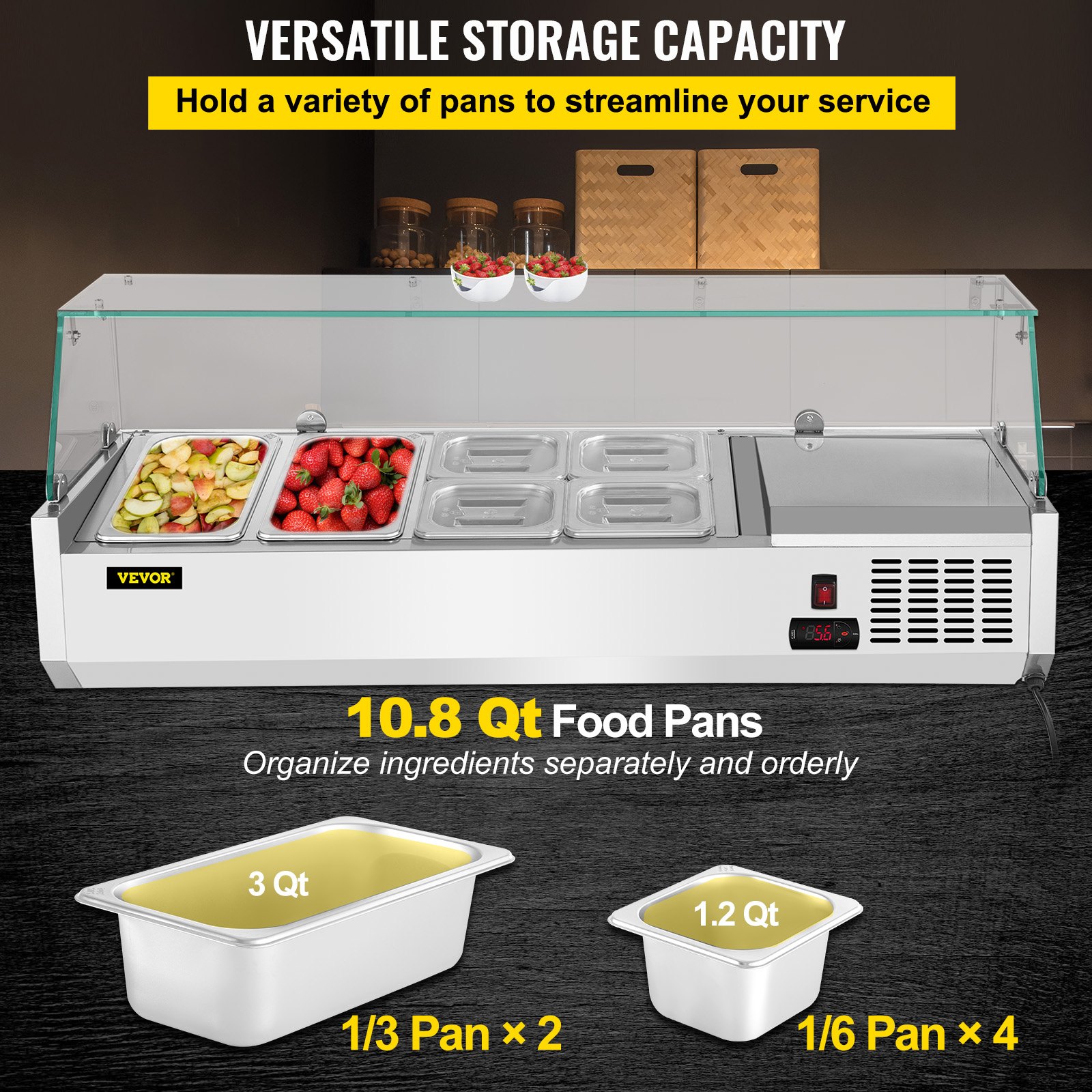
Featuring 2 1/3 pans and 4 1/6 pans, this 146W Salad Bar is built with a durable 304 Stainless Body and a Tempered Glass Shield. The Digital Temperature Display and Auto Defrost functions ensure your ingredients are kept at an optimal temperature.
Our detailed manual covers every aspect of this sophisticated kitchen equipment, ensuring ease of use and longevity. Download now to maximize efficiency in your food preparation process and keep your kitchen running smoothly.
VEVOR Refrigerant Condiment Prep Station User Manual
Refrigerated Condiment Prep Station Parameters
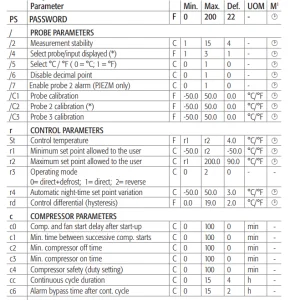
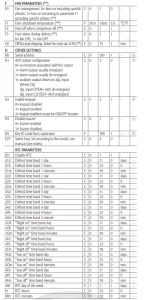
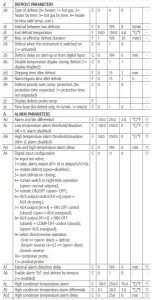
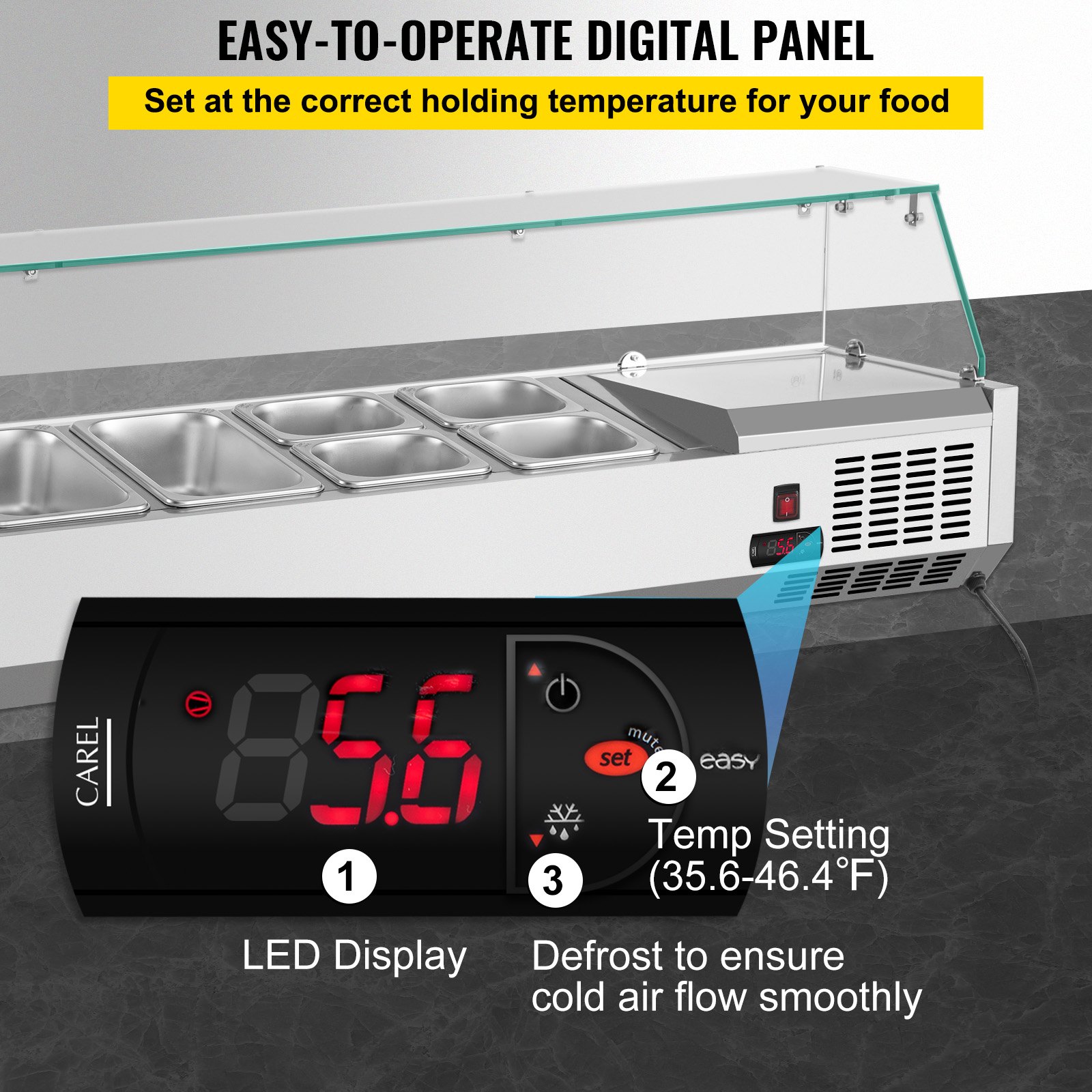
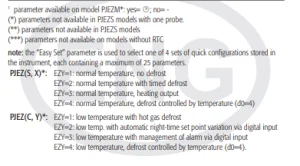 Display and functions
During regular operation, the controller displays the value of the probe set using parameter /4 (=1 ambient probe, default, =2 second probe, 3= third probe). In addition, the display has LEDs that indicate the activation of the control functions (see Table 1), while the 3 buttons can activate/deactivate some of the functions (see Table 2).
LEDs and associated functions
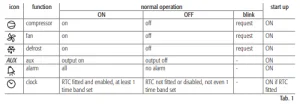
Table of functions activated by the buttons
(Models S, X, Y, C)
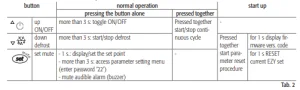
Table of button functions
(Variant model M)

Setting the set point (desired temperature)
- press SET for 1 s, the set value will start fl ashing after a few moments;
- increase or decrease the value using UP or DOWN;
- press SET to confirm the new value.
Switching the device ON/OFF
Press UP for more than 3 s. The control and defrost algorithms are now disabled, and the instrument displays the message “OFF” alternating with the temperature read by the set probe.
Manual defrost
(models S, X, Y and C only)
Press for DOWN more than 3 s (the defrost starts only the temperature conditions are valid).
Continuous cycle
(models S, X, Y and C only)
Press UP and DOWN together for more than 3 s.
Rapid selection of probe displayed (model M only)
Press DOWN briefl y to select the probe to be temporarily displayed.
Access and setting type F (frequent) and type C (confi guration) parameters
- Press SET for 3 s (the display will show “PS”);
- To access the type F and C parameter menu, enter the password “22” using UP/DOWN;
- To access the F parameter menu only, press SET (without entering the password); scroll inside the parameter menu using UP/DOWN;
- To display/set the values of the parameter displayed, press SET, then UP/DOWN and fi nally SET to confi rm the changes
(returning to the parameter menu).
To save all the new values and exit the parameter menu, press SET for 3 s;
To exit the menu without saving the changed values (exit by timeout) do not press any button for at least 60 s.
Safety standards
compliant with the relevant European standards.
Refrigerated Condiment Prep Station Installation precautions:
- The connection cables must guarantee insulation up to 90 °C;
- For 12 Vac versions use Class II transformers. To ensure compliance with the immunity standards (surge), the transformer must be one of the models specifi ed (see the CAREL price list). For the 12 Vac/dc versions, as double insulation cannot be guaranteed between the power supply and the relay outputs, only use safety low voltage loads (up to 42 V effective rated value);
- Ensure a space of at least 10 mm between the case and the nearby conductive parts;
- Digital and analogue input connections less than 30 m away; adopt suitable measures for separating the cables so as to ensure compliance with the immunity standards;
- Secure the connection cables of the outputs so as to avoid contact with very low voltage parts.
Recommended For Your Project
VEVOR Refrigerated Condiment Prep Station, 48-Inch, 10.8Qt Manual
Reviews
There are no reviews yet.