
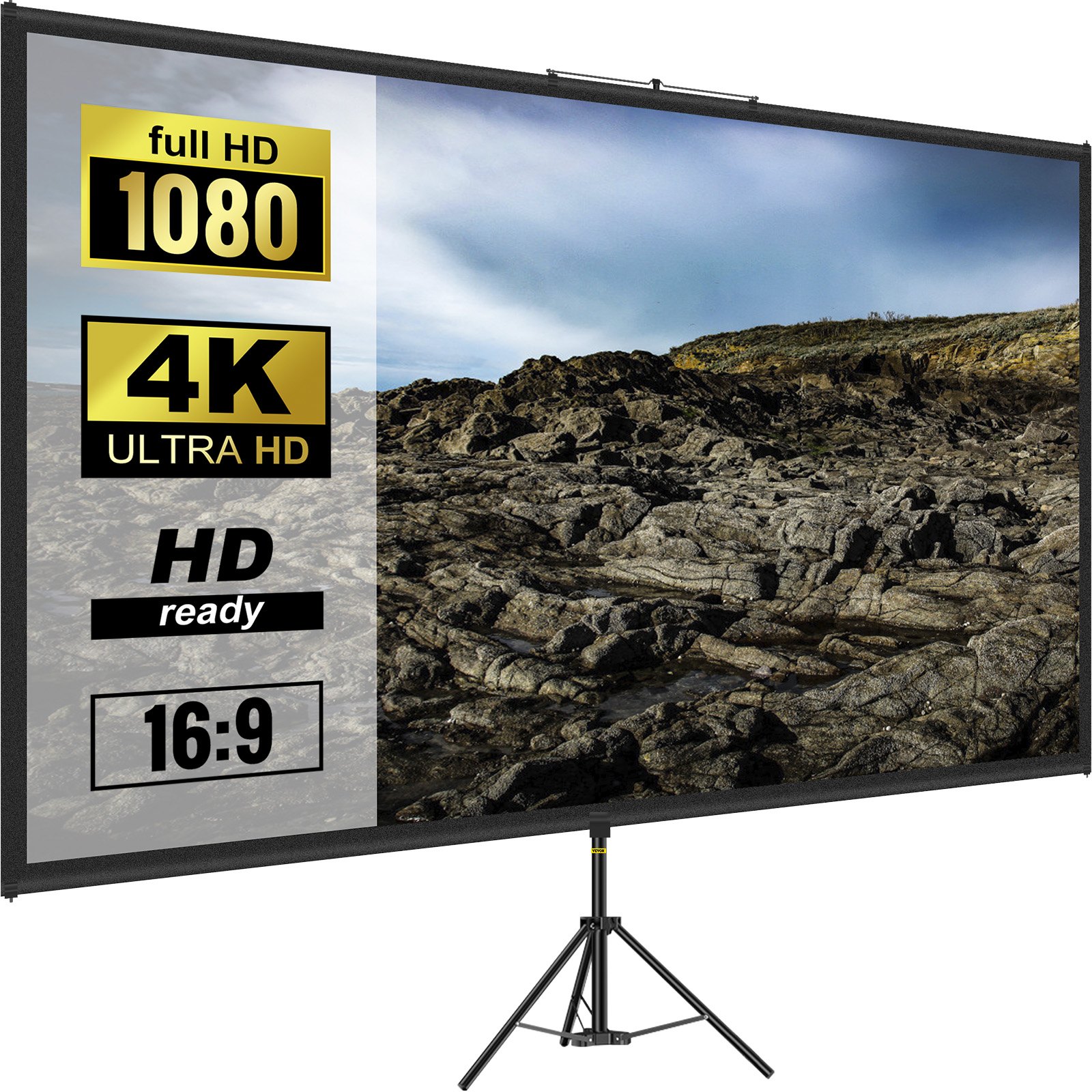
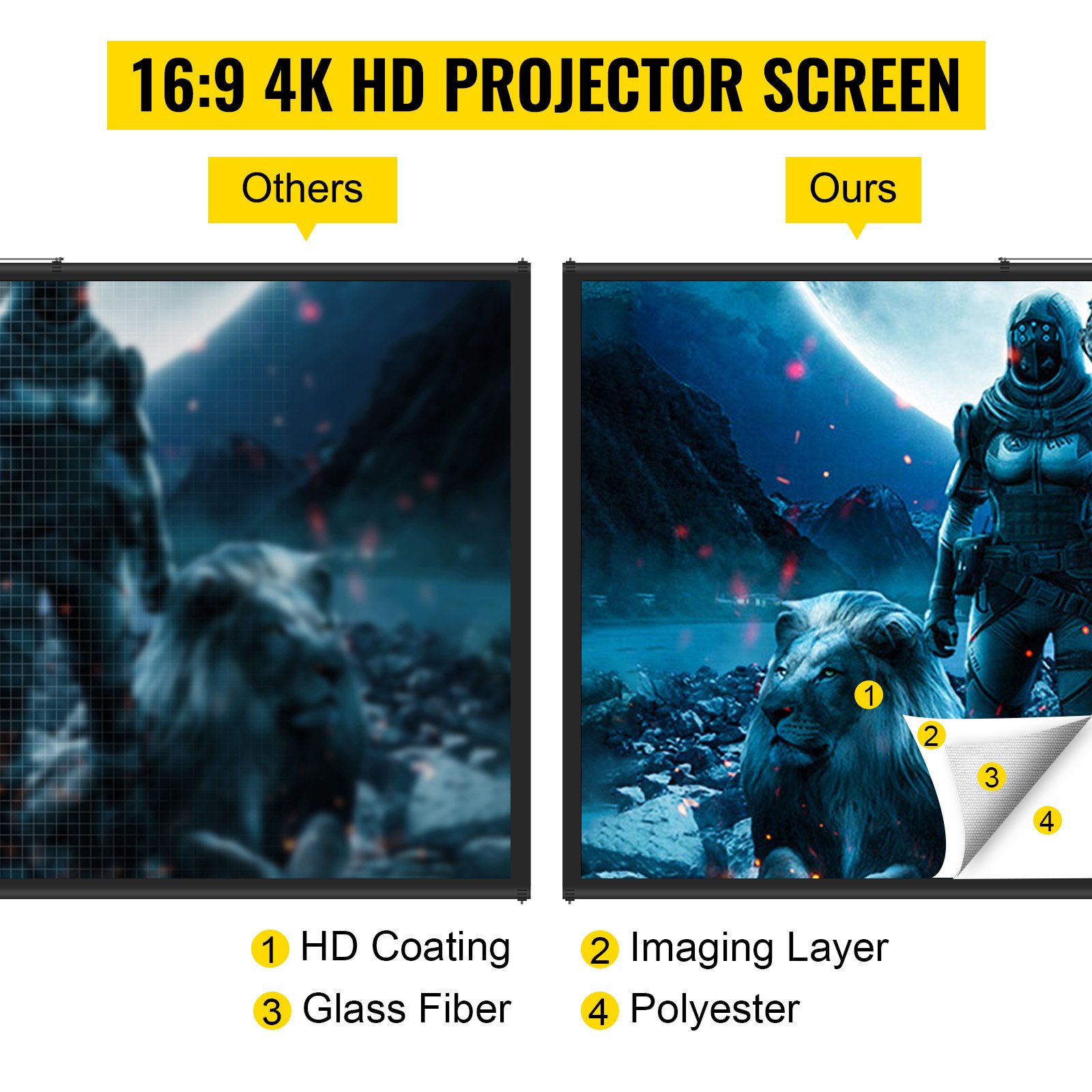
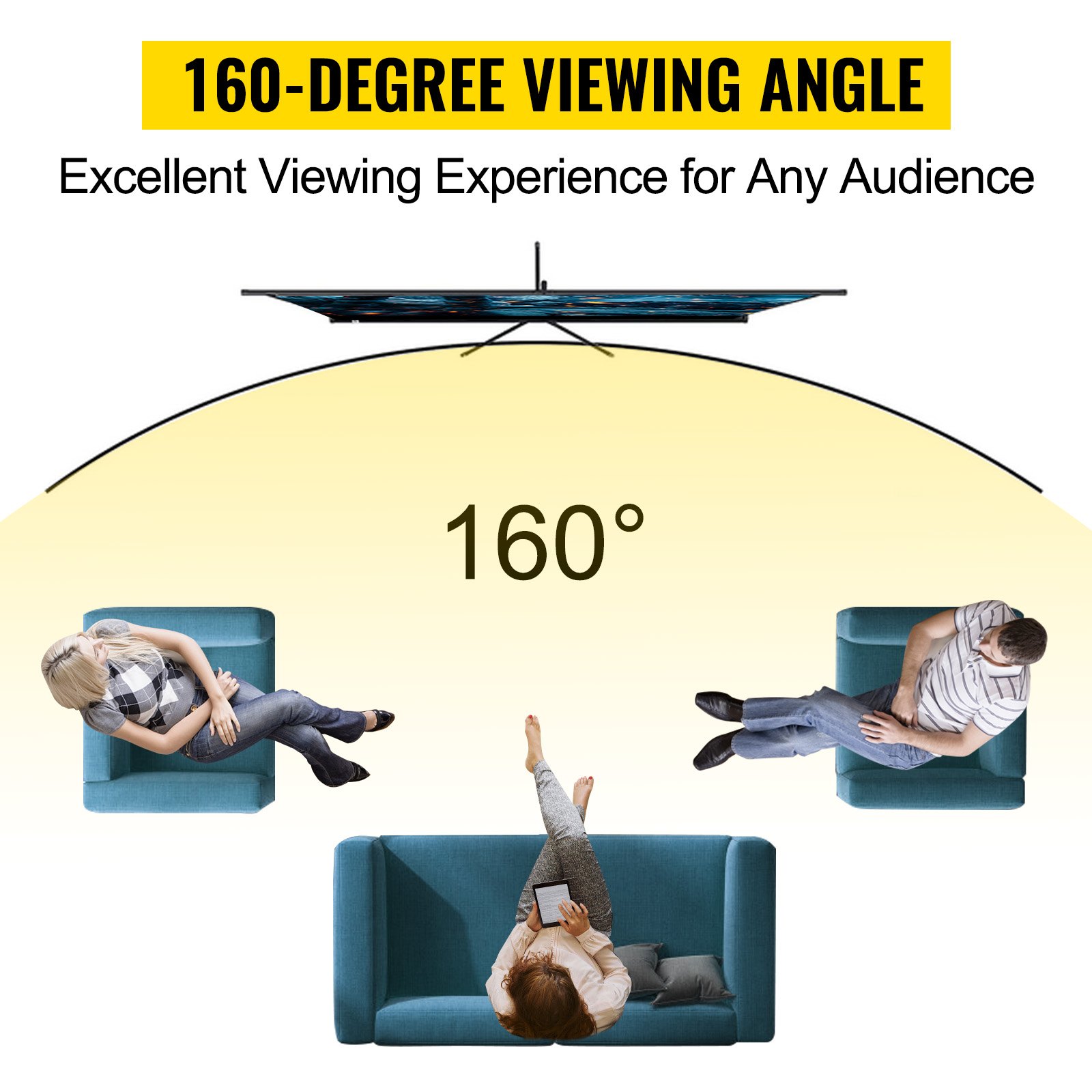
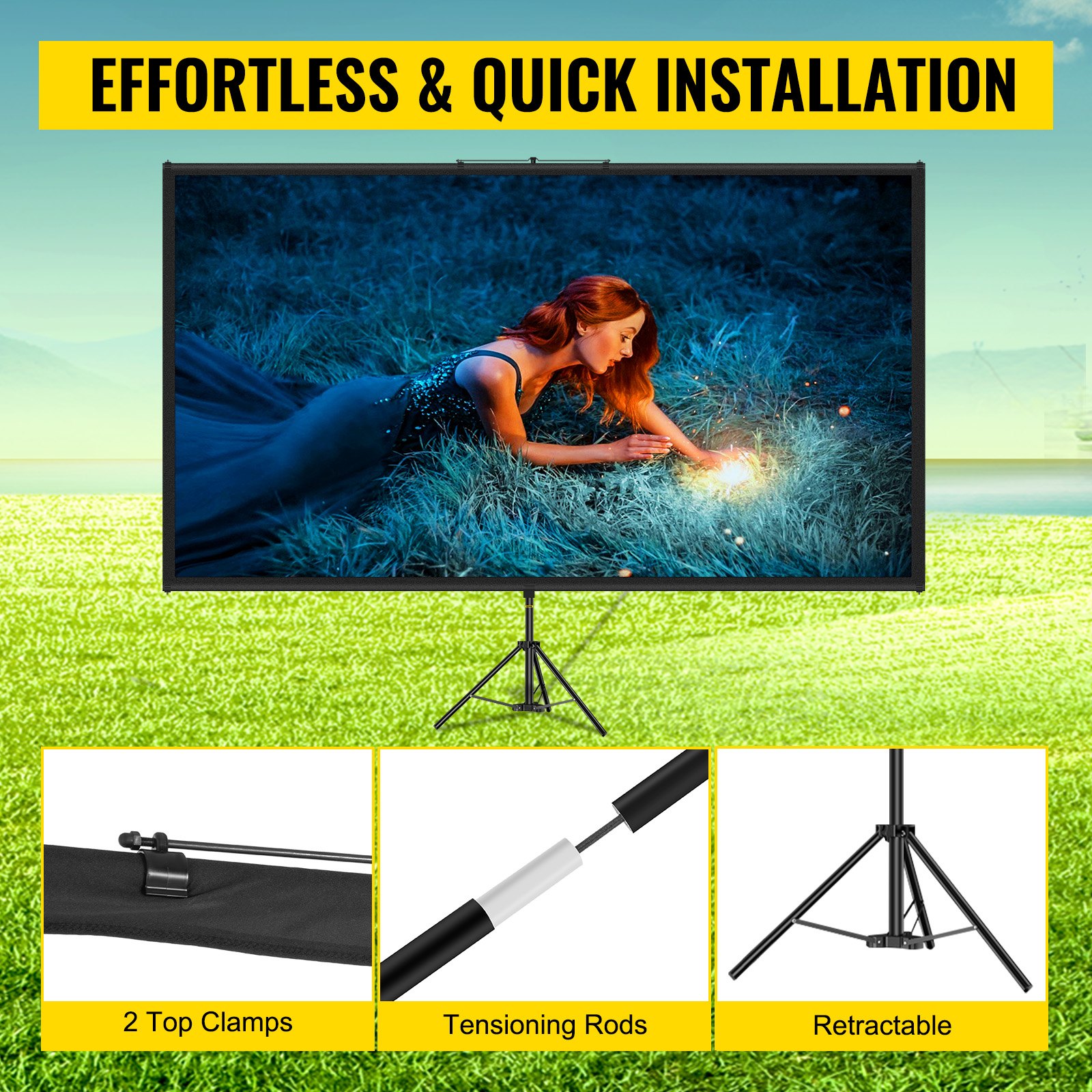
Unlock the full potential of your VEVOR Tripod Projector Screen with Stand 70 inch 16:9 4K HD Projection Screen with our comprehensive product manual. This detailed guide takes you step-by-step through the setup, optimization, and troubleshooting processes, ensuring an effortless and smooth experience. Whether you are preparing for an indoor movie night, setting up a home cinema, enhancing your office presentations, or enjoying outdoor gaming sessions, our manual provides all the information you need.
Designed with user-friendliness, the manual helps you achieve a wrinkle-free, height-adjustable projection screen that delivers stunning 4K HD visuals. It covers every aspect of the product, from initial assembly to fine-tuning for optimal performance.
Downloading the manual is quick and straightforward, granting you immediate access to valuable insights and tips to elevate your viewing experience. Don’t miss out on maximizing your VEVOR Tripod Projector Screen’s potential with this indispensable guide.
Portable Tripod Projector Screen User Manual
Warnings
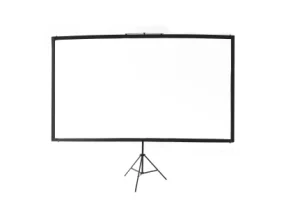
- The warranty will only be valid if you follow the instructions below carefully! Improper use and care may cause serious injury and/or damage!
- Ensure the surface you chose for installing the screen is flat and secure.
- Please read the following, as any damage to the screen surface will impact the quality:
1. Do not touch the screen surface by hand.
2. Do not write or draw on the screen surface.
3. Do not poke the screen surface with your finger or edge tools; it may cause scratches or tears.
- Retract the screen after every use.
- Do not pull two sides of the screen fabric by hand or fold the screen fabric.
- An adult should operate and maintain the screen to prevent unnecessary damage.
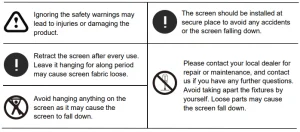
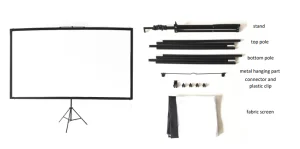
Tripod Projector Screen Parts
Assembly Steps
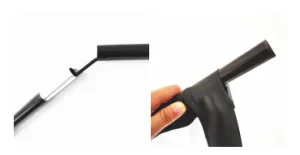
- Assemble the top and bottom horizontal poles and slide the poles through the fabric screen pole pocket.
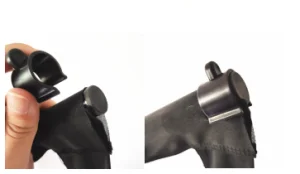
- Use the plastic U-shaped clips to fix the fabric screen to each end’s top and bottom poles.
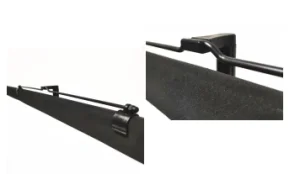
- Fix the metal hanging part on the top pole, make sure it is in the middle position to keep balance, then hang it on the top of the stand.
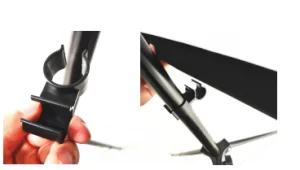
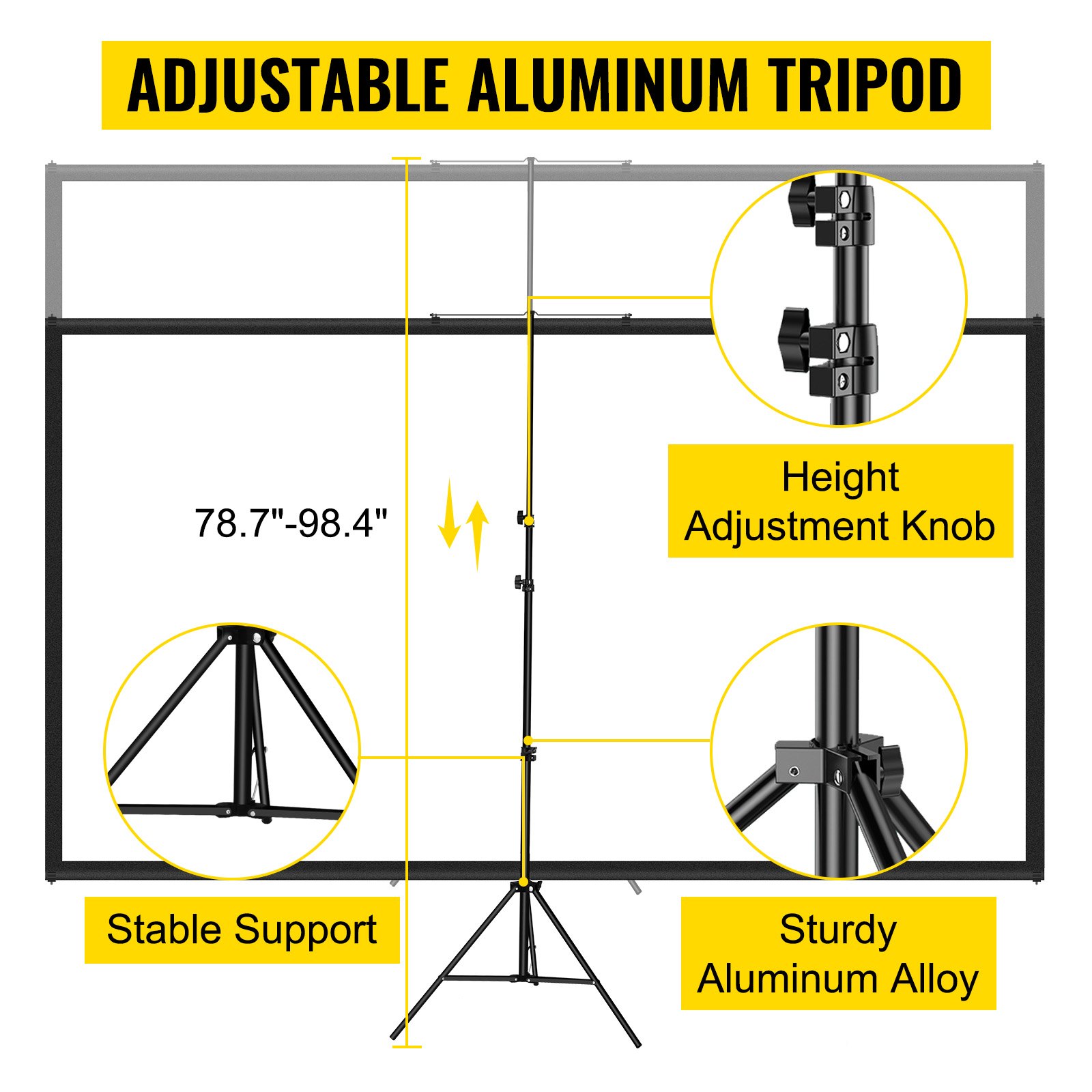
- Adjust the stand height and use the connector to fix the bottom pole on the stand.
Note: This product suits a dark environment for a better projection effect.
Recommended For Your Project
VEVOR Tripod Projector Screen with Stand 70 inch Manual


Reviews
There are no reviews yet.