
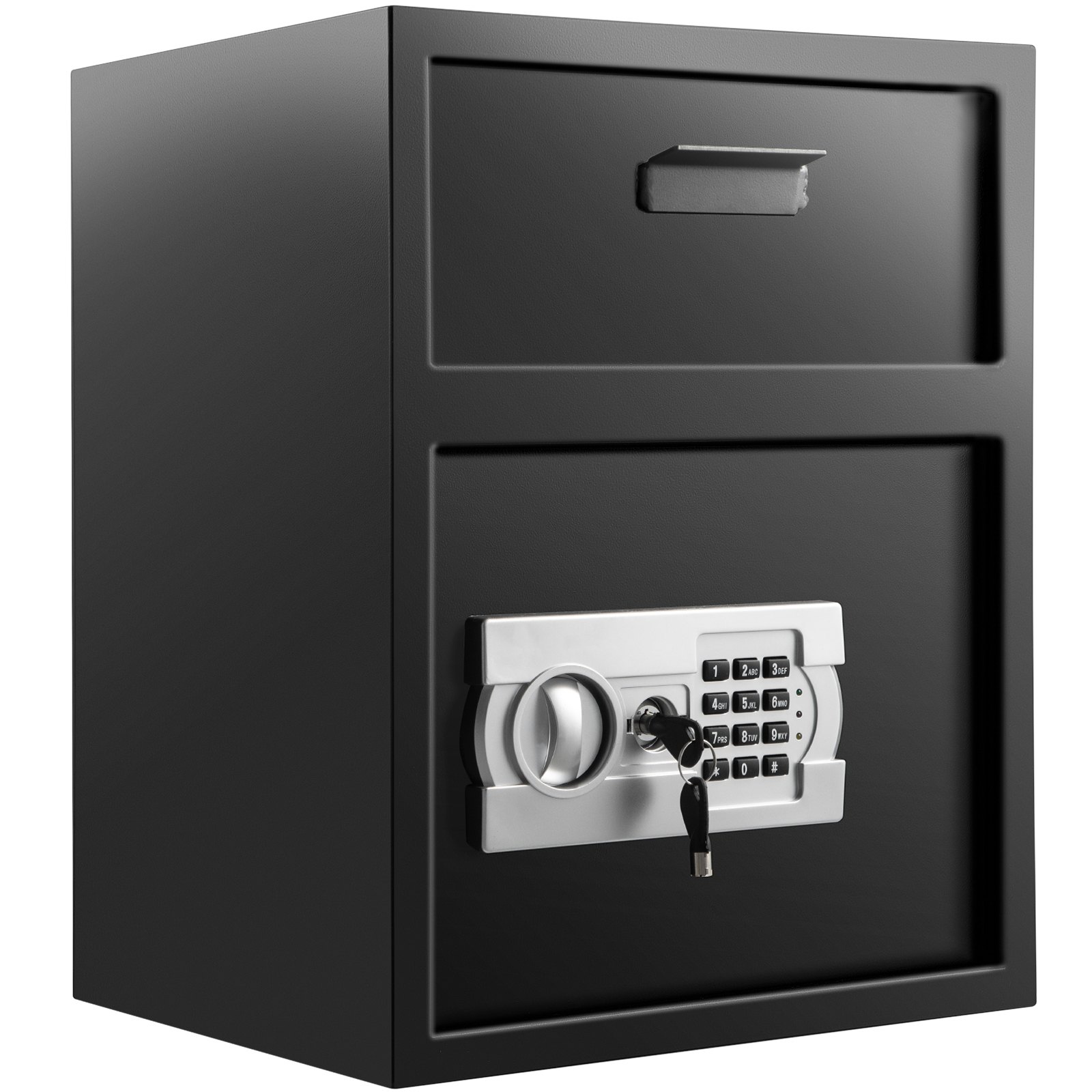
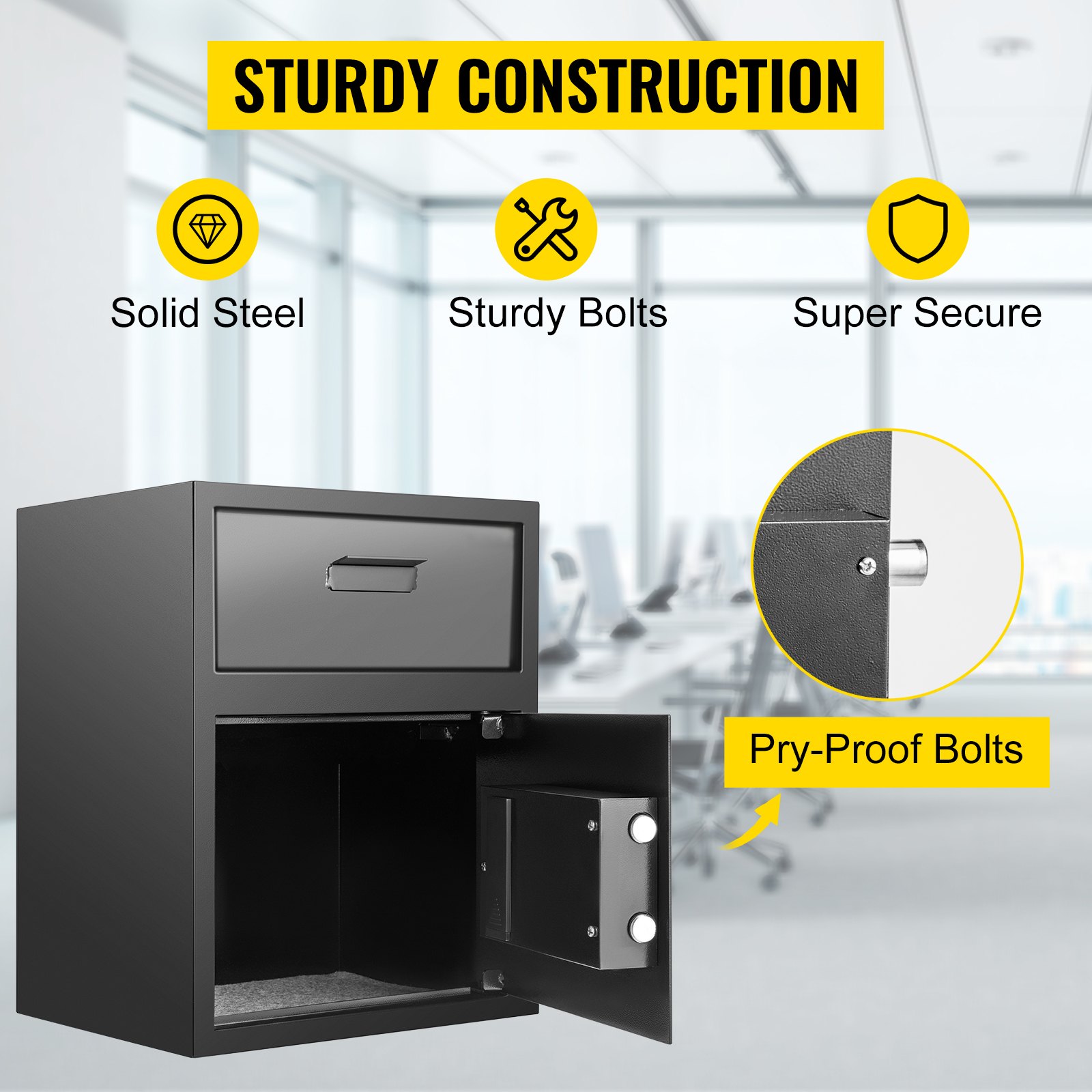
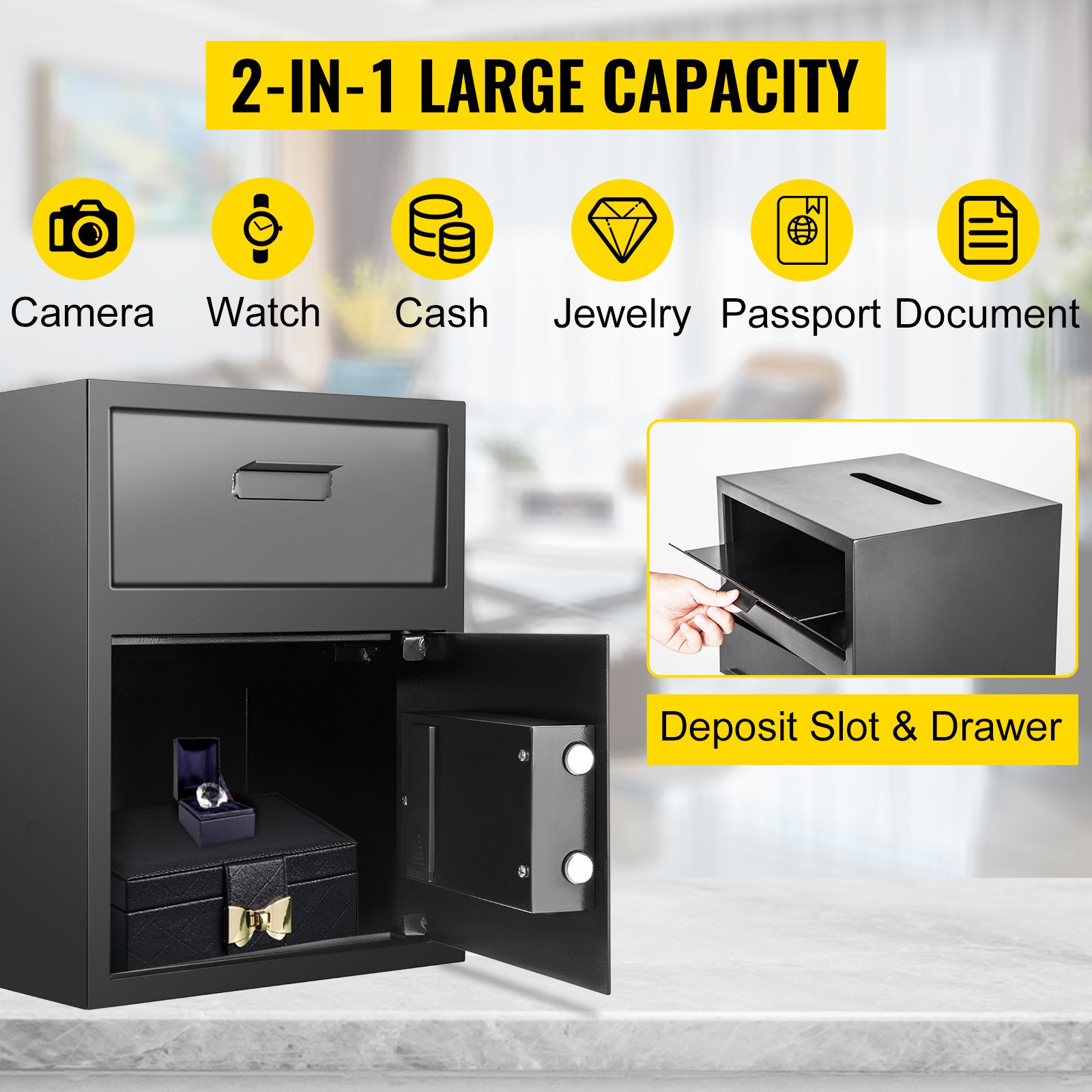
Unlock the full potential of your VEVOR Digital Depository Safe. 1.7 Cubic Feet Made of Carbon Steel Electronic Code Lock Depository Safe with Deposit Slot with Two Emergency Keys Depository Box for Home Hotel Restaurant and Office with our comprehensive product manual.
This detailed guide is designed to make setup, troubleshooting, and optimization a breeze. Every feature and function of your depository safe is covered, ensuring you can secure your valuables confidently.
Whether you’re a homeowner, hotel manager, restaurateur, or office administrator, our manual provides step-by-step instructions and valuable tips to maximize the security and efficiency of your safe. Download now to enjoy seamless operation and peace of mind.
VEVOR Digital Depository Safe User Manual
Setup Instructions
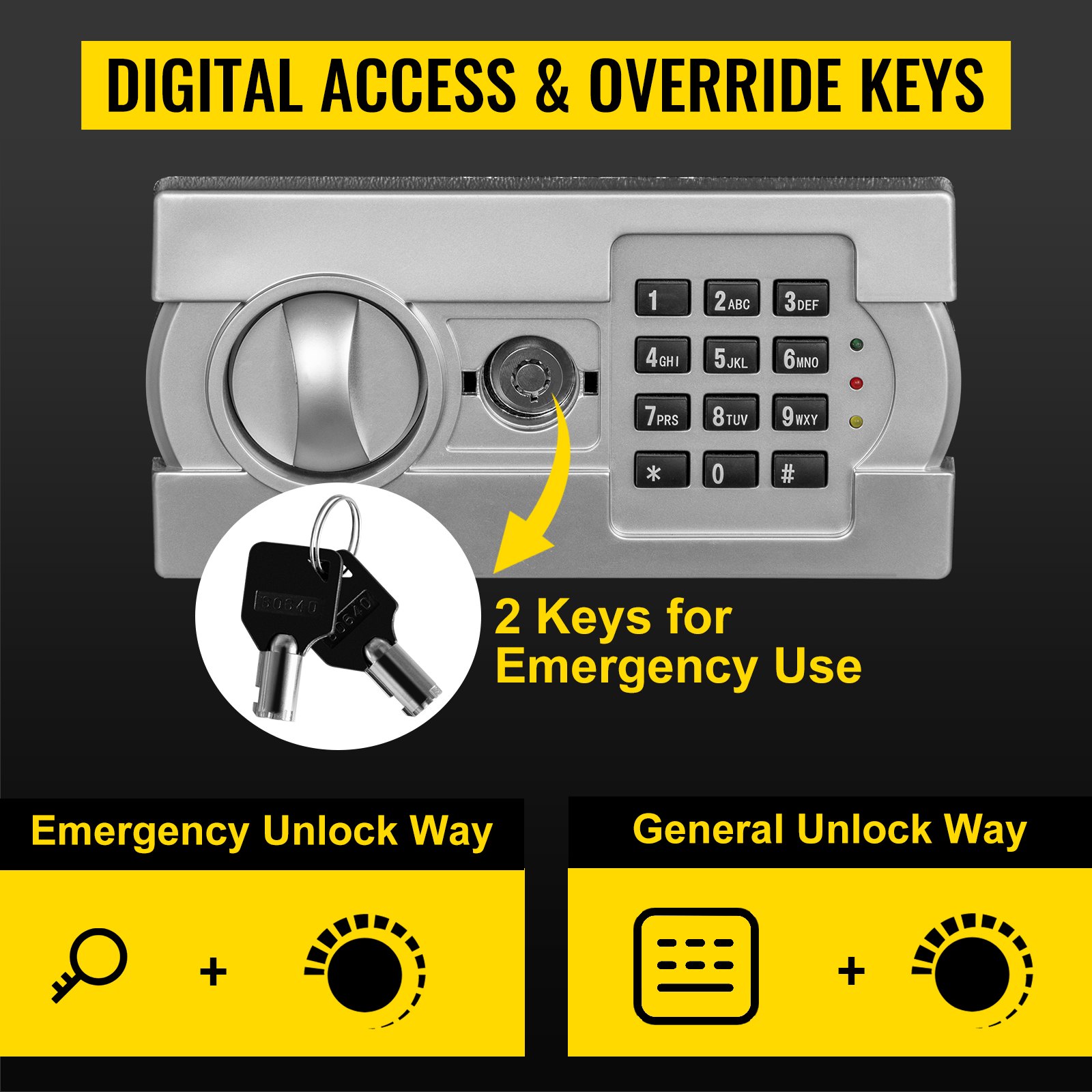
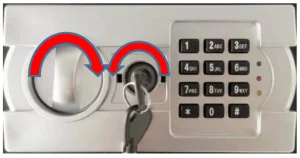
Open the emergency key cover
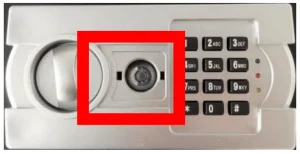 Insert the emergency key, turn it counterclockwise, and turn the Knob clockwise to open the door
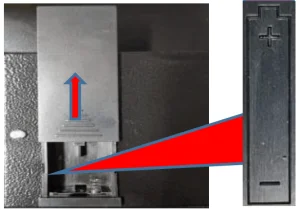
Push the battery cover upward, install the battery, and pay attention to the positive and negative poles.
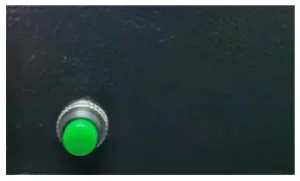
Press the escape key to set or change the password.
The yellow light is on for a long time, input 3~8 digit password and Press”#(B)” to confirm.
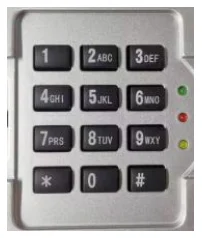
Product Functional Description
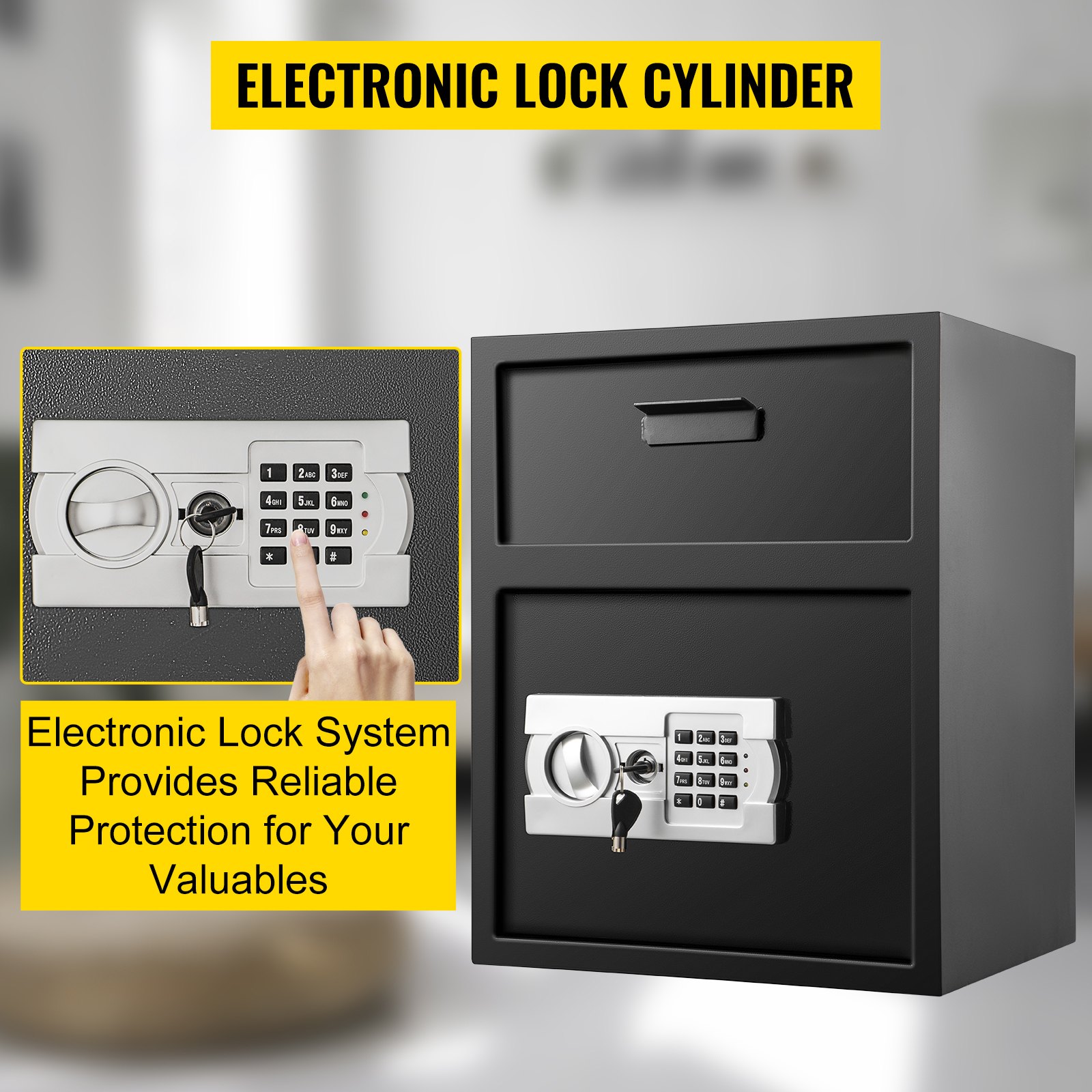
- Yellow light is an input digital indicator light; The green light is the door opening indicator light; a red light is an underpressure indicator light.
- The static current is below 10UA.
- Dynamic current is 360mA.
- The undervoltage voltage is 4.5V (+/-0.2V)
- Normal operating voltage: 4-7V
- The system has no password memorization function.
Open the Door
When entering the correct 3-8-bit password, press B(#), the buzzer “dripping”, green light 6S, electromagnet suction 6S.
Note: after entering the wrong password, the buzzer rang “three downs” and the yellow light flashed three times, indicating that the input password was incorrect.
Set the Password
- When setting the customer password, press the code change button, the yellow light shines twice, and the buzzer rings twice simultaneously, then enter a 3-8-bit password. After pressing B(#) to confirm, the buzzer rang twice, and the yellow light shone twice and went out. Represents the success of the setting.
- When setting the main password, enter “00”, then press the code change button, and enter the 3-8-bit password. After pressing B(#) to confirm, the buzzer rang twice, the yellow light flashed twice, and then it was extinguished. Represents the success of the setting.
The Self-locking Function of Lost Passwords:
- Enter the wrong password three times in a row, and the password lock will be automatically locked for 20 seconds, and the buzzer alarm will be activated.
- Enter the wrong password six times in a row, and the password lock will be locked for 5 minutes, and the buzzer will ring.
Note: During the self-locking process, any key input is unresponsive.
Underpressure Function:
When the voltage is 4.5V (+/-0.2), the indicator light turns on and warns to replace the battery.
Recommended For Your Project
VEVOR Digital Depository Safe 1.7 Cubic Feet Manual

Reviews
There are no reviews yet.