
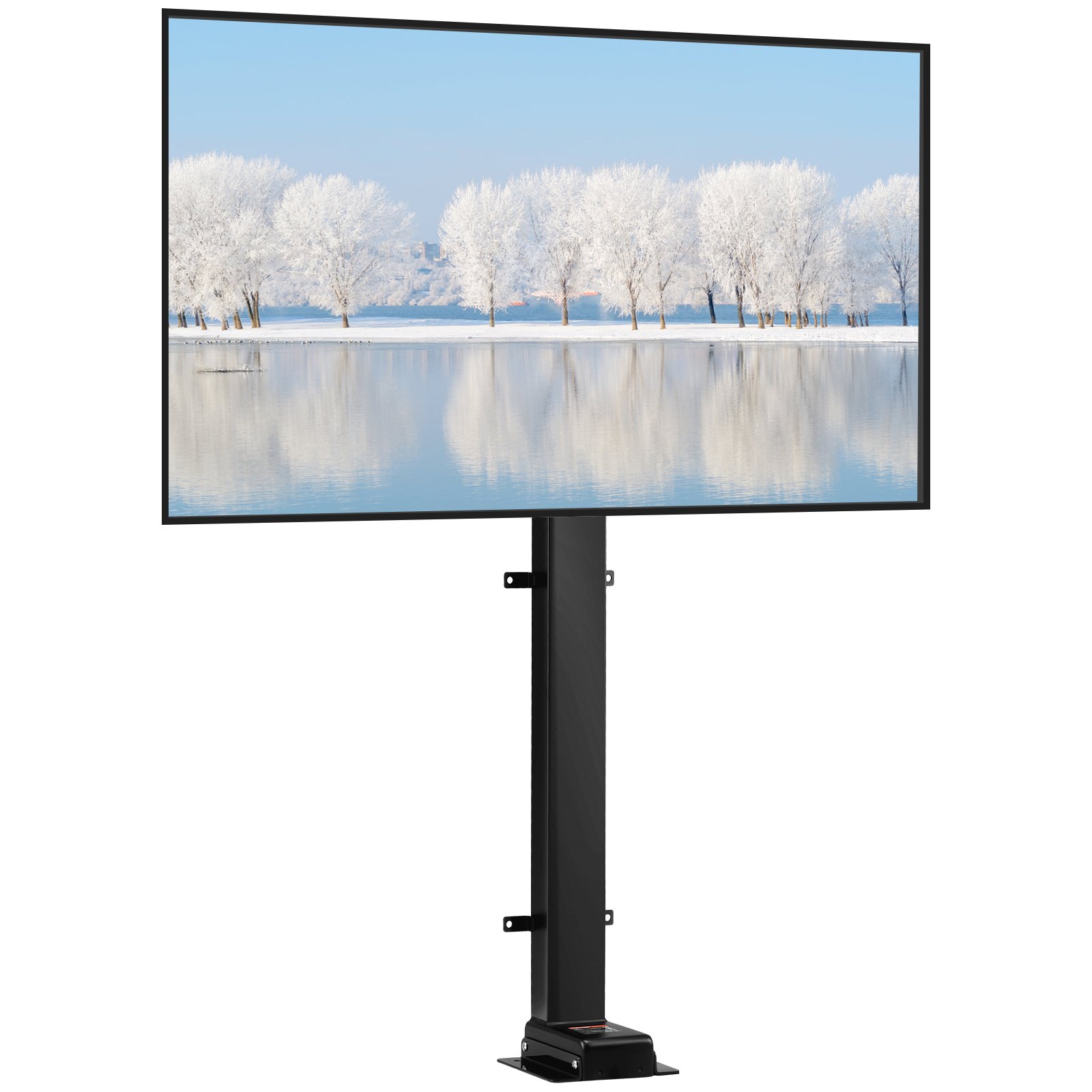
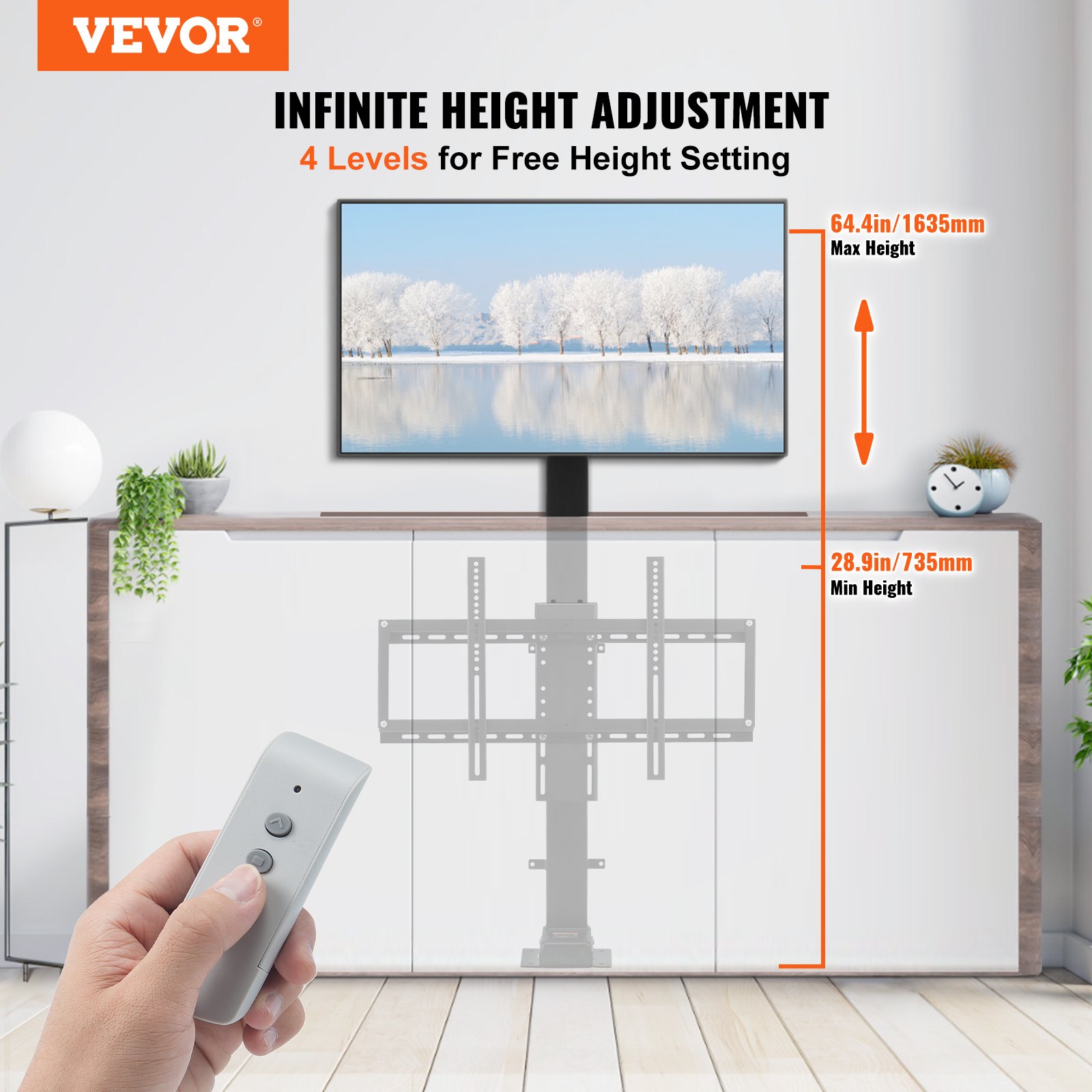
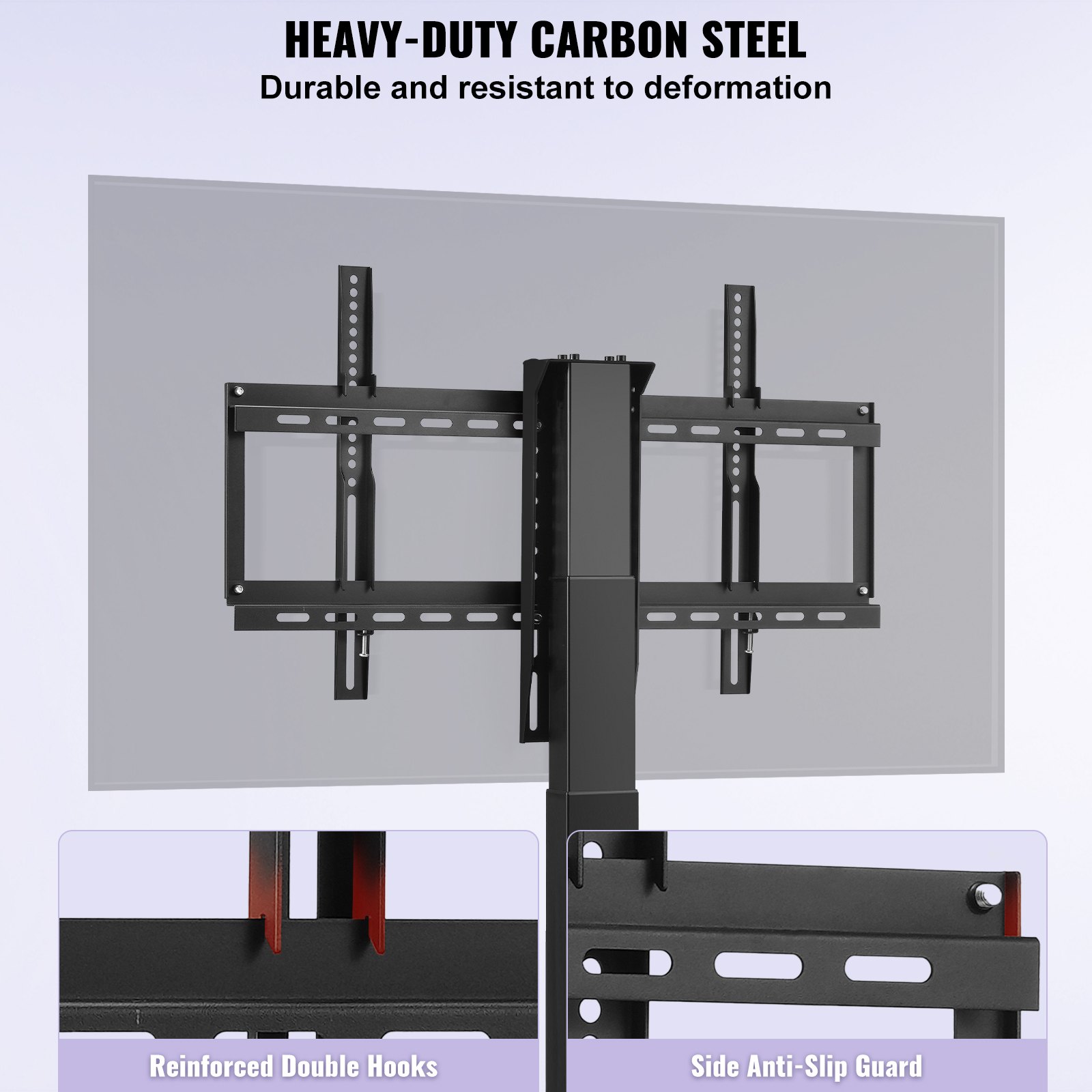
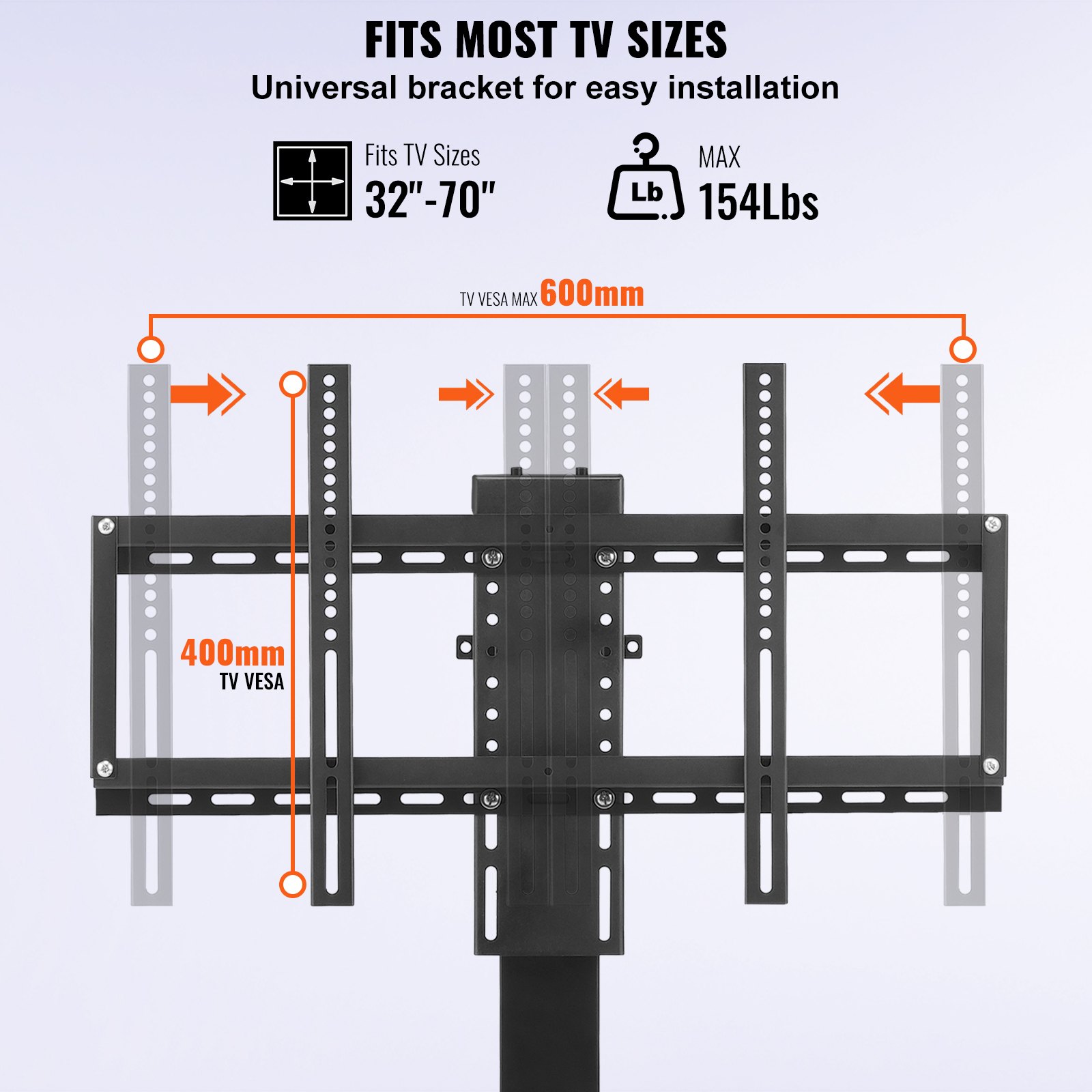
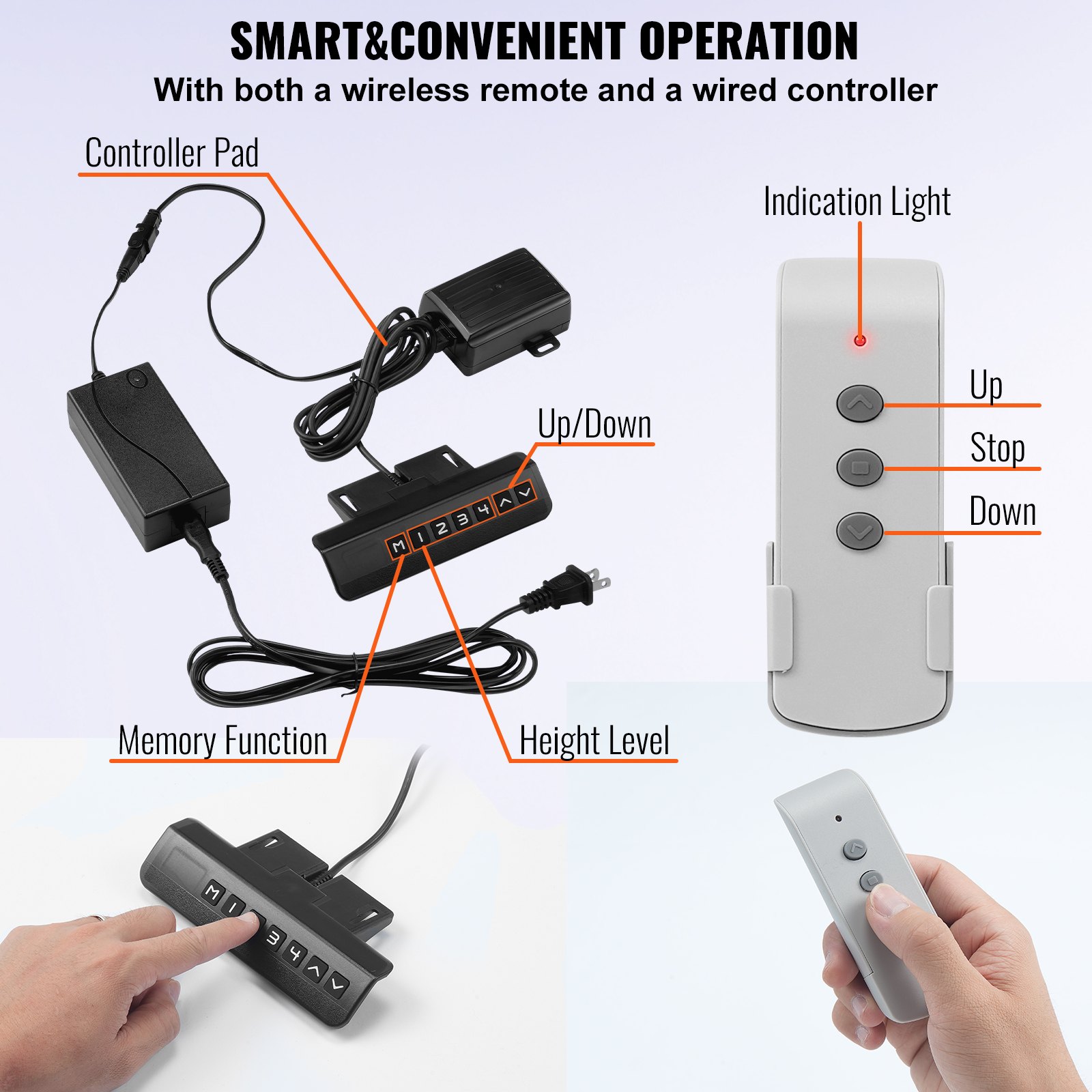
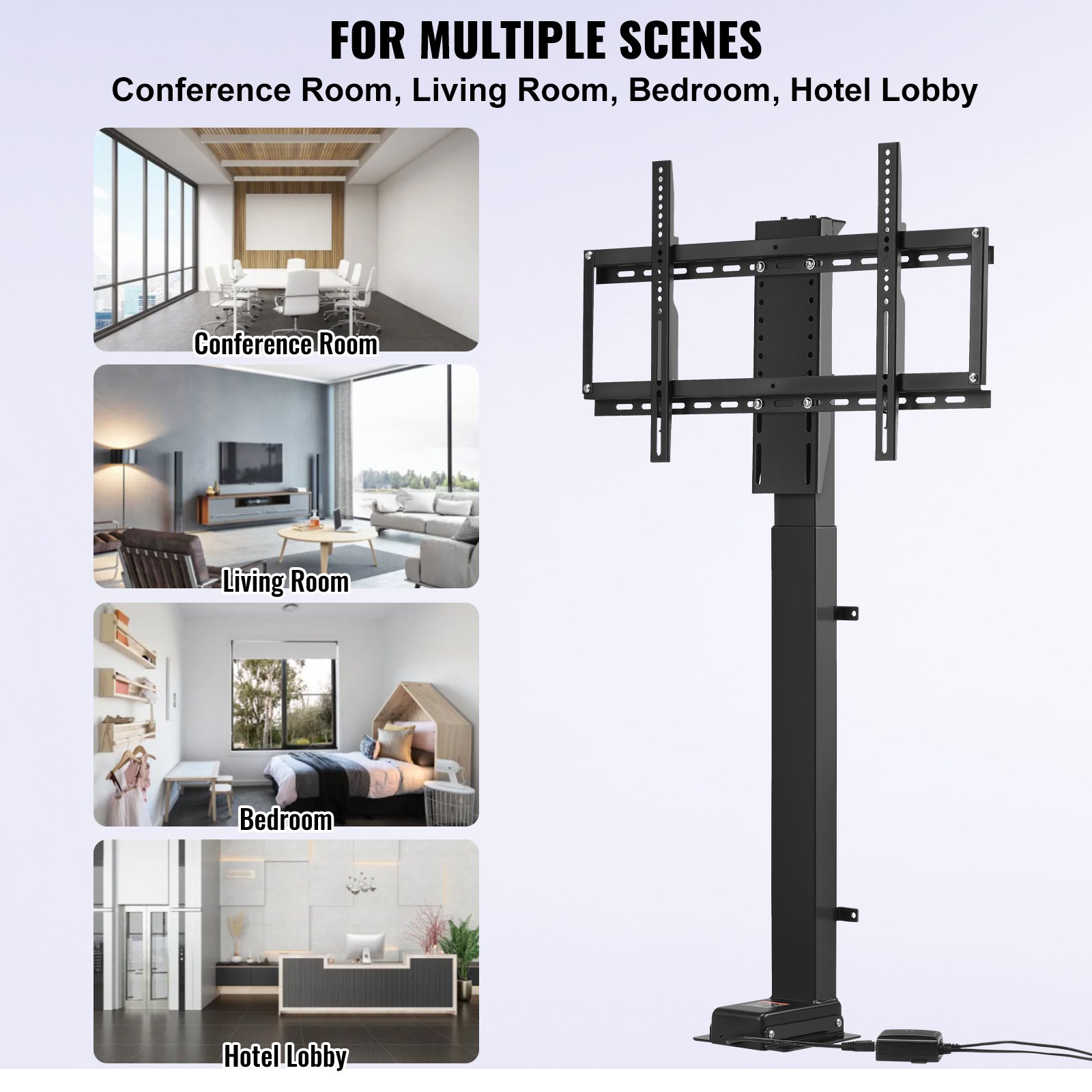
Unlock the full potential of your VEVOR Motorized TV Lift with our comprehensive product manual download. Designed to fit 32-70 inch TVs, this motorized TV mount offers a stroke length of 39.4 inches and a height adjustment range from 28.74 to 68.11 inches, making it the perfect addition to any home or office setup. With a robust load capacity of 154 lbs, this TV lift ensures stability and durability.
Our detailed manual guides you through the entire setup process, offering step-by-step instructions for installation and operation. Troubleshooting tips and optimization strategies are included to help you get the most out of your motorized TV lift. The user-friendly design ensures that even those with minimal technical knowledge can easily follow along.
Download the VEVOR Motorized TV Lift manual today and enjoy the convenience of having all the necessary information at your fingertips. Whether you’re setting up your system for the first time or looking to optimize your current setup, our manual is an invaluable resource that ensures you can make full use of your motorized TV mount’s features.
VEVOR TV Lift Installation Manual
Packing list
Hardware Section
01 Lifting Column ———————————————————— 1PCS
02 TV Mounting Seat ——————————————————– 1PCS
03 TV Bracket (vertical) —————————————————– 2PCS
04 TV Bracket (transverse) ————————————————- 2PCS
05 TV Bracket connecting rod ———————————————- 2PCS
Control Section
06 Control Box ————————————————————— 1PCS
07 Remote Controller —————————————————— 1PCS
08 Transit line A ————————————————————– 1PCS
09 Power Adapter ———————————————————– 1PCS
10 Power Line —————————————————————- 1PCS
11 Transit line B ————————————————————– 1PCS
Accessory Package
12 Bolt+Nut M8x20 ——————————————————— 4PCS
How to install the TV Lift.
- Connect two TV brackets (transverse) with a TV bracket connecting rod.
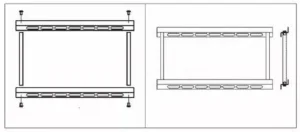
- Install the frame to the TV Mounting Seat with a bolt + nut (Parts: 4pcs M8x20).
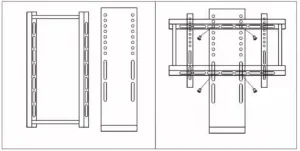
- Install the base to the Lifting Column (Parts: 4pcs M6x12).
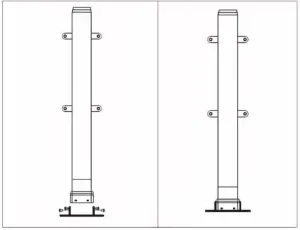
Installation Precautions & Use Instructions
Installation Precautions
-
Work on a Stable Surface – Assemble the unit on a flat, stable floor to prevent tipping or misalignment.
-
Handle Components with Care – Avoid dropping or striking the lifting column or brackets to prevent damage.
-
Use Correct Tools – Only use the recommended tools for bolts and nuts to avoid stripping threads or overtightening.
-
Follow the Sequence – Install parts described in the instructions to ensure proper fit and stability.
-
Check Bolt Tightness – Ensure all bolts and nuts are fully tightened, but do not overtighten to prevent thread damage or bending parts.
-
Secure Power Connections – Ensure all cables are correctly connected and secured before powering on the lift.
-
Avoid Pinching Hazards – Keep hands and fingers away from joints and moving parts during installation and testing.
-
Install in a Safe Location – Position the TV lift away from moisture, heat sources, and heavy foot traffic areas.
-
Two-Person Assembly Recommended – Due to the weight and size of components, have at least two people for assembly to prevent injury or damage.
-
Final Inspection – After installation, ensure the lift moves smoothly without obstruction before mounting the TV.
Use Instructions
-
Check Package Contents – Verify all parts listed in the packing list are included and undamaged.
-
Assembly Preparation – Lay all components flat and prepare the bolts, nuts, and tools.
-
Step-by-Step Installation:
-
Step 1: Connect the two TV Brackets (transverse) with the TV Bracket Connecting Rod.
-
Step 2: Install the frame to the TV Mounting Seat using 4pcs M8x20 bolts + nuts.
-
Step 3: Attach the base to the Lifting Column using 4pcs M6x12 bolts.
-
-
Cable Connection – Connect the Control Box to the Lifting Column and power supply. Attach the Transit Lines (A & B), Power Adapter, and Power Line as instructed.
-
Operating the Lift – Use the Remote Controller to raise or lower the TV lift. Ensure no obstacles block the mechanism during operation.
-
Safety During Use – Do not exceed the maximum load capacity. Remove hands, tools, and cables from moving parts—disconnect power before performing maintenance.
-
Maintenance – Periodically inspect and tighten bolts and nuts. Clean the unit with a soft, dry cloth; avoid water or harsh chemicals.
Recommended For Your Project
VEVOR Motorized TV Lift Stroke Length 39.4 Inches Manual
Reviews
There are no reviews yet.